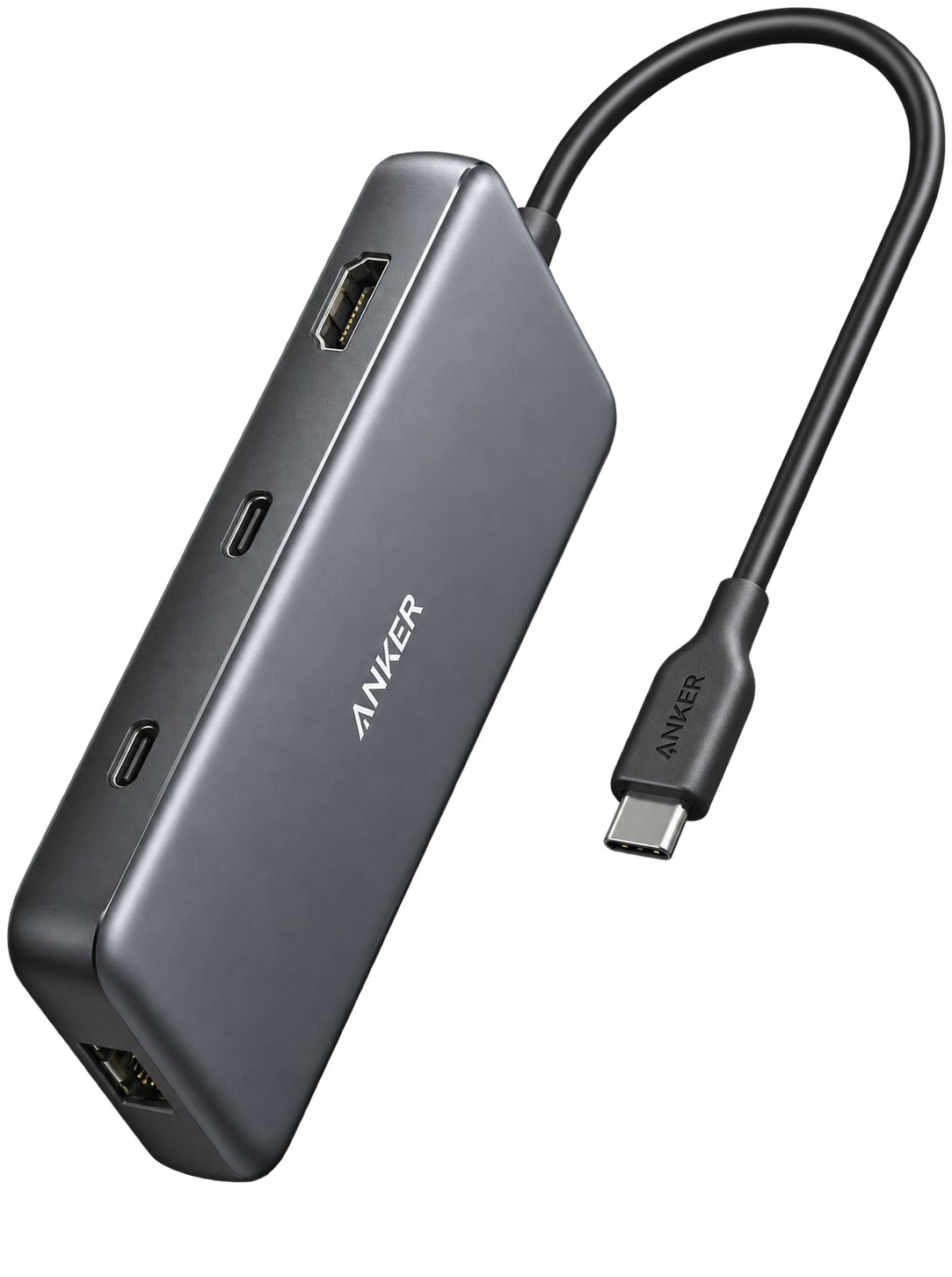
 A8383 · gray · attached USB-C lead
TECH & AUDIOTech & Audio
One port. The everyday connections.
Anker 555 USB-C Hub
A8383 · gray · attached USB-C lead
Buyer feedback ↓A portable USB-C hub with HDMI, Ethernet, memory-card slots and USB data ports. Display and charging support still depend on your laptop.
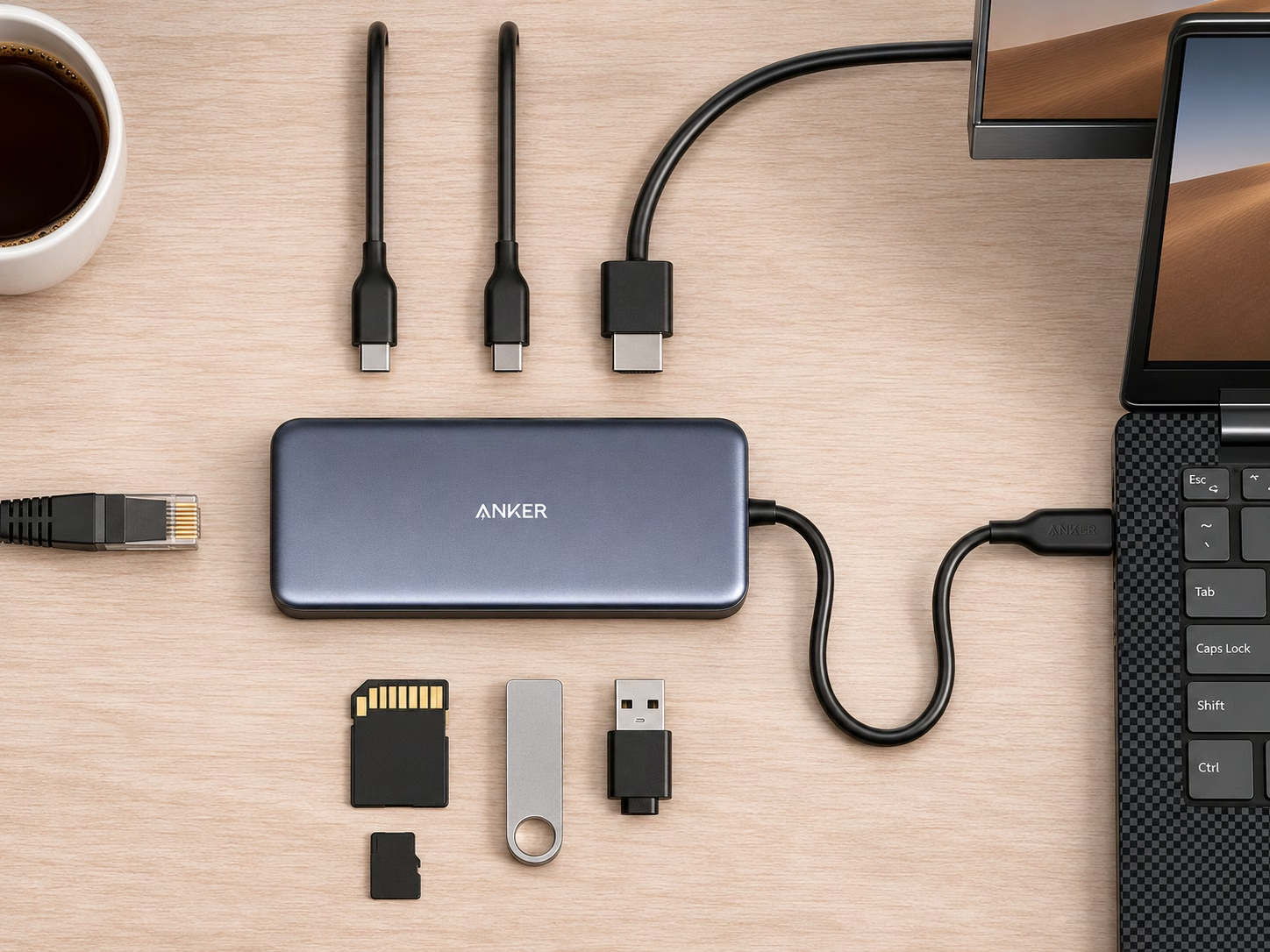
- 8 portsConnectionsHDMI, Ethernet, USB and card readers
- 4K / 60 HzHDMI maximumRequires a DisplayPort 1.4-capable host
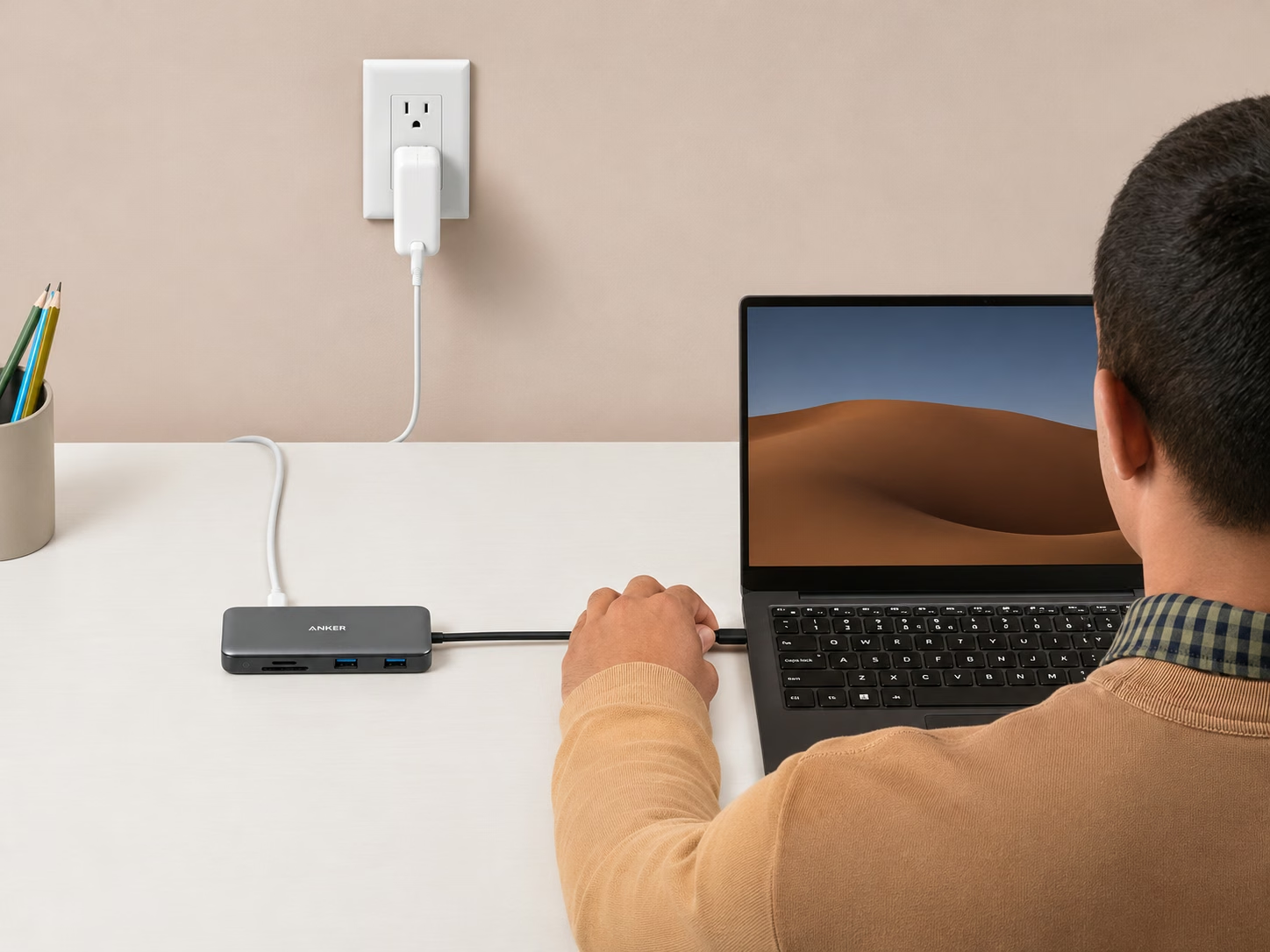
- 85 WMaximum laptop chargingRequires suitable 100 W charger and cable
Amazon US · A8383 · gray · attached USB-C lead · Retailer link
THE QUICK TAKE
Is it right for you?
This suits a laptop bag or a simple desk with one monitor. The attached lead saves carrying another hub cable, and the mix of Ethernet, card readers and older USB-A ports covers common daily connections.
Look elsewhere for a permanent multi-monitor workstation. The USB-C data port is not a second video output. Full HDMI refresh rate and charging need a compatible laptop, and a charger is not included.
01 / BUYING NOTES
Before you buy.
The USB-C sockets do different jobs.
One USB-C socket takes Power Delivery input; the other handles data. Use the HDMI port for video. Connecting a monitor to the USB-C data socket will not add another display.
Budget for the hub as well as the laptop.
A suitable 100 W charger and 5 A USB-C cable can supply up to 85 W to the laptop through this hub. Sharing a charger with other devices may reduce the available input.
Anker 555 USB-C Hub product details ↗ · Exact Amazon listing ↗
02 / AMAZON REVIEWS
The buyers’ view.
Buyers praise the hub’s bag-friendly size and easy setup, although another finds it larger than expected. Owners using multiple peripherals also wish for more USB connections, especially another USB-C data port.
Heat and connection reliability draw complaints: owners describe a hot case, one reports intermittent display and peripheral dropouts on a ThinkPad despite trouble-free MacBook use, and another reports external-drive disconnections interrupting backups after years of use.
What buyers like
- quality601
Mixed feedback
- reliability1,183
- versatility392
- power delivery226
- Value for money214
Common concerns
- connectivity240
The small numbers are review mentions. Topics and sentiment are from Amazon’s customer-review overview.
Amazon US · Checked . Ratings may include other colors and sizes.
View source ↗03 / REVIEWS & VIDEO
See it in use.
See how it works, then read the findings behind the buying advice.
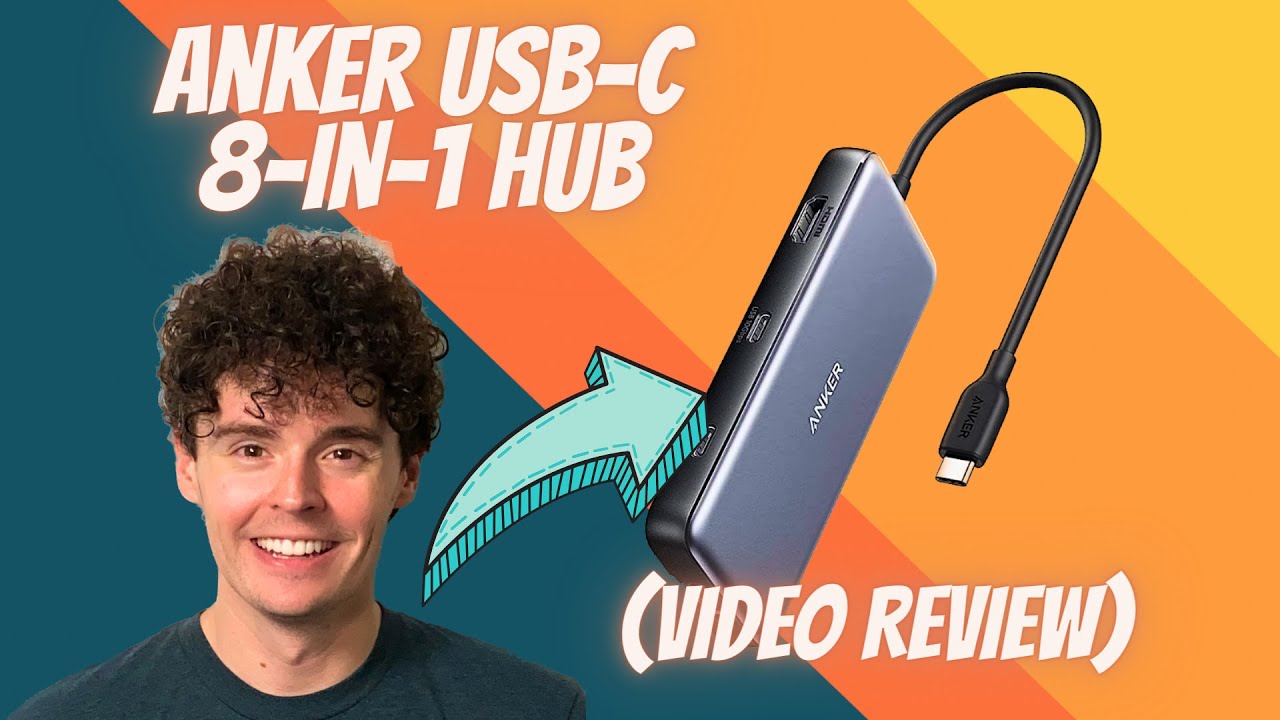
Anker 555 USB-C Hub (8-in-1) review
See the physical port selection and attached cable. Check the written host requirements before choosing it for a particular laptop.
Watch on YouTube ↗Video and written sources are labeled by creator and tested scope. Manufacturer demonstrations explain use; they are not independent tests. No in-house hands-on testing is claimed.
Read 2 written sources Product scope is labeled · key findings in bold
The owner used the hub with a keyboard, mouse, display and SD cards. It worked for that setup, but felt bulkier than the previous slim hub. Ethernet was not tested in the review.
Anker separates the USB-C power-input and data sockets. Charging can pass up to 85 W to the laptop, while the advertised HDMI refresh rate depends on the host’s DisplayPort support.
04 / COMPARE
Different priorities.
Choose the tradeoff that fits how you will use it.
Swipe to see every alternative →
THIS GUIDEAnker 555 USB-C HubA8383 · gray · attached USB-C lead | 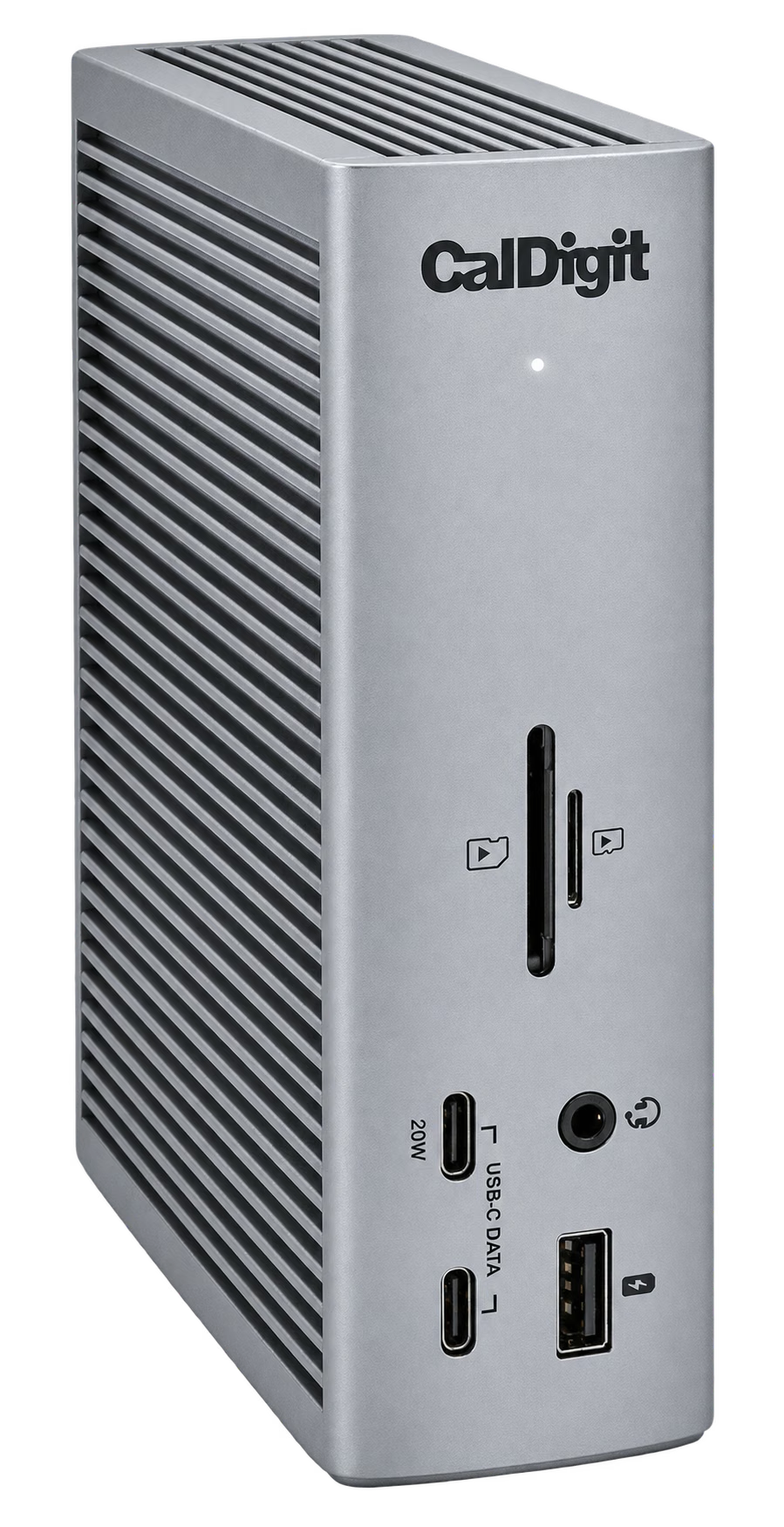 ALTERNATIVE CalDigit TS4US package · Space Gray | |
|---|---|---|
| Amazon price | $49.99 | $379.99 |
| Best for | A travel bag or one-monitor desk | A permanent desk with many peripherals |
| What changes | Compact USB-C hub with HDMI | Powered Thunderbolt dock with more connections |
| Consider | Laptop video support and separate charger required | Larger purchase; check host and display compatibility |
| Explore | Read buying guide →Source ↗ | Read buying guide →Source ↗ |
About these everyday comparisons
Approximate comparisons to familiar objects: a bank card’s 3.37-inch long edge, a Letter sheet’s 11-inch long edge, or a US nickel’s 21.21 mm diameter / 5 g weight. Water comparisons exclude the container’s weight. Capacity comparisons describe volume, not exterior size or how food fits. Reference pictures identify the object; use the labeled ratio for the comparison.
05 / PRICE HISTORY
The price over time.
Anker 555 USB-C Hub · A8383 · gray · attached USB-C lead · Amazon US

The chart legend identifies Amazon and new-offer prices when available. New offers can include marketplace sellers. Coupons, shipping and size/color selections can change the final price. Blank periods are missing observations, not a zero price.
06 / RELATED FINDS
A useful extra.
For the way you plan to use it.
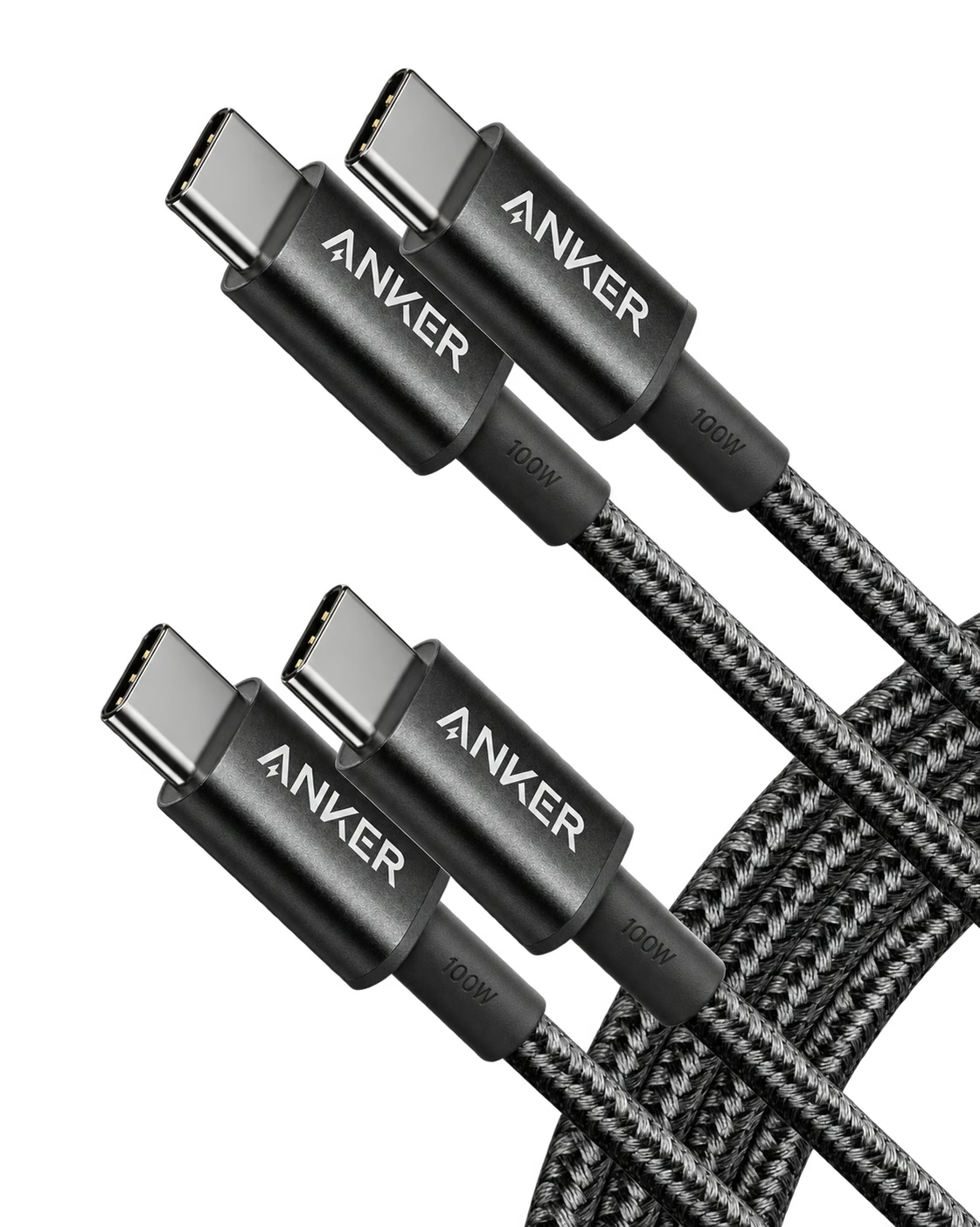
Connect a suitable charger to the hub.
Anker 333 USB-C Cable
Use a 5 A-rated USB-C cable for the hub’s full power-input allowance. These are charging and USB 2.0 data cables, not monitor cables.