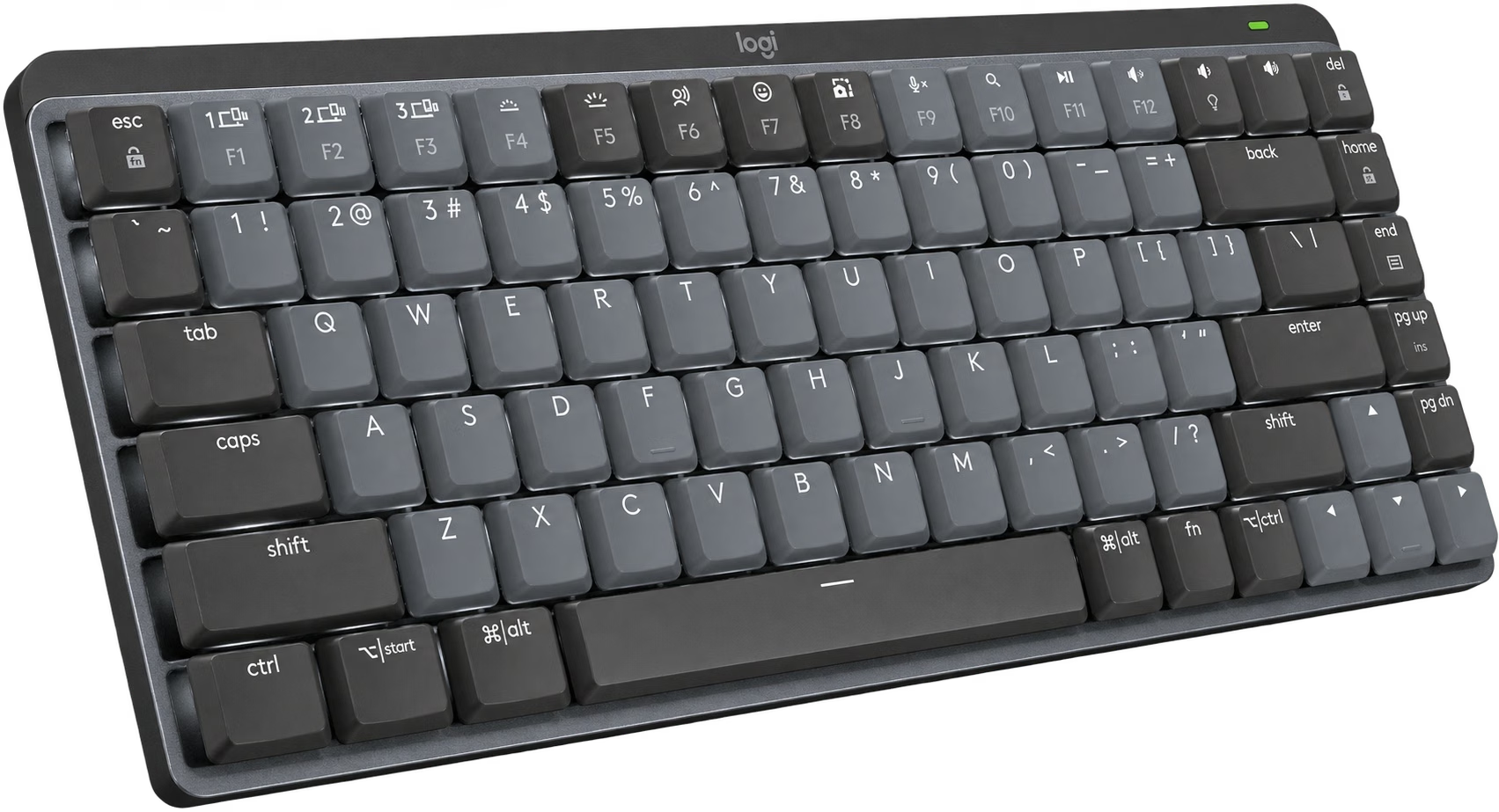
 Graphite · Tactile Quiet · standard Windows/Mac layout
KEYBOARDSKeyboards
Mechanical feel, less desk space.
Logitech MX Mechanical Mini
Graphite · Tactile Quiet · standard Windows/Mac layout
Buyer feedback ↓A compact low-profile mechanical keyboard with white backlighting and buttons for switching between three paired devices.
- Tactile QuietSelected switchA small tactile bump; not silent
- 3 devicesEasy-SwitchBluetooth or included Logi Bolt receiver
- USB-CChargingRechargeable battery; wireless typing
Amazon US · Graphite · Tactile Quiet · standard Windows/Mac layout · Retailer link
THE QUICK TAKE
Is it right for you?
Choose it for mechanical key feel in a compact work keyboard. The low-profile keys and device-switch buttons suit someone moving between a laptop and desktop, and the white backlight helps in dim rooms.
Skip it if you need a number pad or easily swapped switches. The Mini leaves out the numpad, and these switches are not hot-swappable. A quieter laptop-style keyboard is also worth considering if the mechanical feel is not important to you.
01 / BUYING NOTES
Before you buy.
Backlighting changes battery life.
The white backlight responds to nearby hands and room light. Logitech rates up to 15 days with lighting or 10 months without; actual use changes those figures.
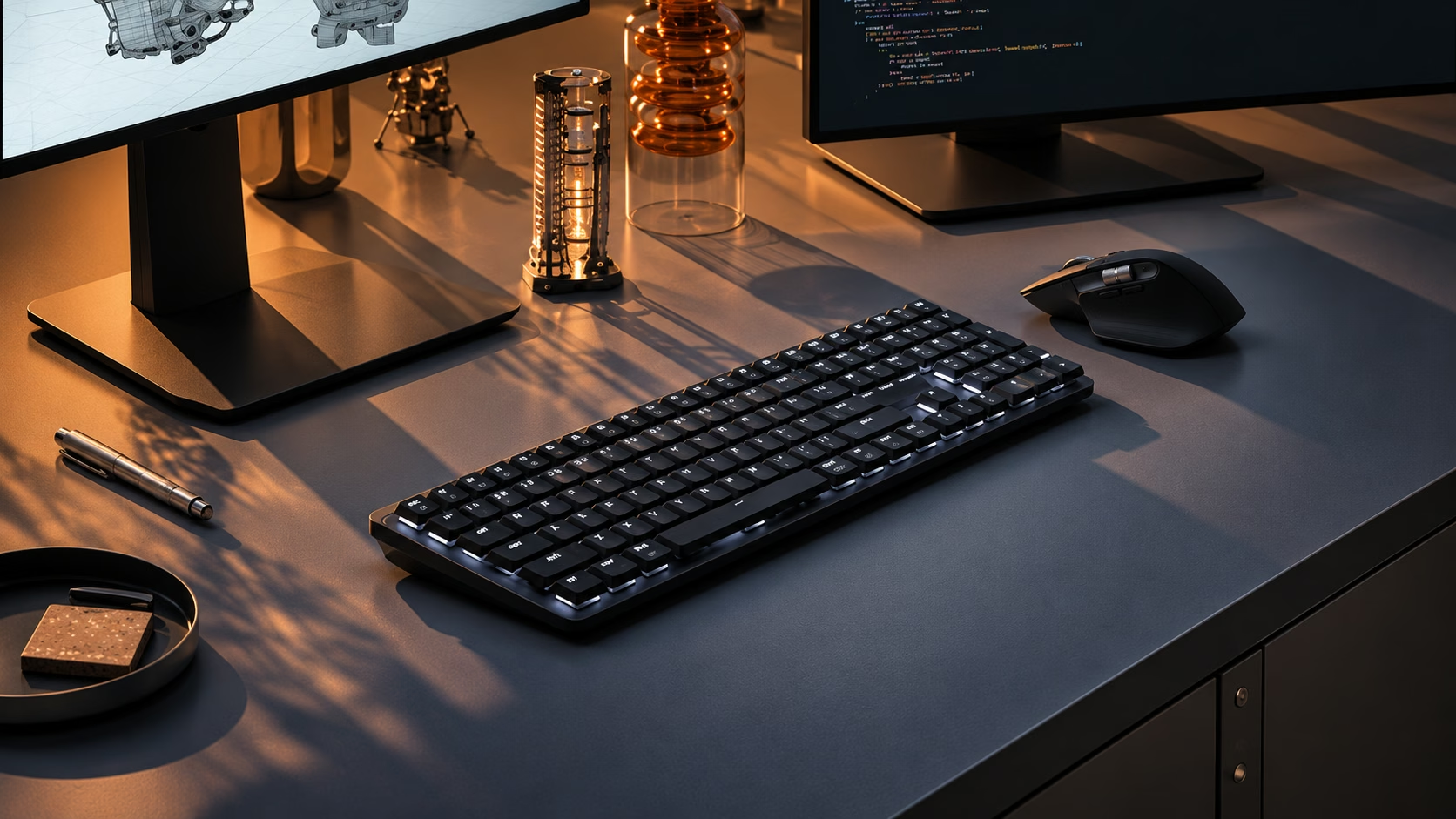
Logitech MX Mechanical Mini product details ↗ · Exact Amazon listing ↗
02 / AMAZON REVIEWS
The buyers’ view.
What buyers like
- sound quality377
- key feel130
- build quality87
Mixed feedback
- reliability154
- noise level127
- connectivity121
- Value for money111
- backlighting94
The small numbers are review mentions. Topics and sentiment are from Amazon’s customer-review overview.
Amazon US · Checked . Ratings may include other colors and sizes.
View source ↗03 / REVIEWS & VIDEO
See it in use.
See how it works, then read the findings behind the buying advice.
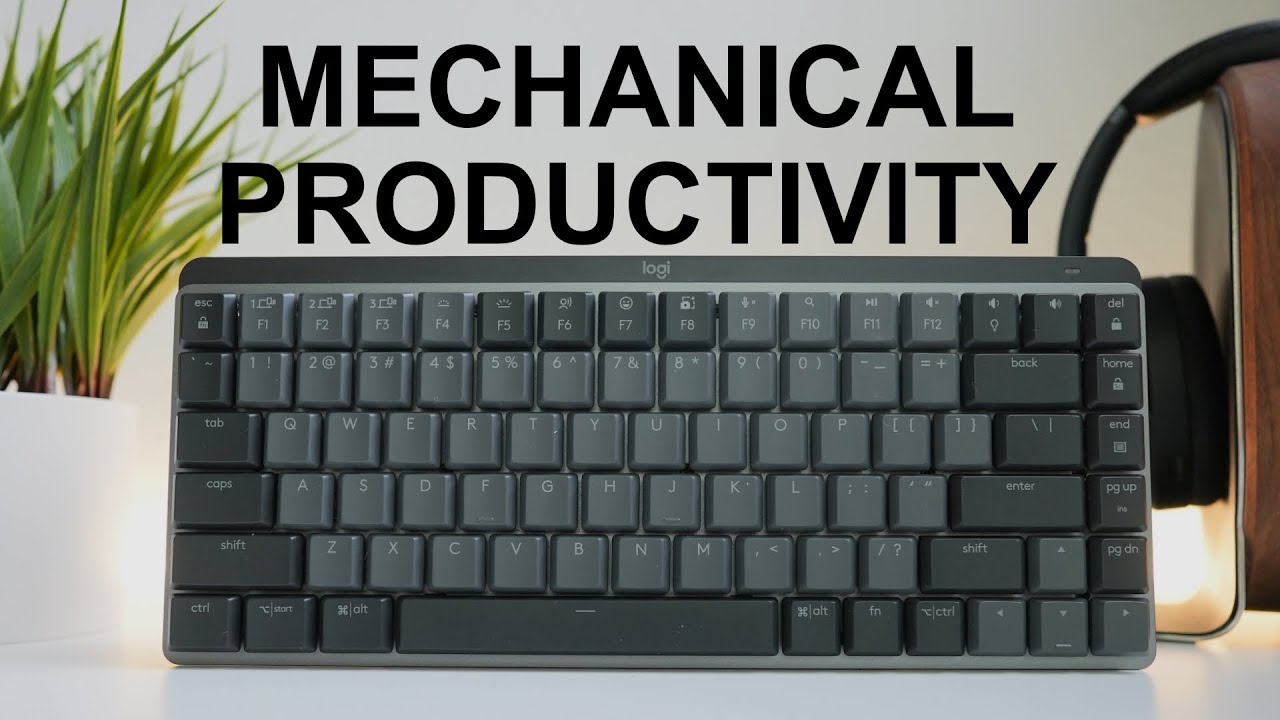
MX Mechanical Mini: layout and typing
A physical overview of the compact keyboard; this listing selects Tactile Quiet.
Watch on YouTube ↗Video and written sources are labeled by creator and tested scope. Manufacturer demonstrations explain use; they are not independent tests. No in-house hands-on testing is claimed.
Read 2 written sources Product scope is labeled · key findings in bold
The reviewer enjoyed the smooth, quiet-tactile typing and compact layout. They were less happy with some macOS shortcut changes and the value at the reviewed price.
RTINGS liked the low-profile typing and legible backlighting. Its purchased test unit was the full-size model, so its size and portability observations are not measurements of this Mini.
04 / COMPARE
Different priorities.
Choose the tradeoff that fits how you will use it.
Swipe to see every alternative →
THIS GUIDELogitech MX Mechanical MiniGraphite · Tactile Quiet · standard Windows/Mac layout | 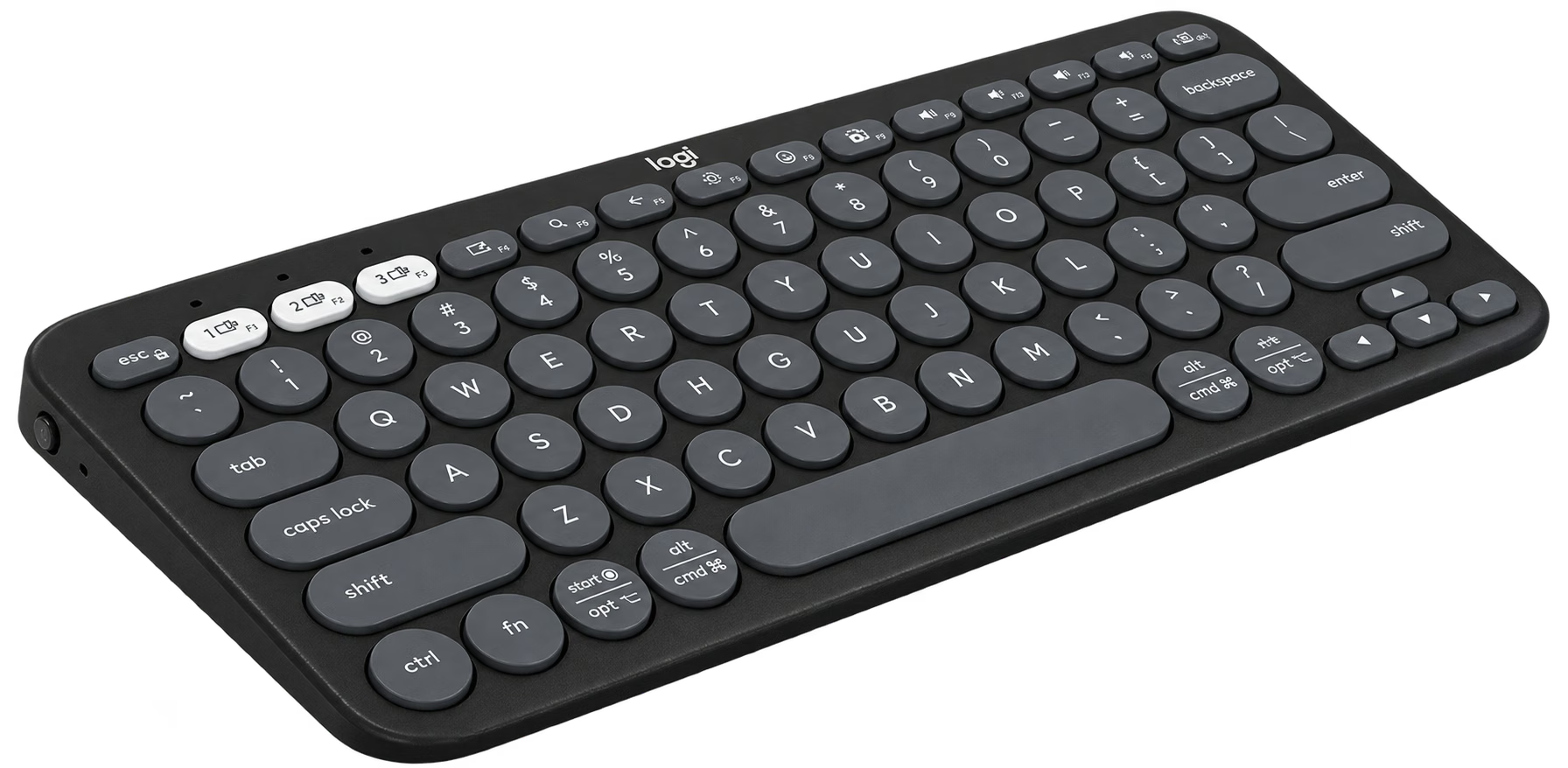 ALTERNATIVE Logitech Pebble Keys 2 K380sK380s · graphite | |
|---|---|---|
| Amazon price | $159.99 | $33.99 |
| Best for | Low-profile mechanical work typing | A simpler compact keyboard for everyday work |
| What changes | White backlight; rechargeable; Bolt receiver included | Laptop-style keys; replaceable batteries |
| Consider | No numpad; fixed switch choice | No mechanical switch feel or illuminated keys |
| Explore | Read buying guide →Source ↗ | Read buying guide →Amazon source ↗ |
About these everyday comparisons
Approximate comparisons to familiar objects: a bank card’s 3.37-inch long edge, a Letter sheet’s 11-inch long edge, or a US nickel’s 21.21 mm diameter / 5 g weight. Water comparisons exclude the container’s weight. Capacity comparisons describe volume, not exterior size or how food fits. Reference pictures identify the object; use the labeled ratio for the comparison.
05 / PRICE HISTORY
The price over time.
Logitech MX Mechanical Mini · Graphite · Tactile Quiet · standard Windows/Mac layout · Amazon US

The chart legend identifies Amazon and new-offer prices when available. New offers can include marketplace sellers. Coupons, shipping and size/color selections can change the final price. Blank periods are missing observations, not a zero price.
06 / RELATED FINDS
A useful extra.
For the way you plan to use it.
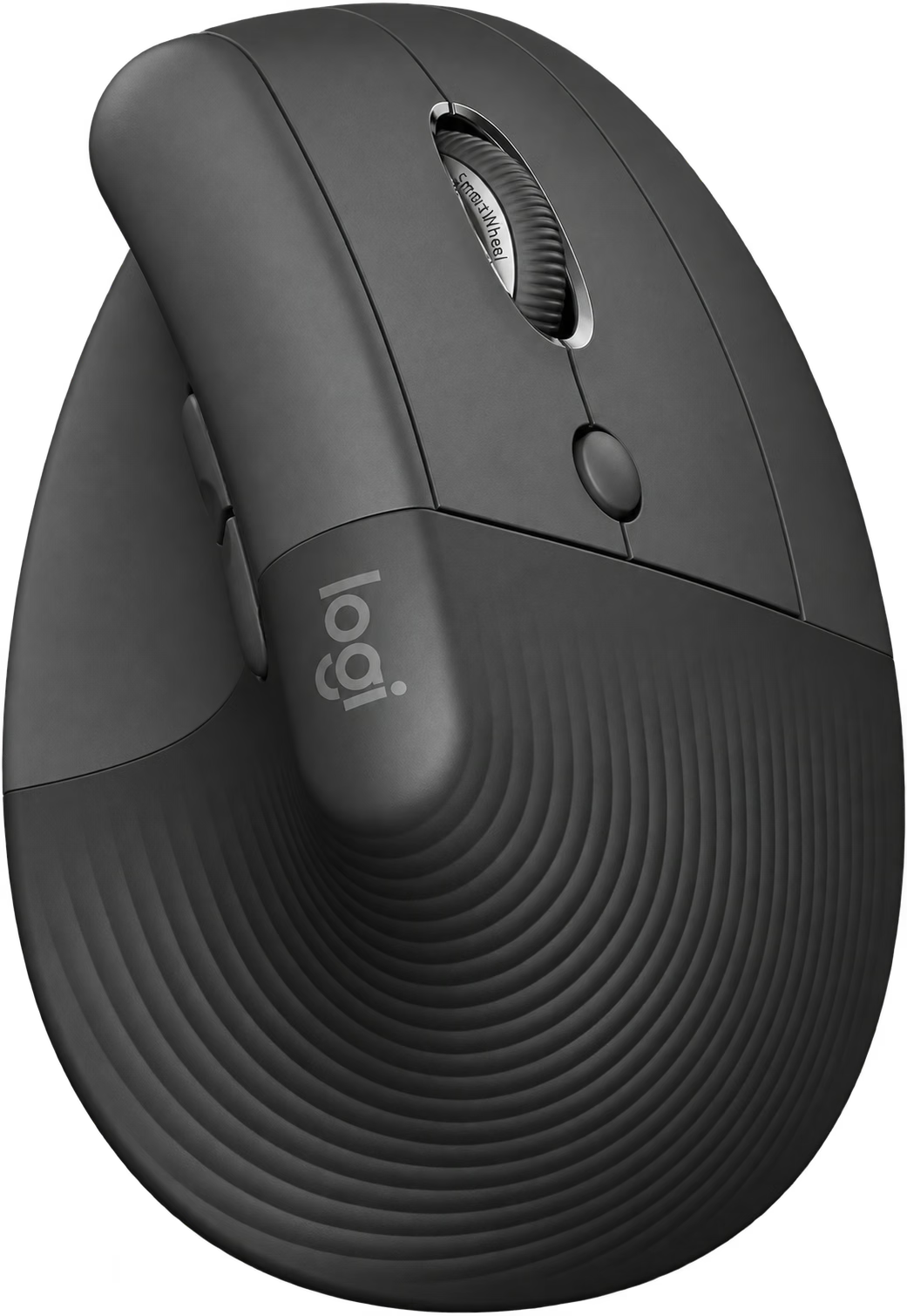
Try a different hand position beside the keyboard.
Logitech Lift
Lift uses a vertical grip and supports Bluetooth or Logi Bolt. It is intended for smaller and medium-sized hands.