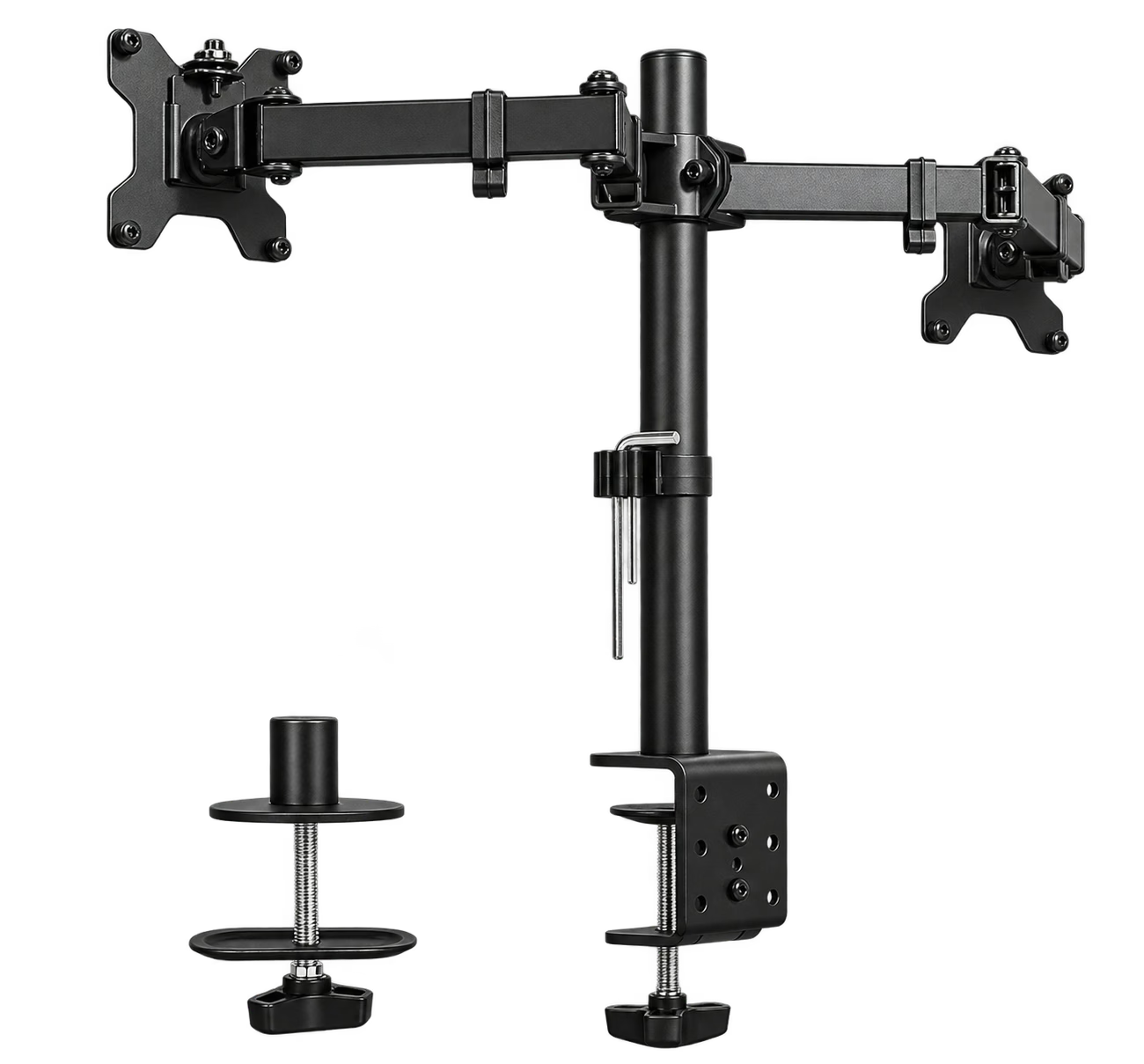
 STAND-V002 · black · two-screen model
DESK & OFFICEDesk & Office
Set the screens. Free the desk.
VIVO Dual Monitor Desk Mount
STAND-V002 · black · two-screen model
Buyer feedback ↓A steel pole mount for two compatible monitors, with joint adjustment and a choice of desk-edge clamp or grommet installation.
- 22 lb eachMaximum monitor loadCheck each screen without its original stand≈ 2.6 gallons of water
- VESA 75 / 100Mounting pattern75 × 75 or 100 × 100 mm
- 3.25 inMaximum desk thicknessFlat, strong edge; clamp or grommet≈ 0.96 bank-card lengths
Amazon US · STAND-V002 · black · two-screen model · Retailer link
THE QUICK TAKE
Is it right for you?
Choose it for two screens you usually leave in place. The pole mount clears their original feet off the desk, and the adjustable joints help you set a shared working position without paying for gas-spring arms.
Spend more if you change screen height many times a day. This model needs manual adjustment along its pole. Check the monitor backs, individual weights and desk construction; diagonal screen size alone does not prove a safe fit.
01 / BUYING NOTES
Before you buy.
A strong edge matters.
Use a flat, straight, structurally suitable desktop. The maker excludes glass and tapered edges. Check underneath for an apron or frame that would block the clamp.
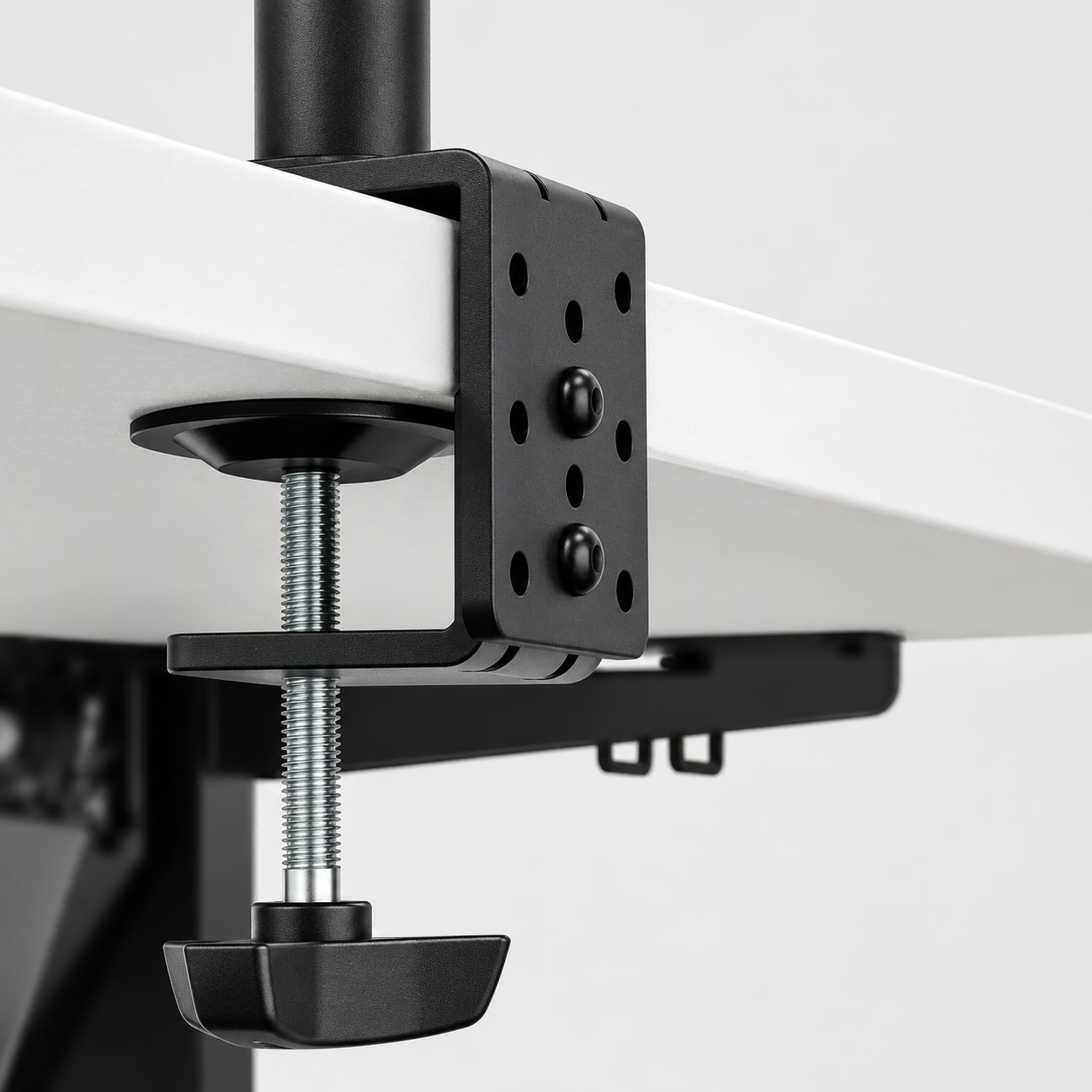
Set the joints, then leave cable slack.
Tighten the articulated joints to the desired resistance and route leads through the supplied clips. Leave slack for every tilt and rotation you plan to use.
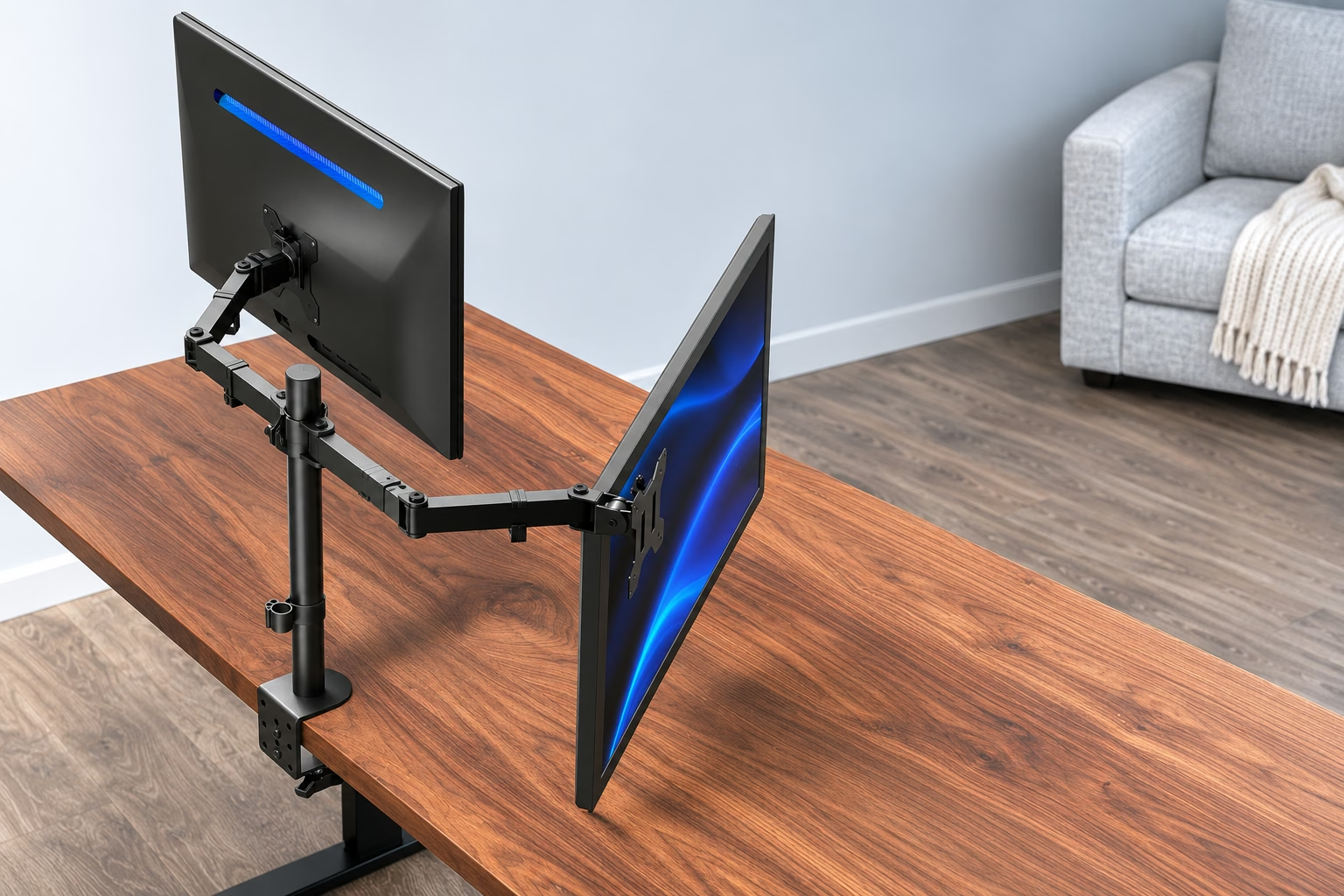
VIVO Dual Monitor Desk Mount product details ↗ · Exact Amazon listing ↗
02 / AMAZON REVIEWS
The buyers’ view.
Owners of the black mount report sturdy support, but adjustment and holding experiences are mixed: some position screens easily and find they stay put, while others describe awkward wrench access, difficult arm movement, tilt drift or rotation play. Owners also report that bent arms can compete with wall space behind the desk. One struggled to align different monitor models vertically, and another encountered bracket clearance problems around recessed mounting holes.
What buyers like
- assembly3,287
- sturdiness2,833
- functionality2,371
- Value for money2,218
- build quality1,028
- purchase886
Mixed feedback
- adjustability1,827
- stability1,490
The small numbers are review mentions. Topics and sentiment are from Amazon’s customer-review overview.
Amazon US · Checked . Ratings may include other colors and sizes.
View source ↗03 / REVIEWS & VIDEO
See it in use.
See how it works, then read the findings behind the buying advice.
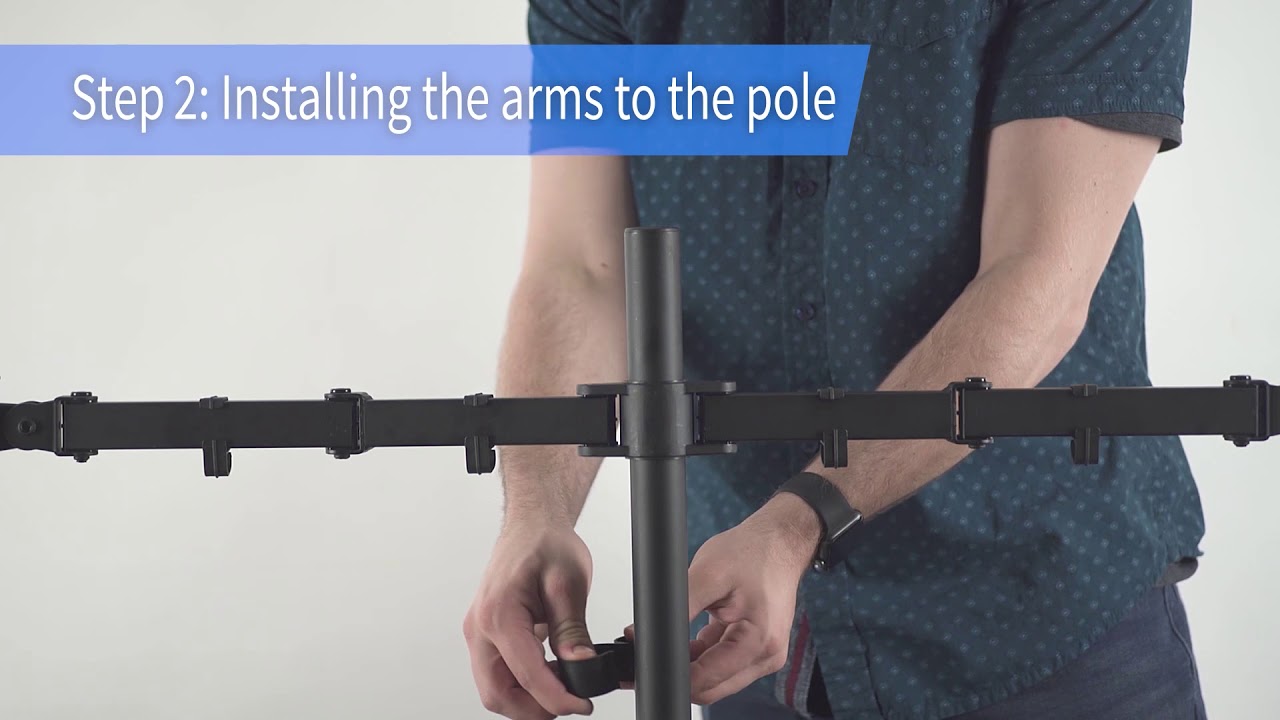
VIVO STAND-V002 assembly walkthrough
See the installation sequence; follow the current supplied manual for your hardware.
Watch on YouTube ↗Video and written sources are labeled by creator and tested scope. Manufacturer demonstrations explain use; they are not independent tests. No in-house hands-on testing is claimed.
Read source summaries Product scope is labeled · key findings in bold
The original V002 uses a shared pole and manually positioned joints, with detachable VESA plates. Its published load limit applies to each monitor, not the pair combined.
The assembly video shows the pole-and-arm installation sequence. Use the instructions supplied with your unit for the final hardware order because revisions can change small fittings.
04 / COMPARE
Different priorities.
Choose the tradeoff that fits how you will use it.
Swipe to see every alternative →
THIS GUIDEVIVO Dual Monitor Desk MountSTAND-V002 · black · two-screen model | 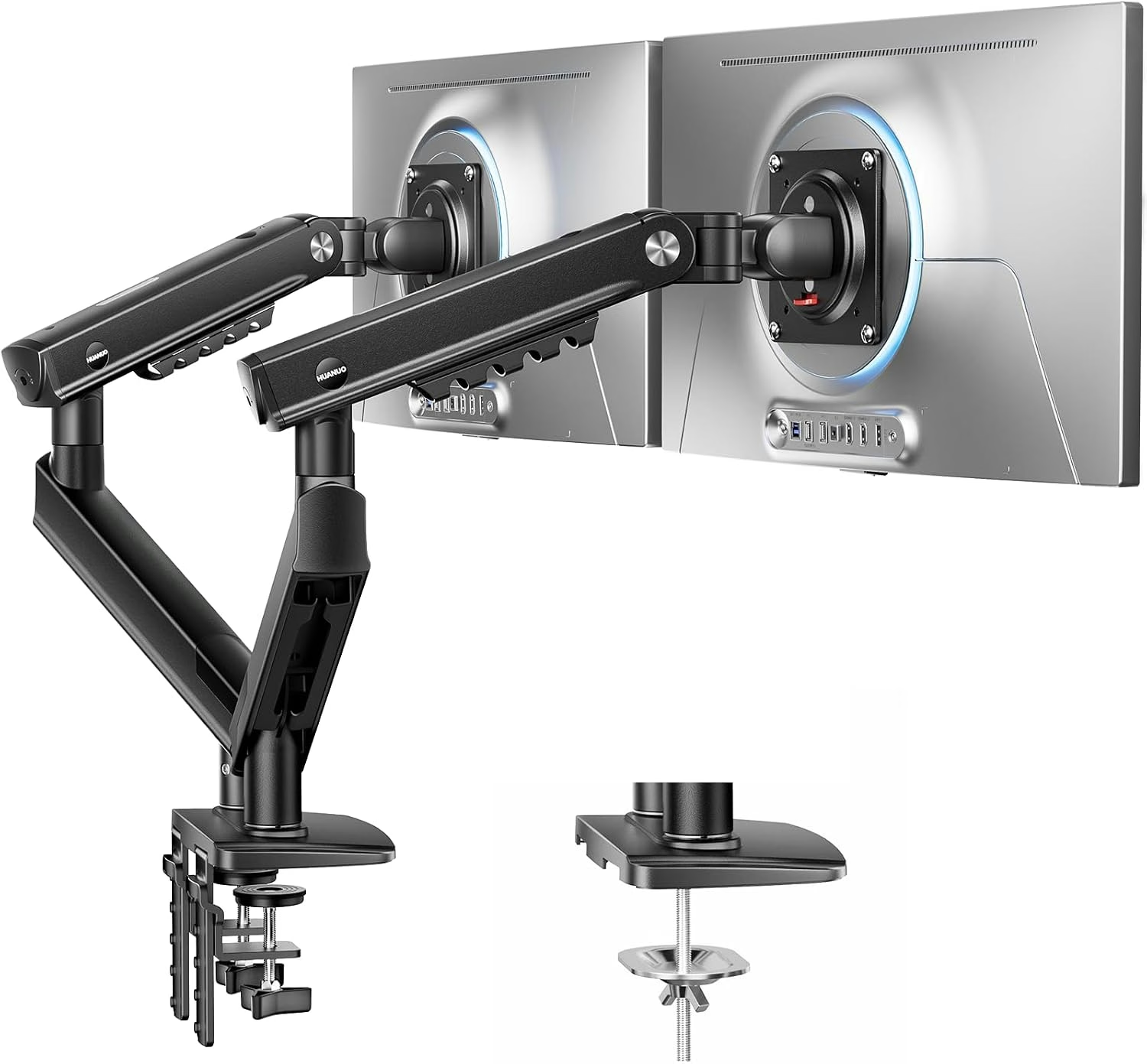 ALTERNATIVE HUANUO FlowLift Pro Dual Monitor ArmFlowLift Pro dual-monitor desk mount | |
|---|---|---|
| Amazon price | $34.99 | $44.98 |
| Best for | A mostly fixed two-screen layout | More frequent monitor repositioning |
| What changes | Pole and joint adjustment | Gas-spring monitor arms |
| Consider | Manual height changes; verify desk and screen fit | Still requires compatible screens and a suitable desk |
| Explore | Read buying guide →Source ↗ | Read buying guide →Amazon source ↗ |
About these everyday comparisons
Approximate comparisons to familiar objects: a bank card’s 3.37-inch long edge, a Letter sheet’s 11-inch long edge, or a US nickel’s 21.21 mm diameter / 5 g weight. Water comparisons exclude the container’s weight. Capacity comparisons describe volume, not exterior size or how food fits. Reference pictures identify the object; use the labeled ratio for the comparison.
05 / PRICE HISTORY
The price over time.
VIVO Dual Monitor Desk Mount · STAND-V002 · black · two-screen model · Amazon US

The chart legend identifies Amazon and new-offer prices when available. New offers can include marketplace sellers. Coupons, shipping and size/color selections can change the final price. Blank periods are missing observations, not a zero price.
06 / RELATED FINDS
A useful extra.
For the way you plan to use it.
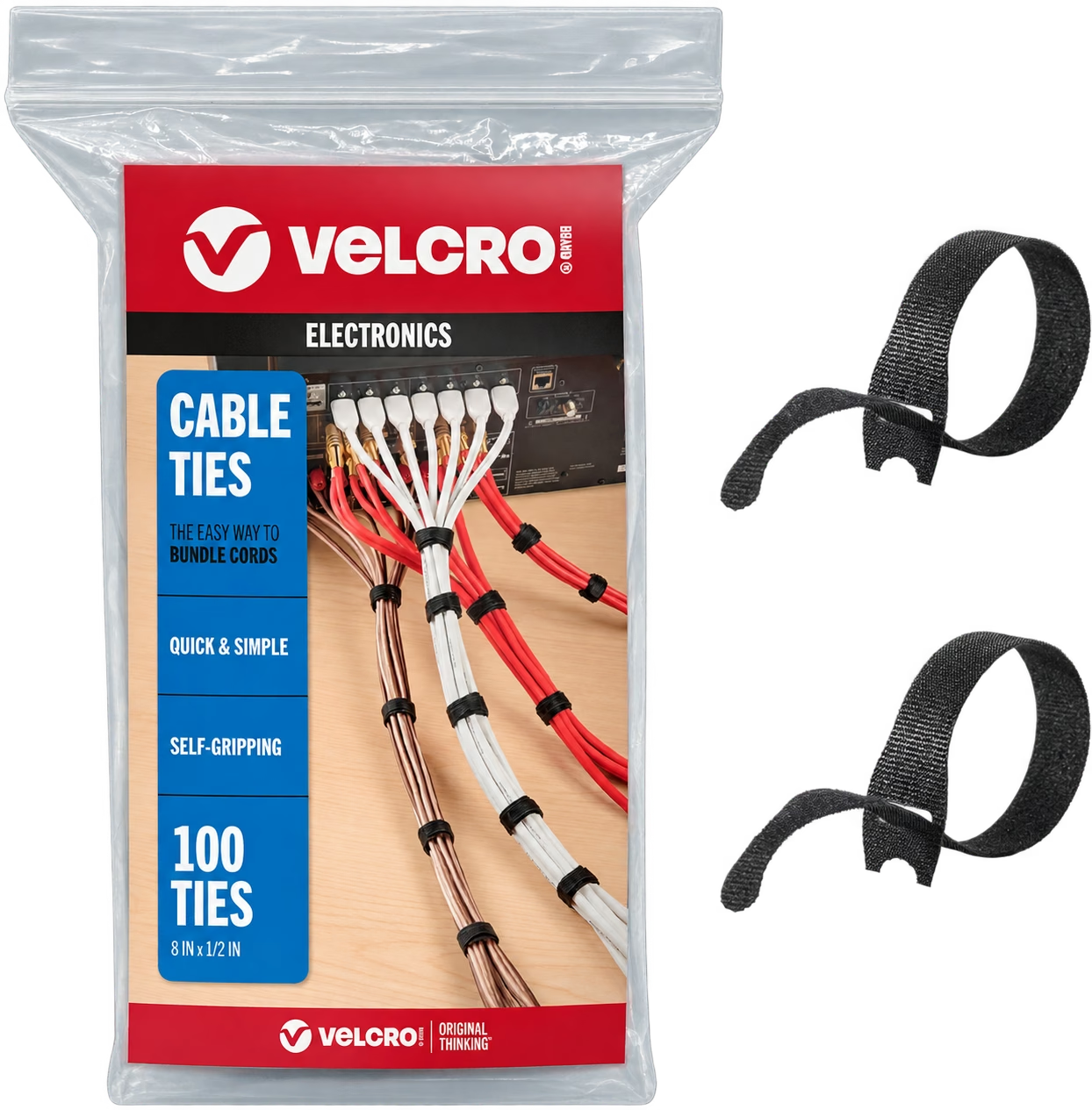
Leave the leads room to move.
VELCRO ONE-WRAP Cable Ties
Reusable ties group cables along the arms without fastening them permanently. Leave slack at joints so moving a monitor does not pull its connectors.