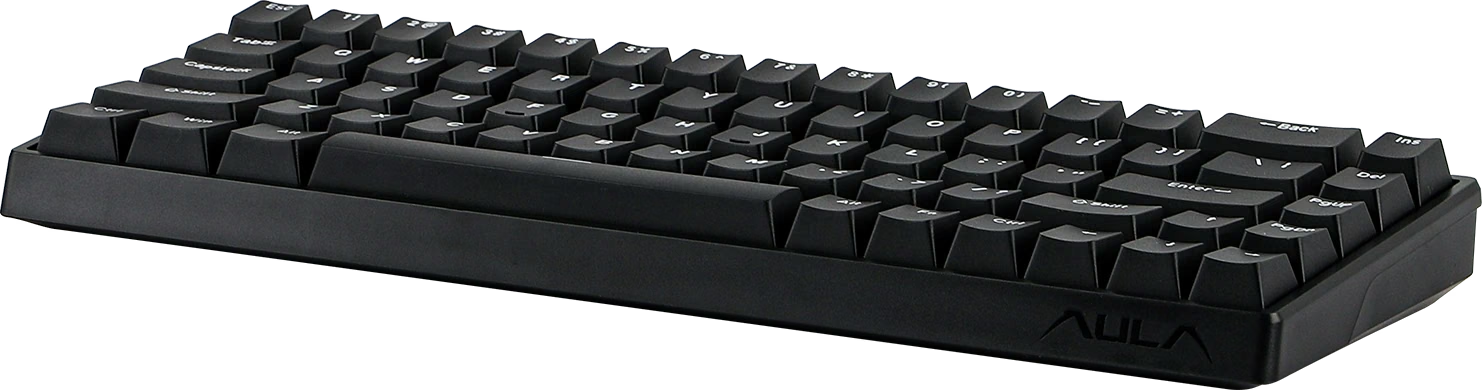
 The Standard Edition has black keys and a slim right column. The detachable strap attaches at the left.
KeyboardsKeyboards
Fast resets, with the arrow keys still on the desk.
AULA WIN68 HE
Standard Edition · black · Graywood magnetic switches
Buyer feedback ↓The wired WIN68 gives a mouse plenty of room and keeps four real arrows. It suits a player who wants to tune movement keys, provided a compact typing layout and a USB cable fit the desk.
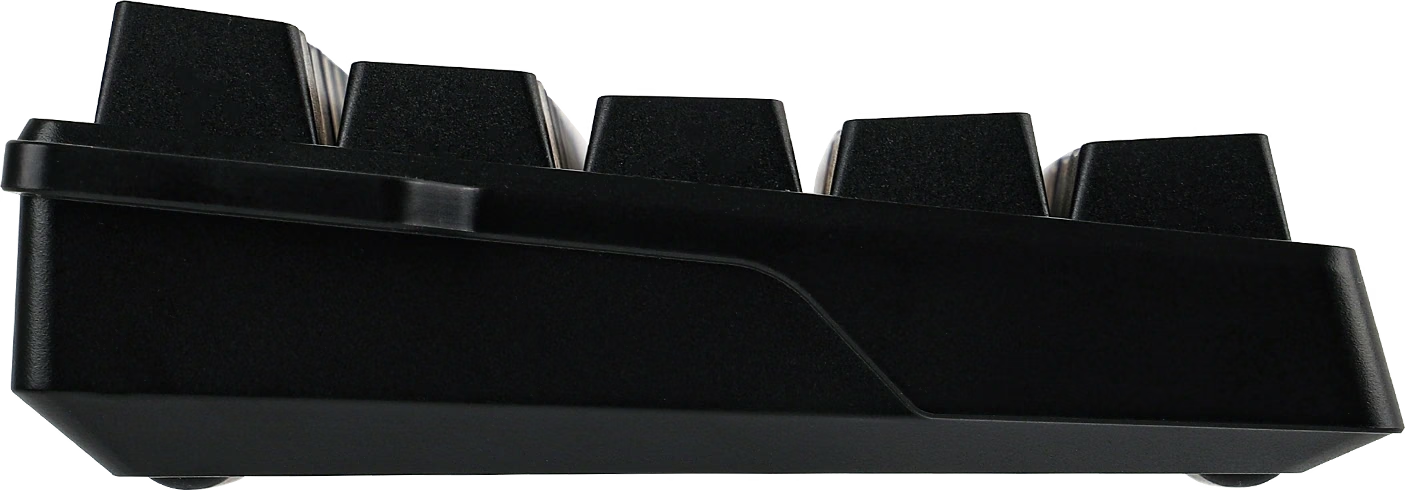
- 321.14 × 37.17 × 109.06 mmL × H × WKeyboard on its base.≈ 3.8 × 0.43 × 1.3 bank-card lengths
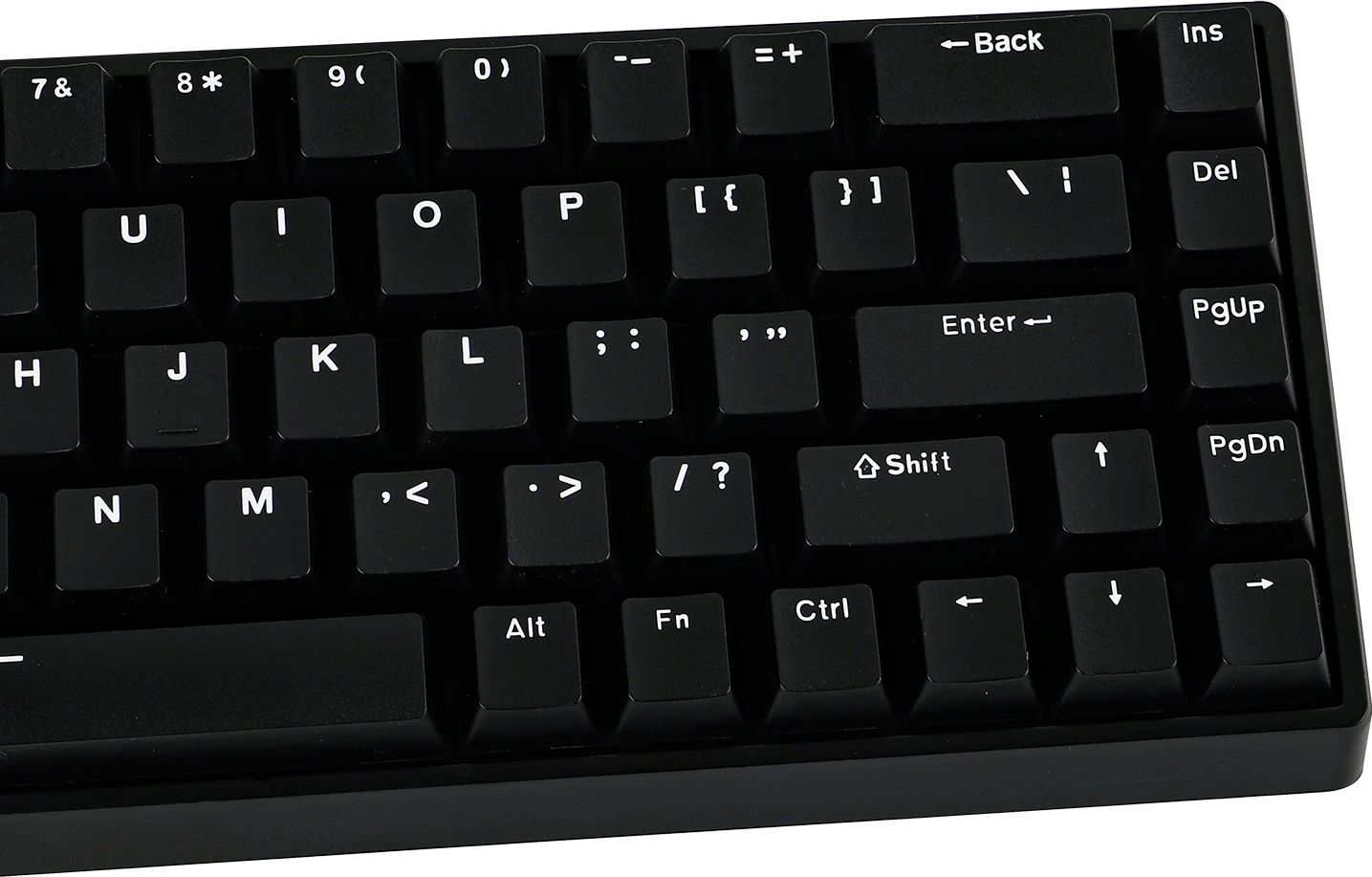
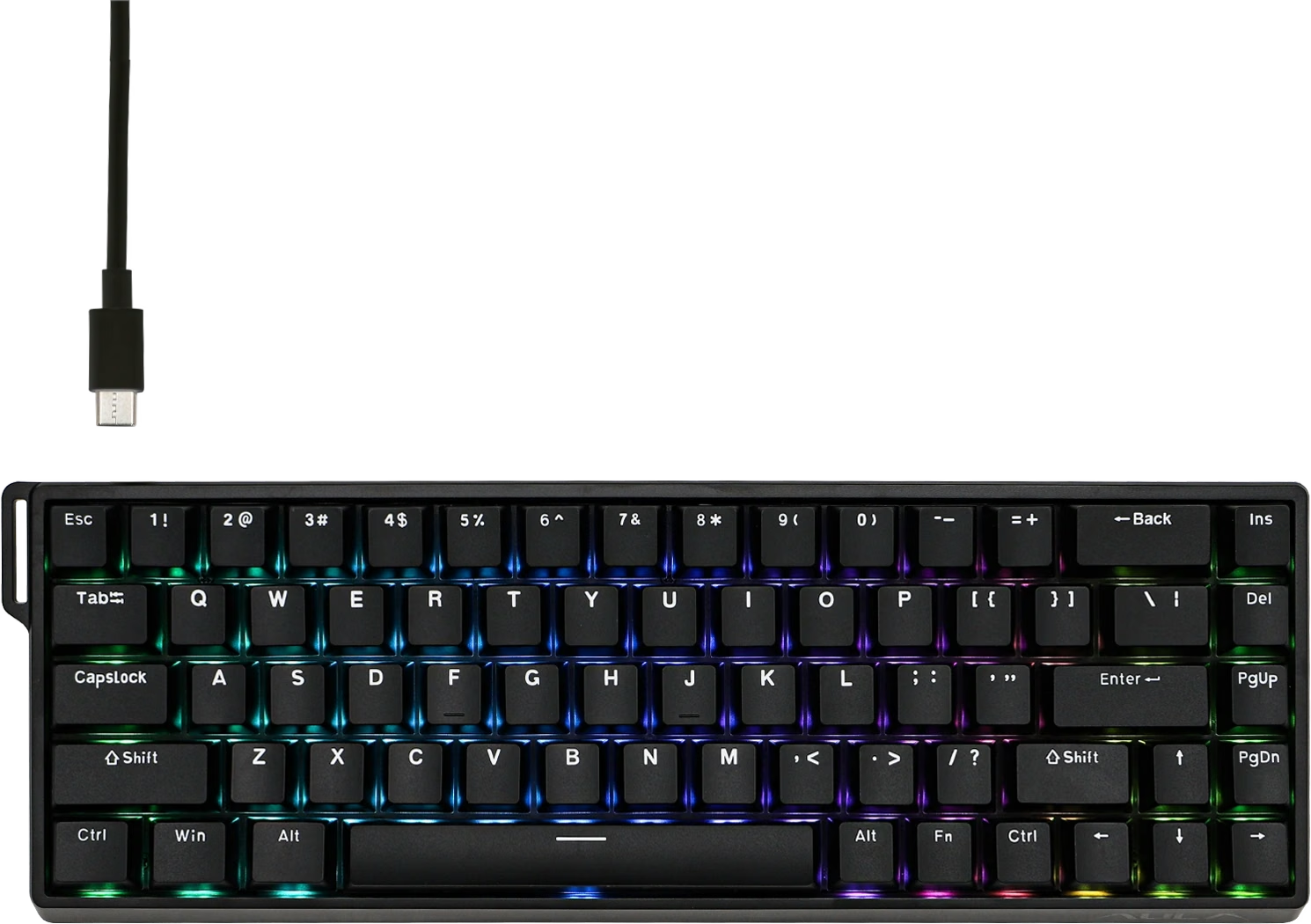
- 68 keysLayoutDedicated arrows and a navigation column, with function keys on a layer.
- Graywood magneticSwitchesSet a key’s trigger point and the travel needed to reset it.
- USB-C wiredConnectionAULA rates polling at up to 8,000 Hz. A USB cable is included.
Amazon US · Standard Edition · black · Graywood magnetic switches · Affiliate link
THE QUICK TAKE
Is it right for you?
Choose the WIN68 for a wired gaming desk where mouse room matters. The arrows make menus and quick edits easier than on many smaller boards, and you can give movement keys a lighter touch without changing the whole keyboard.
Consider how often you reach for F-keys or the tilde. A function layer is easy to live with for occasional shortcuts. Repeated console commands or debugging shortcuts may justify a physical top row.
01 / BUYING NOTES
Before you buy.
Which keys stay within reach?
AULA calls the 68-key layout 65%. The Amazon title calls it 60%, but the four dedicated arrows are the distinction that matters at a desk. There is no separate F-key row or number pad. Boiling Steam’s reviewer, who types a tilde regularly, found reaching it with Fn, Shift and Esc awkward.
Start with one movement key.
A magnetic sensor follows a switch through its travel. Raising a key can release a command before the switch returns to the top, so a second press can register sooner. Start by tuning movement keys alone. Boiling Steam’s tester found that resting a finger on a very shallow setting could send the character sideways.
What does setup require?
The board works over the supplied USB cable. To change sensitivity, use the web driver for the Standard edition on a supported Windows setup. AULA’s variant chart lists different switches for the Pro and Max. When a switch needs replacing, the two spare magnetic switches in this package are the simplest starting point.
AULA WIN68 dimensions and edition table ↗ · AULA Standard configuration and product photos ↗ · AULA Standard driver and product listing ↗ · Boiling Steam’s Standard Edition test ↗ · Observed Amazon US listing ↗
02 / AMAZON REVIEWS
The buyers’ view.
Pros
Cons
- Two Standard owners described bugs or confusion while setting up the software.
- One owner found the case a little flexible, while other buyers praised the build.
What buyers like
- quality119
- Value for money55
- sound quality38
- build quality18
- typing feel18
- input speed14
Mixed feedback
- Durability18
- functionality15
The small numbers are review mentions. Topics and sentiment are from Amazon’s customer-review overview.
Amazon US · Checked . Ratings may include other colors and sizes.
View source ↗03 / REVIEWS & VIDEO
See it in use.
See how it works, then read the findings behind the buying advice.
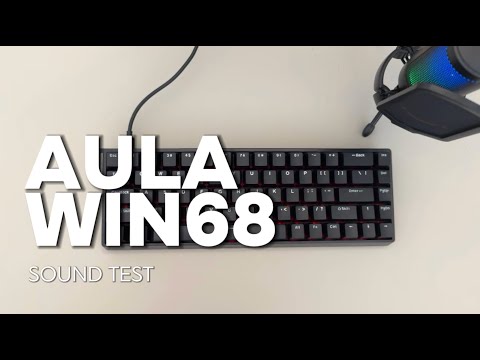
AULA Win68 Hall Effect Magnetic Switch Keyboard Sound Test
Listen to the recording for the cadence of individual keys. The creator identifies a WIN68 but does not identify the switch edition.
Watch on YouTube ↗The sound clip covers the WIN68 family. The written typing account below is specifically about the black Standard Edition.
Read 2 written sources Product scope is labeled · key findings in bold
The reviewer changed one key’s trigger depth after a resting finger kept moving the character sideways. Typing also sounded louder than their silent-switch boards, and the tilde shortcut repeatedly interrupted writing.
The black Standard board uses Greywood magnetic switches. AULA Gear pairs the different WingChun switches with its Max colors. The Standard buyer gets an assembled wired board and can keep the supplied switch spares for service.
04 / COMPARE
Different priorities.
Choose the tradeoff that fits how you will use it.
Swipe to see every alternative →
THIS GUIDEAULA WIN68 HEStandard · Black · Graywood magnetic | 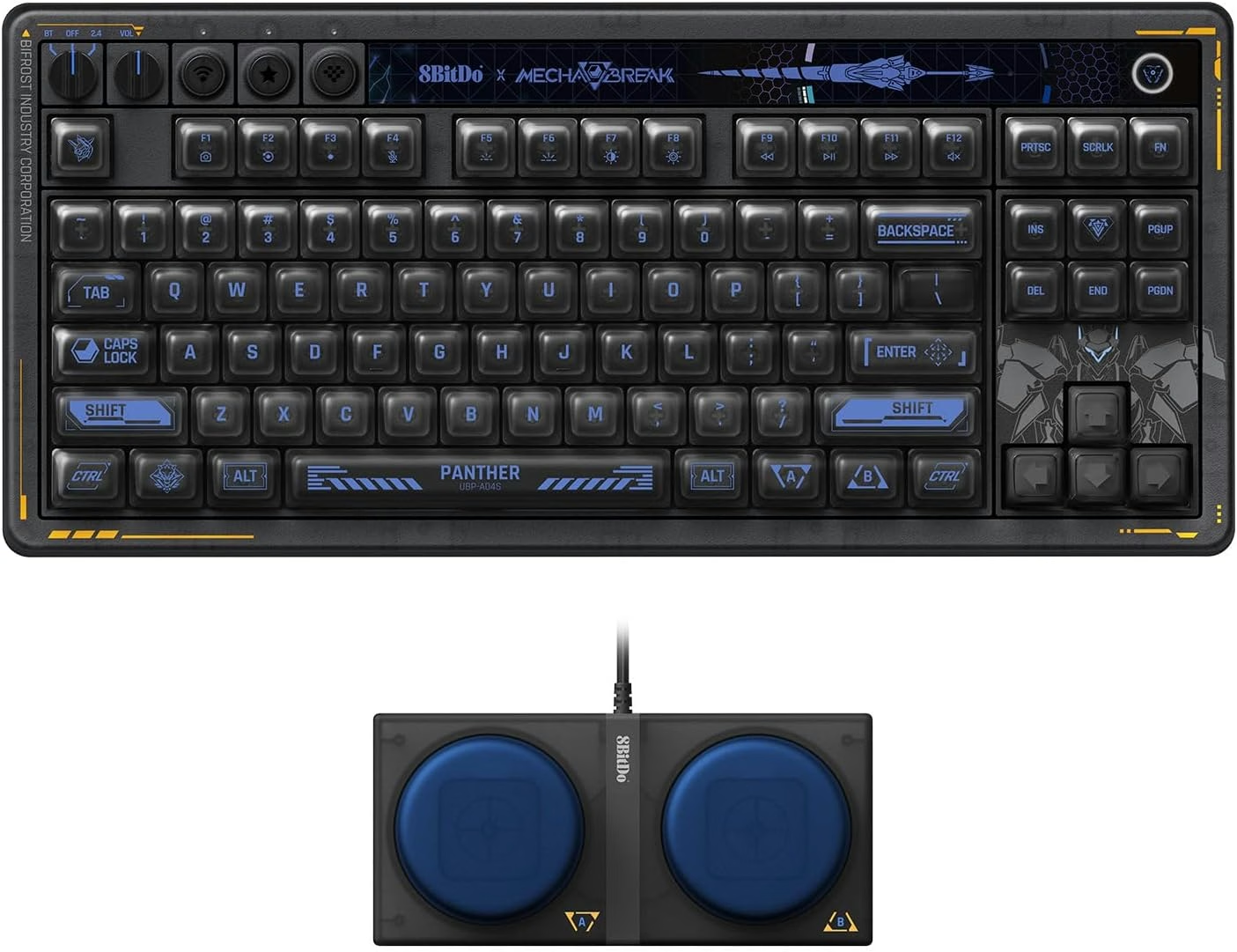 ALTERNATIVE 8BitDo Retro 87 TKLPANTHER edition · 87 keys | |
|---|---|---|
| Amazon price | $36.79 | $86.61 |
| Keys on the desk | 68 keys with dedicated arrows. The function row is on a layer. | Physical function row, arrows and a separate navigation cluster. |
| How a press registers | Magnetic switches with adjustable actuation and Rapid Trigger. | Linear mechanical switches and two external programmable Super Buttons. |
| How it connects | USB-C cable only. | USB, 2.4 GHz receiver or Bluetooth. |
| Explore | Read buying guide →Source ↗ | Read buying guide →Source ↗ |
About these everyday comparisons
Approximate comparisons to familiar objects: a bank card’s 3.37-inch long edge, a Letter sheet’s 11-inch long edge, or a US nickel’s 21.21 mm diameter / 5 g weight. Water comparisons exclude the container’s weight. Capacity comparisons describe volume, not exterior size or how food fits. Reference pictures identify the object; use the labeled ratio for the comparison.
05 / PRICE HISTORY
The price over time.
AULA WIN68 HE · Standard Edition · black · Graywood magnetic switches · Amazon US

The chart legend identifies Amazon and new-offer prices when available. New offers can include marketplace sellers. Coupons, shipping and size/color selections can change the final price. Blank periods are missing observations, not a zero price.
06 / RELATED FINDS
A useful extra.
For the way you plan to use it.
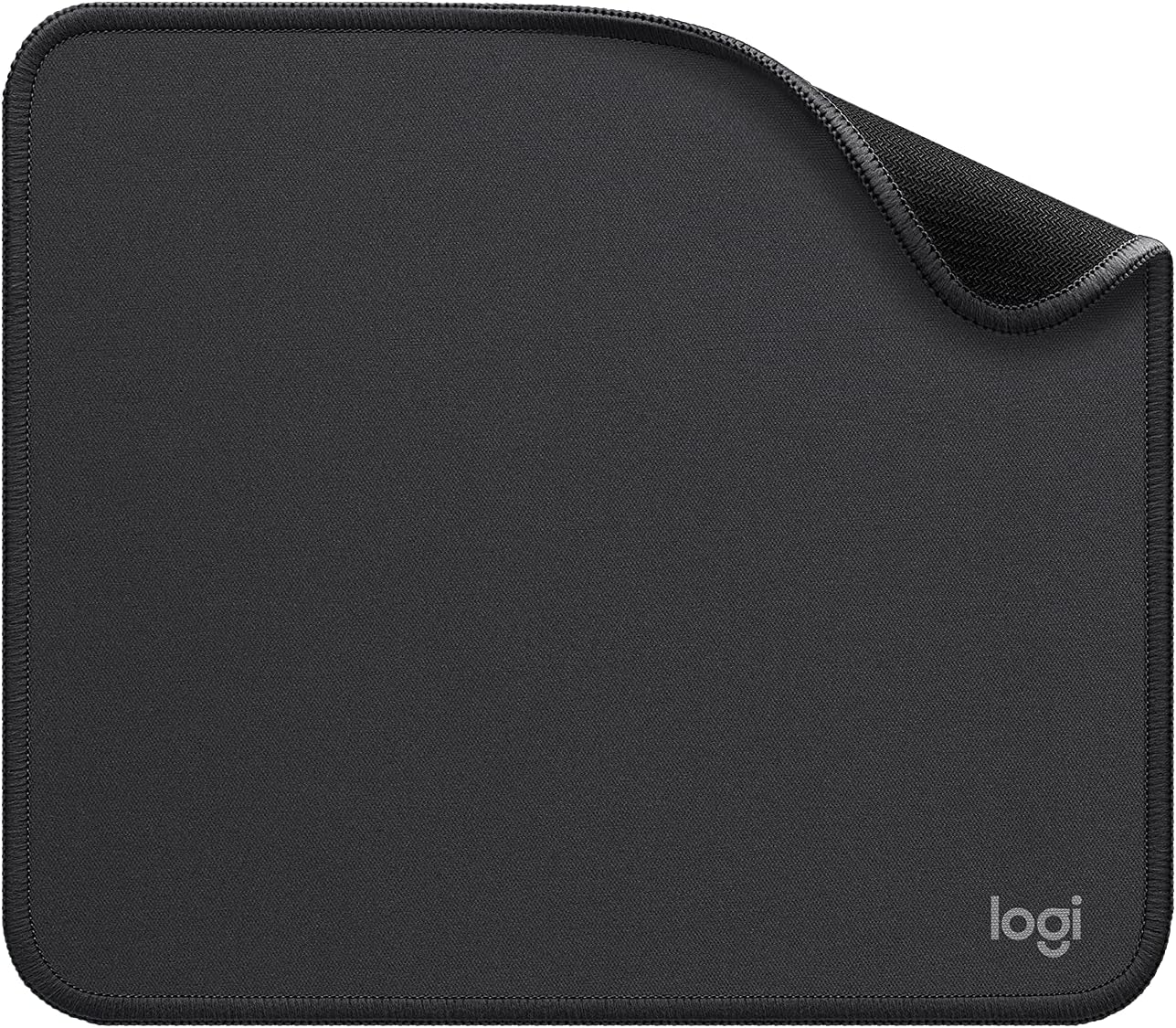
Pair a small mouse surface with the compact board.
Logitech Studio Series Mouse Pad
The graphite Logitech Studio Series pad gives the mouse a separate cloth surface. It works beside the WIN68 when desk space is tight. A player who makes long, low-sensitivity sweeps may prefer a larger pad.