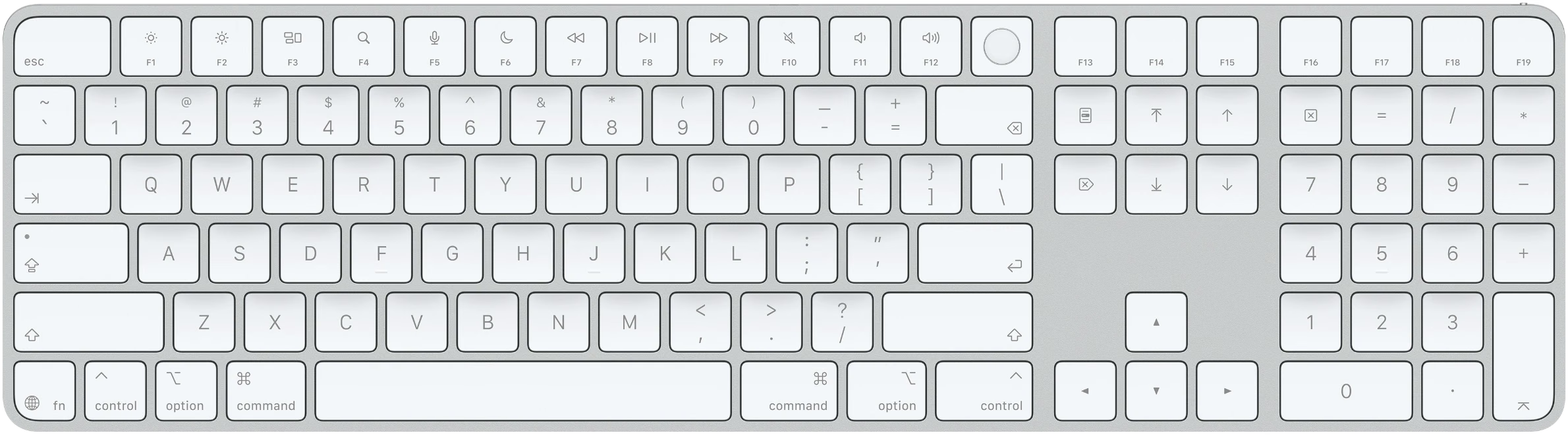
 The number pad and arrows sit to the right of the typing area. Touch ID is at the top right of the letter-key section.
Mac desktop keyboardsKeyboards
Put Touch ID beside your number pad.
Apple Magic Keyboard with Touch ID and Numeric Keypad
MJM64LL/A · US English · white keys · USB-C
Buyer feedback ↓Unlock a docked MacBook without lifting its lid, then move straight into a spreadsheet. Apple’s full-size, low-profile board makes sense when both the fingerprint reader and the number pad work for your desk.
- 16.48 × 0.43 × 4.52 inL × H × WMaximum height at rear.≈ 4.9 × 0.13 × 1.3 bank-card lengths
- Apple silicon MacTouch IDApple specifies macOS 15.1 or later for this USB-C model.
- About a month or morePowerApple’s battery estimate between charges. Usage changes the interval.
- US English, extendedLayoutSeparate arrows, navigation block and numeric keypad.
Amazon US · MJM64LL/A · US English · white keys · USB-C · Affiliate link
THE QUICK TAKE
Is it right for you?
Choose this for a desk built around one Apple silicon Mac. The fingerprint reader stays under your hand when your laptop is closed or your Mac mini is out of reach. A separate number pad is worth the extra width if you use it most days.
Measure the reach to your mouse first. The keys sit low at a fixed angle. For a desk shared between computers, the Logitech MX Keys S adds dedicated device-switch buttons and adjustable backlighting.
01 / BUYING NOTES
Before you buy.
Where is the fingerprint reader?
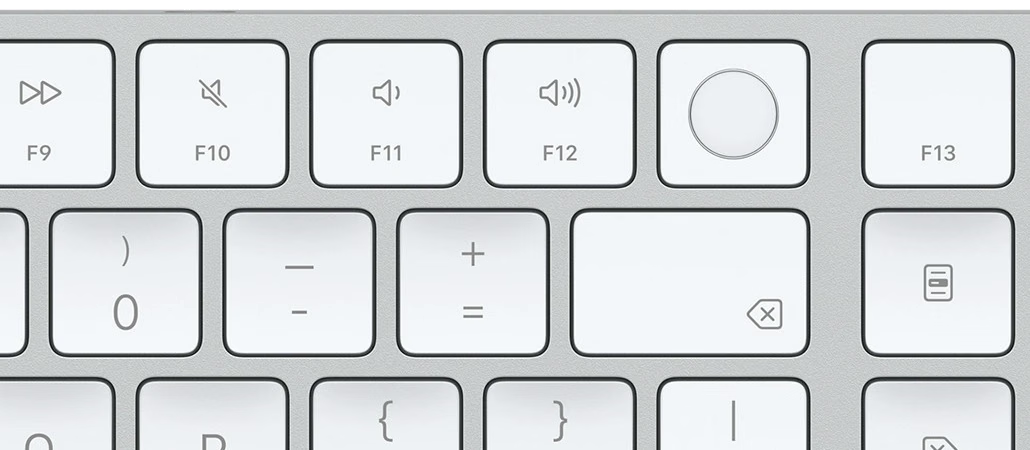
The round sensor sits just beyond F12. With a compatible Mac you can unlock the computer or approve a purchase without reaching for a closed MacBook. Apple allows secure fingerprint pairing with one Mac at a time. That matters if two Macs share your desk.
Will the number pad earn its space?
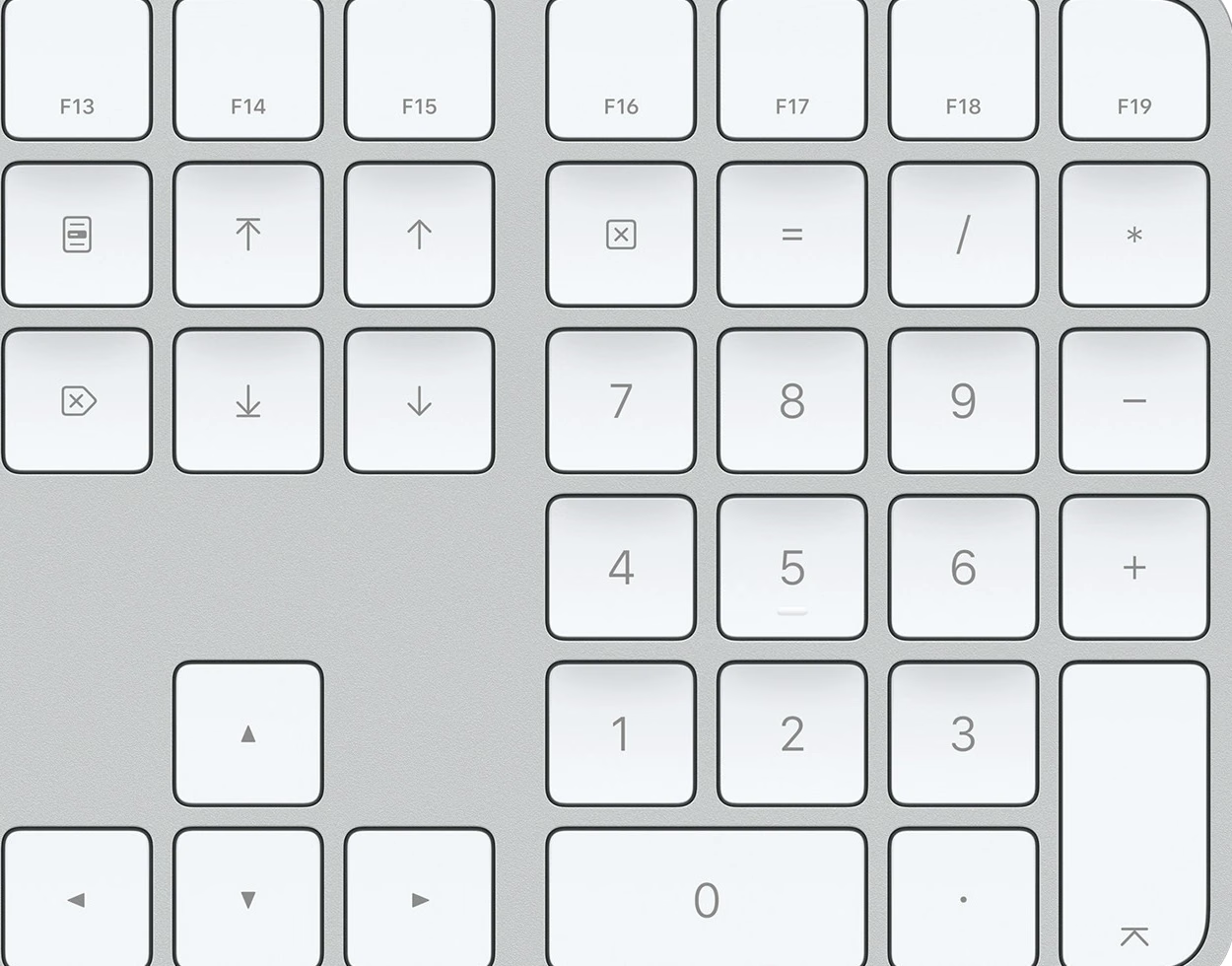
The separate pad lets your right hand enter a column of figures while the arrow cluster stays available for navigating cells. Its cost is desk width. Mark the keyboard’s width on your desk, then put your mouse where its right edge would end. For mostly letters and shortcuts, a compact board can bring the mouse closer.
How do pairing and charging work?
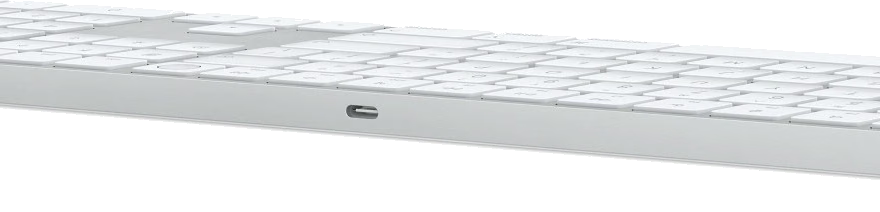
Connect the included woven USB-C cable to your Mac and switch the keyboard on. The cable pairs and charges it. Unplug it to use Bluetooth, or leave it connected at the desk. Owners who like raised rear feet should try a low, fixed keyboard angle before choosing this one.
Apple · exact US model and dimensions ↗ · Apple · pairing by USB cable ↗ · Apple Platform Security · secure pairing for Touch ID ↗ · MacRumors · 2026 US keycap update ↗ · RTINGS · earlier extended Magic Keyboard test ↗ · Best Buy · best-selling full-size keyboards ↗ · Amazon US · exact MJM64LL/A listing ↗
02 / AMAZON REVIEWS
The buyers’ view.
What buyers like
- quality14
- connectivity6
- touch id5
The small numbers are review mentions. Topics and sentiment are from Amazon’s customer-review overview.
Amazon US · Checked . Ratings may include other colors and sizes.
View source ↗03 / REVIEWS & VIDEO
See it in use.
See how it works, then read the findings behind the buying advice.
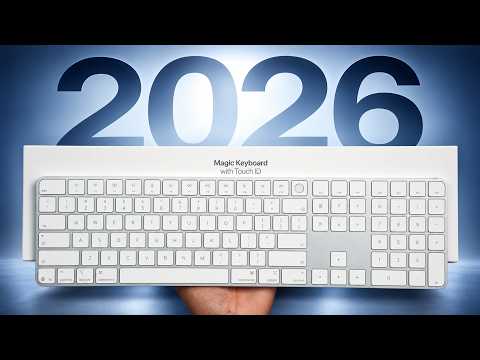
Apple Made a New Magic Keyboard in 2026, But It’s Still Weird
The creator walks through the 2026 refresh and the new symbols. The video covers the family, which includes compact and extended keyboards.
Watch on YouTube ↗See the new key symbols up close, then read how they differ from earlier keyboards.
Read 2 written sources Product scope is labeled · key findings in bold
MacRumors documented the switch from text labels to symbols on several modifier and navigation keys. The full-size Touch ID model is among the refreshed versions. Look at Return and Shift when comparing photos of used keyboards.
The testers liked the light, tactile keystrokes of the older full-size model and noted its low profile. Their test describes the layout family. Use Apple’s current specification for the port and Mac requirements on this version.
04 / COMPARE
Different priorities.
Choose the tradeoff that fits how you will use it.
Swipe to see every alternative →
THIS GUIDEApple Magic Keyboard with Touch ID and Numeric KeypadMJM64LL/A · US English · white keys · USB-C | 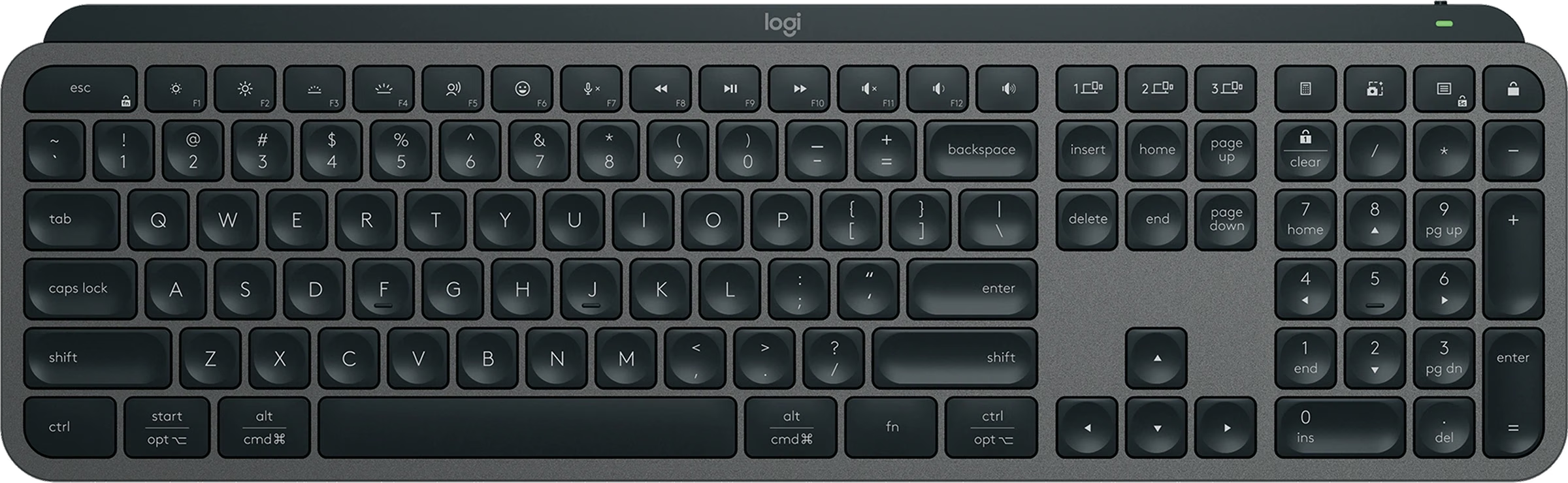 ALTERNATIVE Logitech MX Keys SGraphite · standard multi-OS layout | 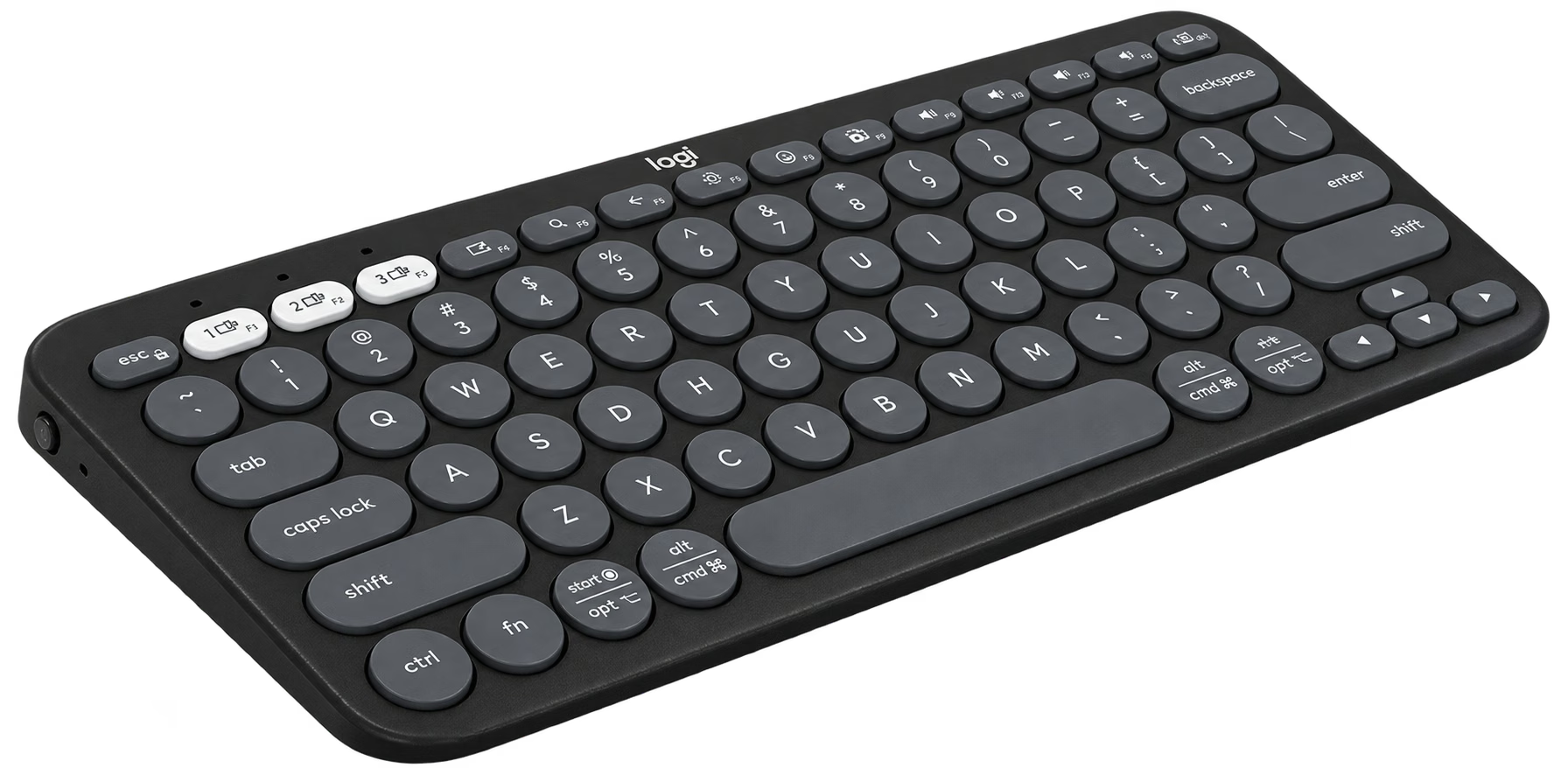 ALTERNATIVE Logitech Pebble Keys 2 K380sK380s · graphite | |
|---|---|---|---|
| Amazon price | $179.00+ $4.99 delivery | $109.99 | $29.99 |
| Desk layout | Full-size US layout with a dedicated numeric pad. | Full-size, with a number pad and illuminated keys. | Compact round keys and no dedicated number pad. |
| Moving between devices | Touch ID paired securely to one Mac. | Easy-Switch buttons select from three devices. | Three device buttons for switching between computers and tablets. |
| Power and setup | USB-C cable included for pairing and charging. | Recharge through USB-C. Use Bluetooth or the included Bolt receiver. | Replaceable batteries. Pairs over Bluetooth. |
| Explore | Read buying guide →Source ↗ | Read buying guide →Source ↗ | Read buying guide →Source ↗ |
About these everyday comparisons
Approximate comparisons to familiar objects: a bank card’s 3.37-inch long edge, a Letter sheet’s 11-inch long edge, or a US nickel’s 21.21 mm diameter / 5 g weight. Water comparisons exclude the container’s weight. Capacity comparisons describe volume, not exterior size or how food fits. Reference pictures identify the object; use the labeled ratio for the comparison.
05 / PRICE HISTORY
The price over time.
Apple Magic Keyboard with Touch ID and Numeric Keypad · MJM64LL/A · US English · white keys · USB-C · Amazon US

The chart legend identifies Amazon and new-offer prices when available. New offers can include marketplace sellers. Coupons, shipping and size/color selections can change the final price. Blank periods are missing observations, not a zero price.
06 / RELATED FINDS
A useful extra.
For the way you plan to use it.
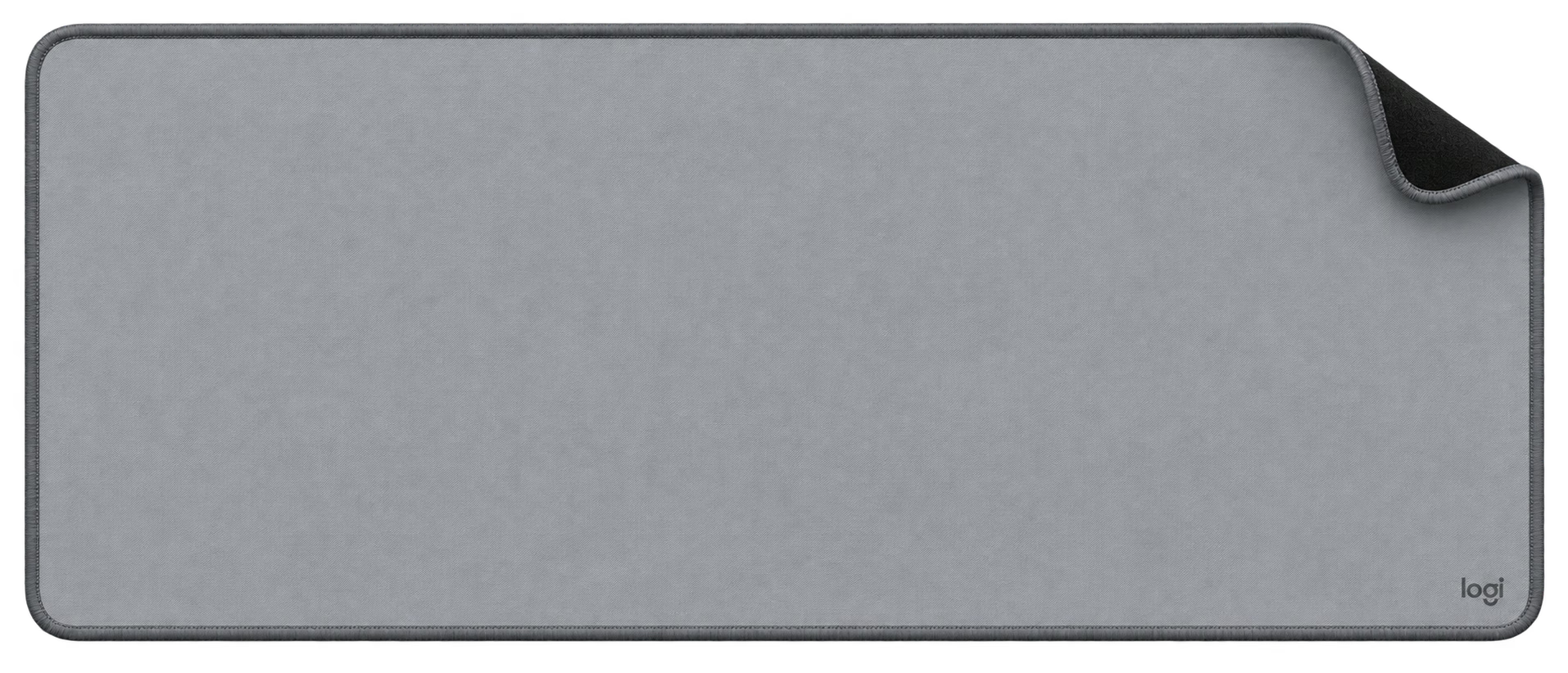
Give the extended keyboard and mouse a shared surface.
Logitech Studio Series Desk Mat
Position the keyboard toward the left edge of the mat to leave a continuous mousing surface on the right. Centering the extended keyboard splits that usable space in two.