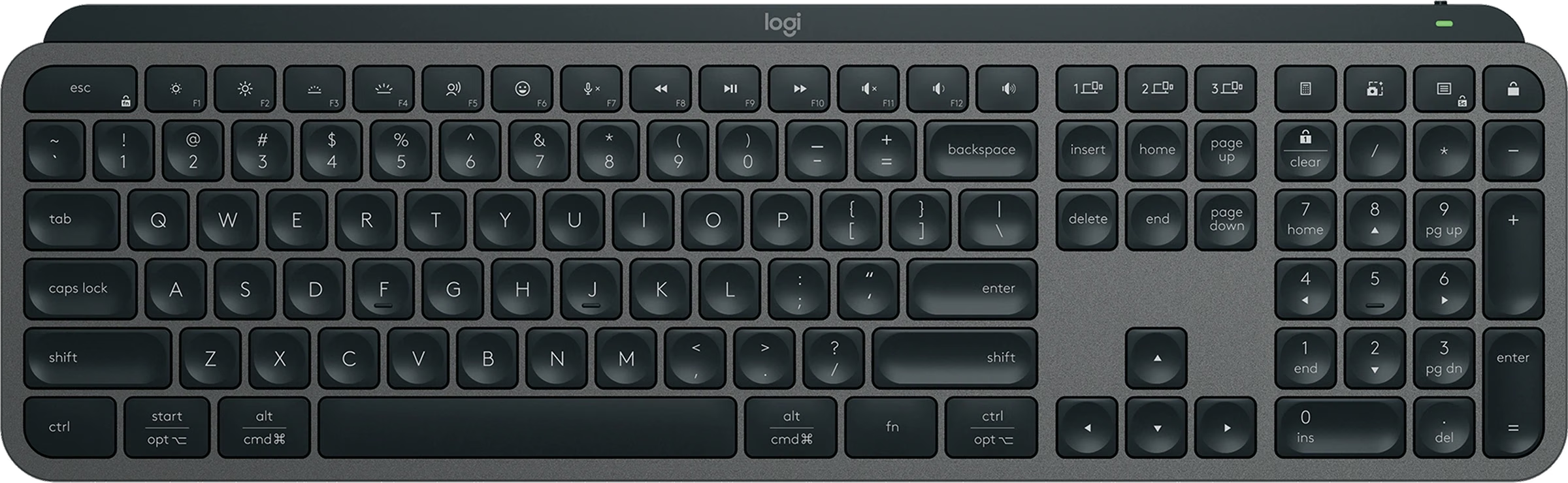
 The arrow cluster, navigation block and number pad each have their own space.
Wireless office keyboardsKeyboards
A number pad and backlit keys for a two-computer desk.
Logitech MX Keys S
Graphite · US English · keyboard only
Buyer feedback ↓The low, dished keys will feel familiar to laptop typists. A separate number pad and navigation block suit spreadsheet work, and three device buttons let a work computer share the keyboard with a personal one.
- 430.2 × 20.5 × 131.63 mmL × H × WKeyboard on a desk.≈ 1.5 × 0.07 × 0.47 Letter-sheet lengths
- 3 devicesEasy-SwitchThree dedicated keys recall paired devices.
- 10 daysRated battery lifeDefault backlight settings; up to five months with the lighting off.
- USB-CChargingKey input still travels over Bluetooth or the included Bolt receiver.
Amazon US · Graphite · US English · keyboard only · Affiliate link
THE QUICK TAKE
Is it right for you?
Choose it for low-profile typing with a dedicated number pad. Short, quiet keystrokes and white legends make sense in a shared office that becomes a dim home workspace at night. The device keys are especially useful when a work laptop and home computer share one monitor.
Measure the space from your letter keys to your mouse. The separate navigation block and number pad use more desk width than the K380s or MX Mechanical Mini. The Mini has mechanical switches; the MX Keys S uses flatter scissor keys.
01 / BUYING NOTES
Before you buy.
From a laptop to a full number pad
The shallow keycaps have small depressions that help your fingers find the center. The number pad sits beyond the arrow and navigation clusters. That separation is helpful when moving between cells, entering figures and returning to the typing area by feel. It also pushes a right-handed mouse farther from the letter keys.
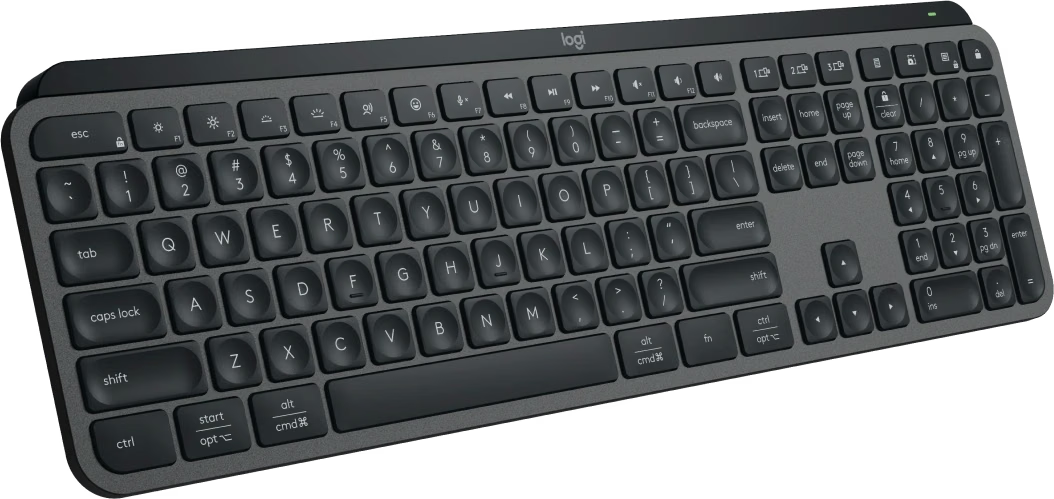
Working in low light
Bring your hands toward the keys and the white backlight wakes. The keyboard adapts to room light, and Logi Options+ on a supported computer lets you change the brightness and duration. Logitech rates the battery for up to ten days at its default settings, or up to five months with the light switched off.
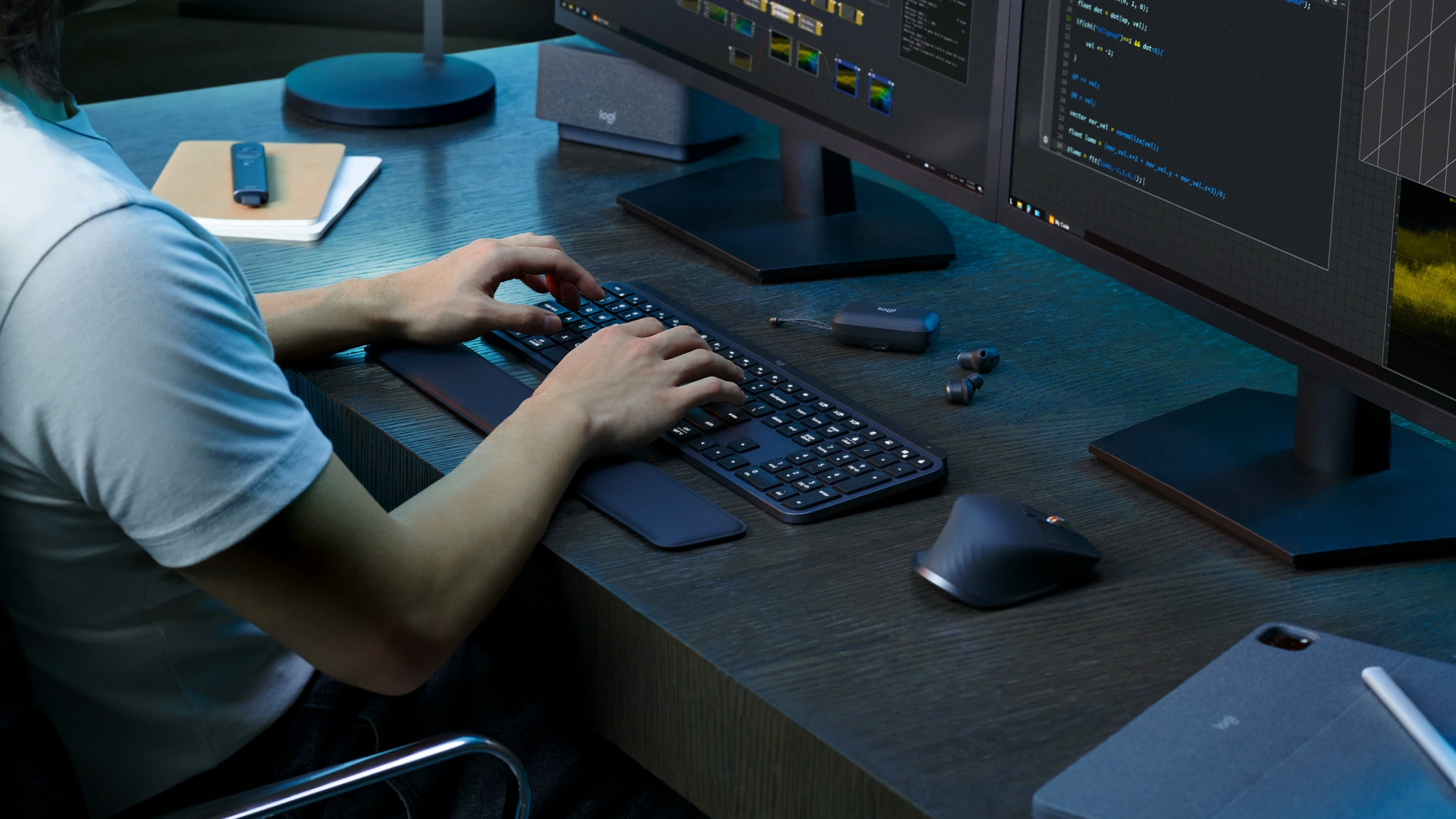
What the charging cable actually does
The rear ridge gives the keyboard a fixed slope. Run the supplied USB-A to USB-C cable to a powered port when the battery runs low. You can keep typing while it charges, but the computer still needs an active Bluetooth or Logi Bolt connection. A cable-only workstation needs a different keyboard.

Share a keyboard between work and home
Use Bluetooth where the computer has no spare USB-A port. Use the included Bolt receiver where Bluetooth is unavailable or blocked. Pair each computer to its own numbered button, then tap that button to change hosts. On a locked-down work computer, check whether you can install Options+ before counting on custom Smart Actions.

Logitech US specifications, hardware and box contents ↗ · Exact US Amazon listing and customer reviews ↗ · RTINGS hands-on review ↗ · Tom’s Guide hands-on review ↗
02 / AMAZON REVIEWS
The buyers’ view.
Pros
What buyers like
- quality732
- backlighting271
- key feel227
- build quality193
- quiet189
Mixed feedback
- connectivity292
- Value for money266
- battery life222
The small numbers are review mentions. Topics and sentiment are from Amazon’s customer-review overview.
Amazon US · Checked . Ratings may include other colors and sizes.
View source ↗03 / REVIEWS & VIDEO
See it in use.
See how it works, then read the findings behind the buying advice.
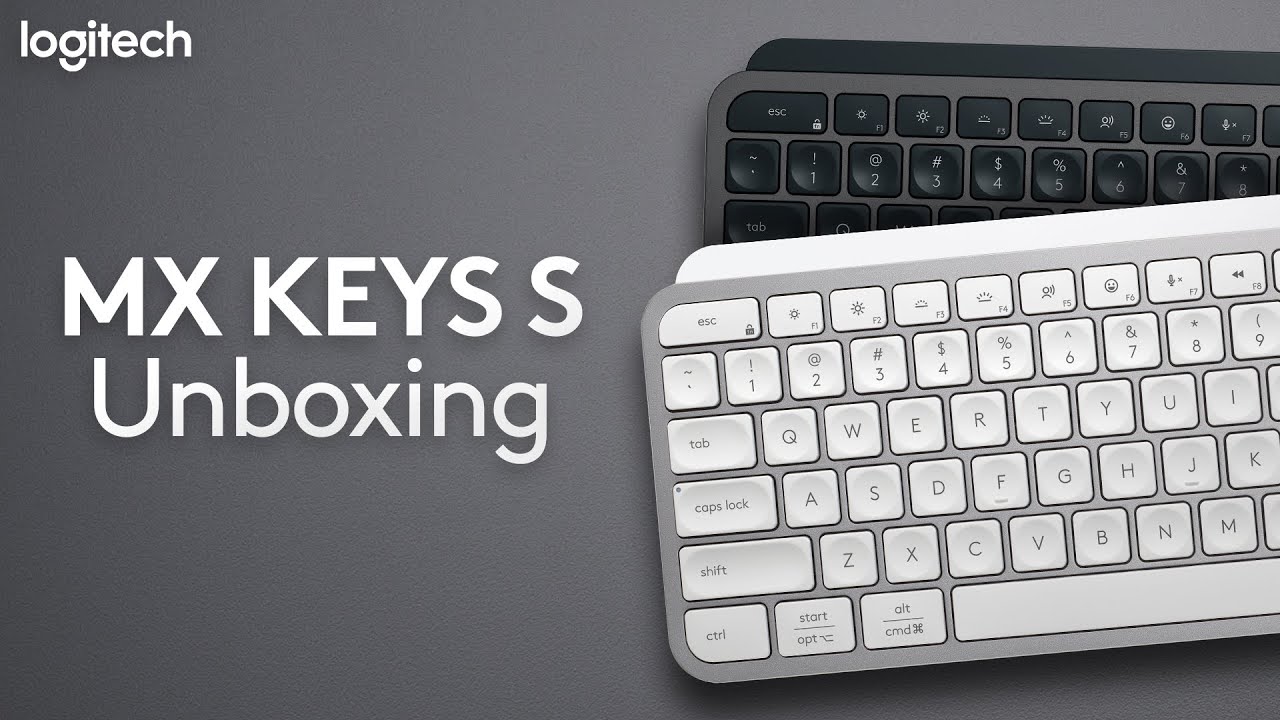
Logitech MX Keys S Unboxing
See the hardware that comes with the consumer MX Keys S. The selected US version has dual-platform legends.
Watch on YouTube ↗The manufacturer video shows the keyboard design. The written tests below describe how it felt in use.
Read 2 written sources Product scope is labeled · key findings in bold
The testers found the dished caps easy to locate by feel and the keystrokes quiet. They liked the shallow front edge without a palm rest, but found the board large and heavy to carry with a tablet.
After roughly 40 hours of typing with lighting at its highest setting, the reviewer reported 45 percent battery remaining. This is one observed workload; turning the lighting down or off changes the interval.
04 / COMPARE
Different priorities.
Choose the tradeoff that fits how you will use it.
Swipe to see every alternative →
THIS GUIDELogitech MX Keys SGraphite · US English · keyboard only | 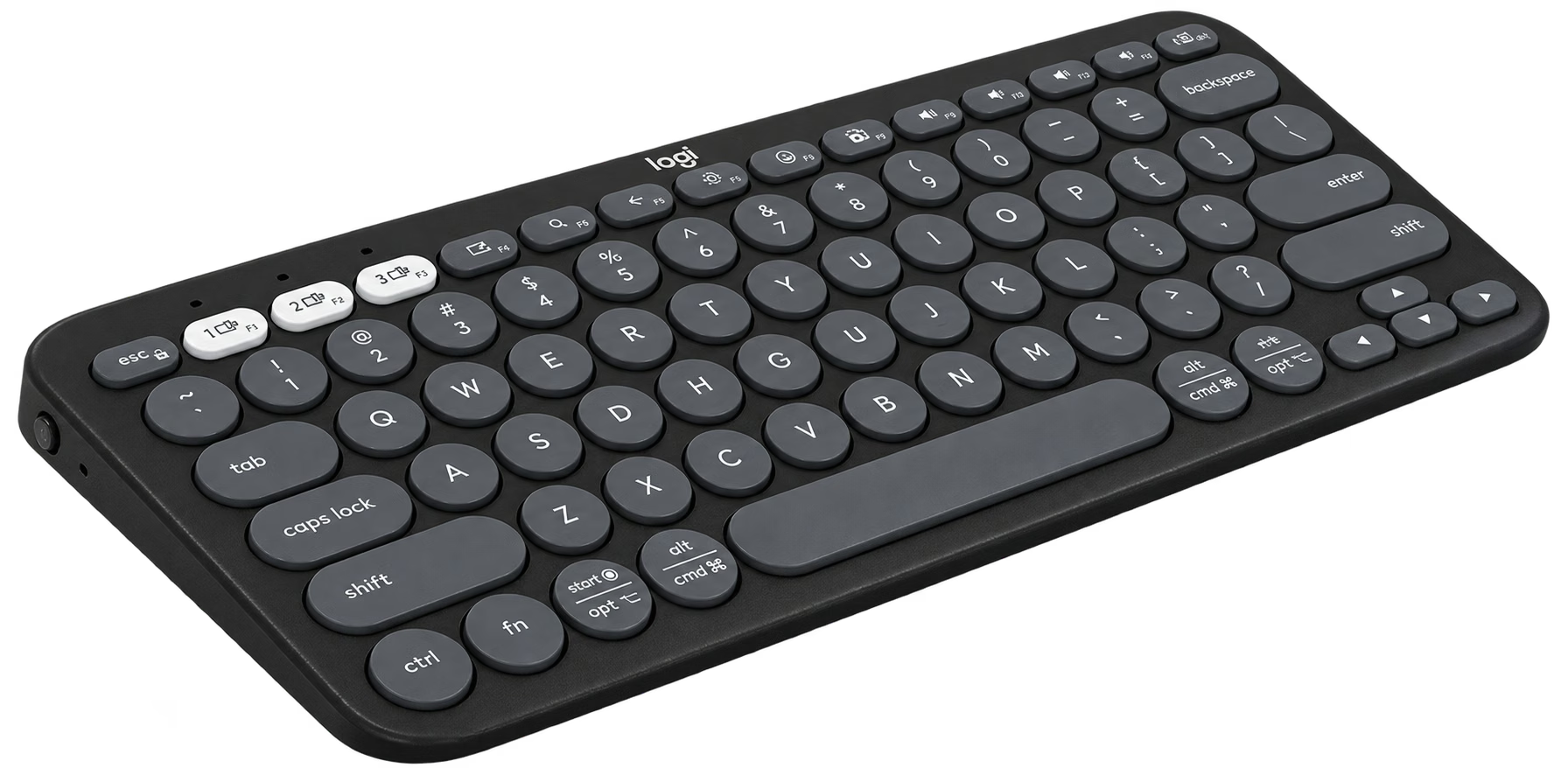 ALTERNATIVE Logitech Pebble Keys 2 K380sK380s · graphite | 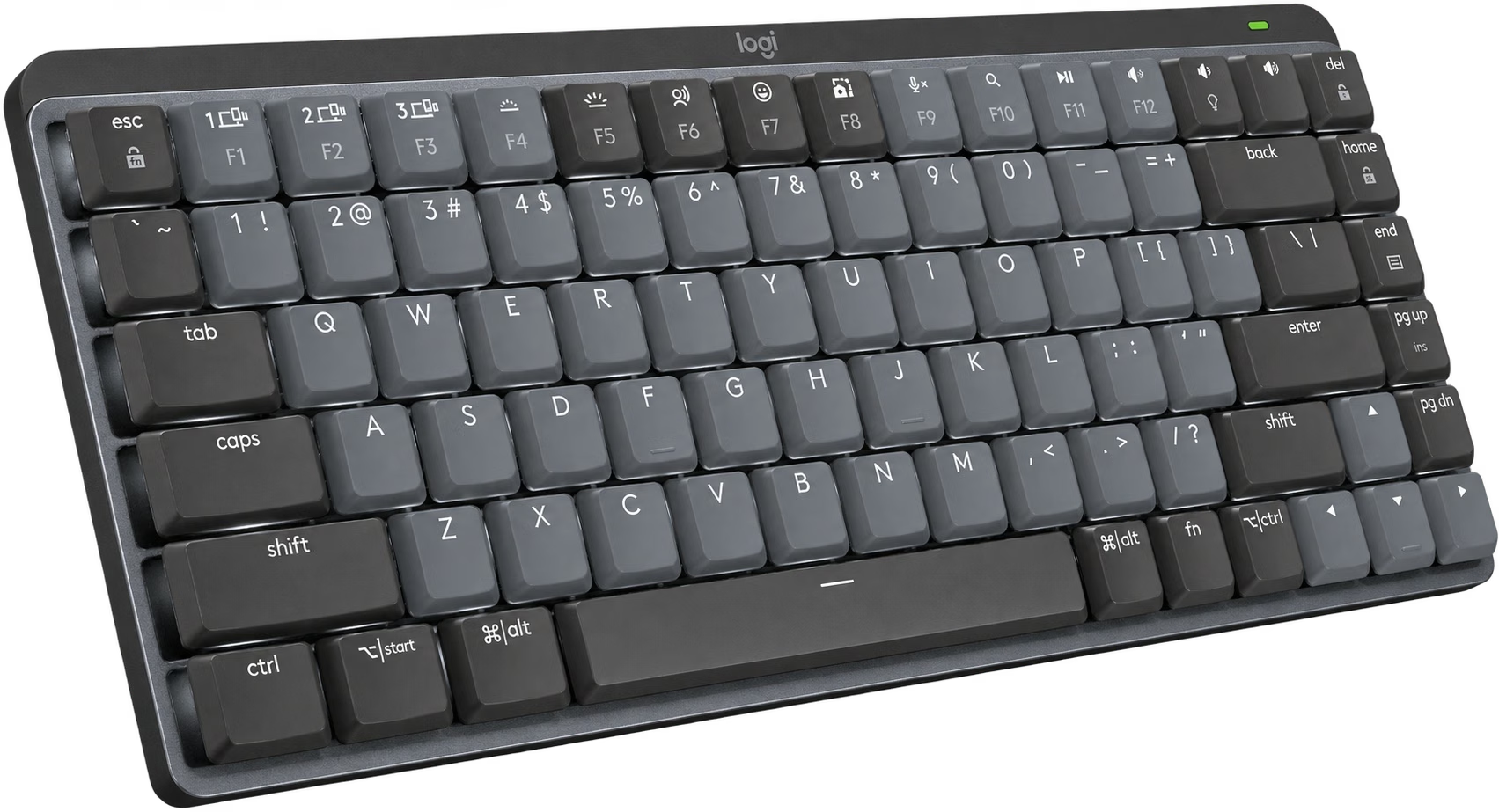 ALTERNATIVE Logitech MX Mechanical Mini Frequently returned on AmazonGraphite · Tactile Quiet · standard Windows/Mac layout | |
|---|---|---|---|
| Amazon price | $109.99 | $29.99 | $129.99 |
| Typing layout | Low, dished scissor keys, separate editing block and number pad. | Round low-profile keys and no number pad; leaves mouse space on a short desk. | Compact mechanical layout with tactile switches; no number pad. |
| Switching computers | Bluetooth or included Bolt receiver, three paired hosts. | Three Easy-Switch hosts; Bluetooth out of the box. | Bluetooth or included Bolt receiver, three paired hosts. |
| Lighting and power | White backlight, rechargeable through USB-C. | Unlit keys, replaceable batteries. | White backlighting, rechargeable battery. |
| Explore | Read buying guide →Source ↗ | Read buying guide →Source ↗ | Read buying guide →Source ↗ |
About these everyday comparisons
Approximate comparisons to familiar objects: a bank card’s 3.37-inch long edge, a Letter sheet’s 11-inch long edge, or a US nickel’s 21.21 mm diameter / 5 g weight. Water comparisons exclude the container’s weight. Capacity comparisons describe volume, not exterior size or how food fits. Reference pictures identify the object; use the labeled ratio for the comparison.
05 / PRICE HISTORY
The price over time.
Logitech MX Keys S · Graphite · US English · keyboard only · Amazon US

The chart legend identifies Amazon and new-offer prices when available. New offers can include marketplace sellers. Coupons, shipping and size/color selections can change the final price. Blank periods are missing observations, not a zero price.
06 / RELATED FINDS
A useful extra.
For the way you plan to use it.
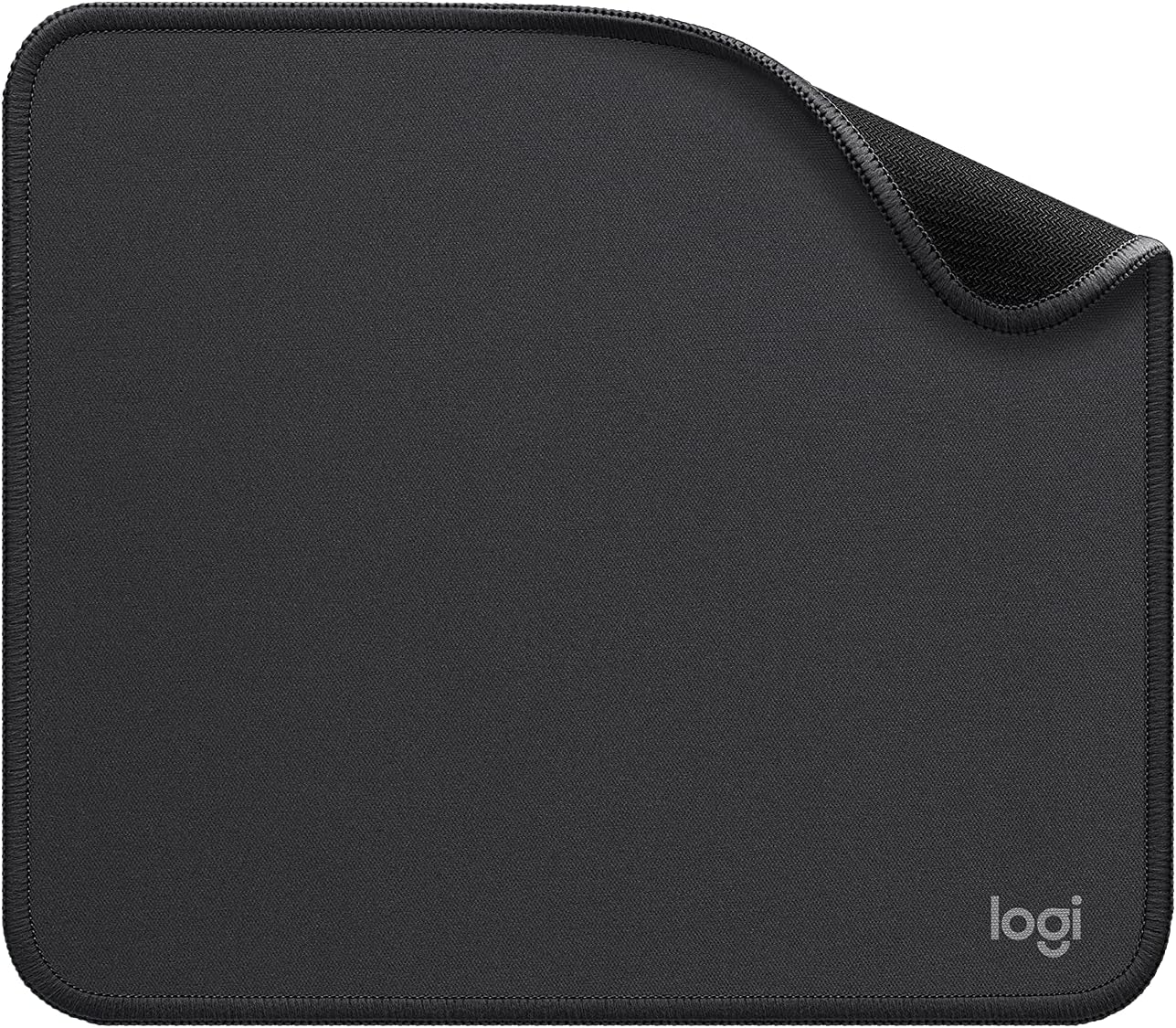
Give the mouse its own surface
Logitech Studio Series Mouse Pad
The graphite cloth pad sits beside the keyboard and can help on a rough desktop. Measure the open area beyond the number pad before adding it.