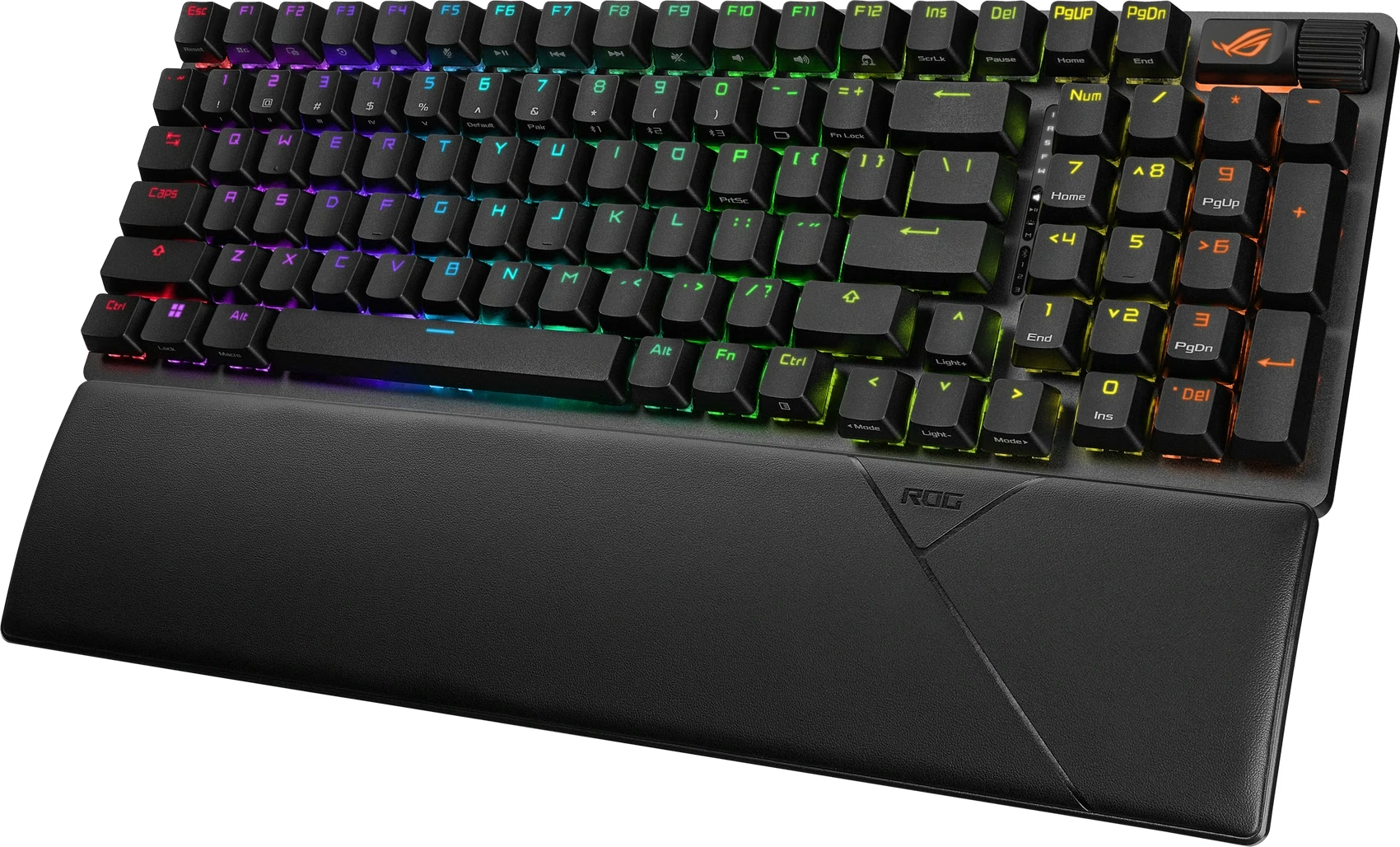
 The number pad stays. Narrow gaps between key groups keep the body shorter than a conventional full-size board.
KeyboardsKeyboards
Keep the number pad. Bring the mouse closer.
ASUS ROG Strix Scope II 96 Wireless
Black · ROG NX Snow linear switches · detachable wrist rest
Buyer feedback ↓The Scope II 96 Wireless puts its number pad beside the letter keys with hardly any empty space between them. It is a convincing game-and-spreadsheet keyboard if your right hand can learn the new landmarks.
- 377 × 40 × 131 mmL × H × WKeyboard on its base.≈ 4.4 × 0.47 × 1.5 bank-card lengths
- 96%LayoutDedicated number pad, physical function row, arrow keys and a narrower numpad zero.
- ROG NX SnowSwitch setPre-lubed linear mechanical switches. This is the Snow option, not the clicky Storm.
- USB, 2.4 GHz, BluetoothConnectionThe package includes the wireless receiver, a USB extender and a braided cable.
Amazon US · Black · ROG NX Snow linear switches · detachable wrist rest · Affiliate link
THE QUICK TAKE
Is it right for you?
Choose this layout if a number pad earns its desk space every day. The short body keeps the mouse closer without making you hold a function key to enter figures. The NX Snow switches give a smooth stroke, and the wrist rest, receiver and cable are already in the box.
Check your right-hand muscle memory before buying. A narrow keypad zero, tightly grouped function keys and an arrow next to right Shift can slow you down at first. If you want to tune the trigger depth of each key for games, choose a Hall-effect keyboard.
01 / BUYING NOTES
Before you buy.
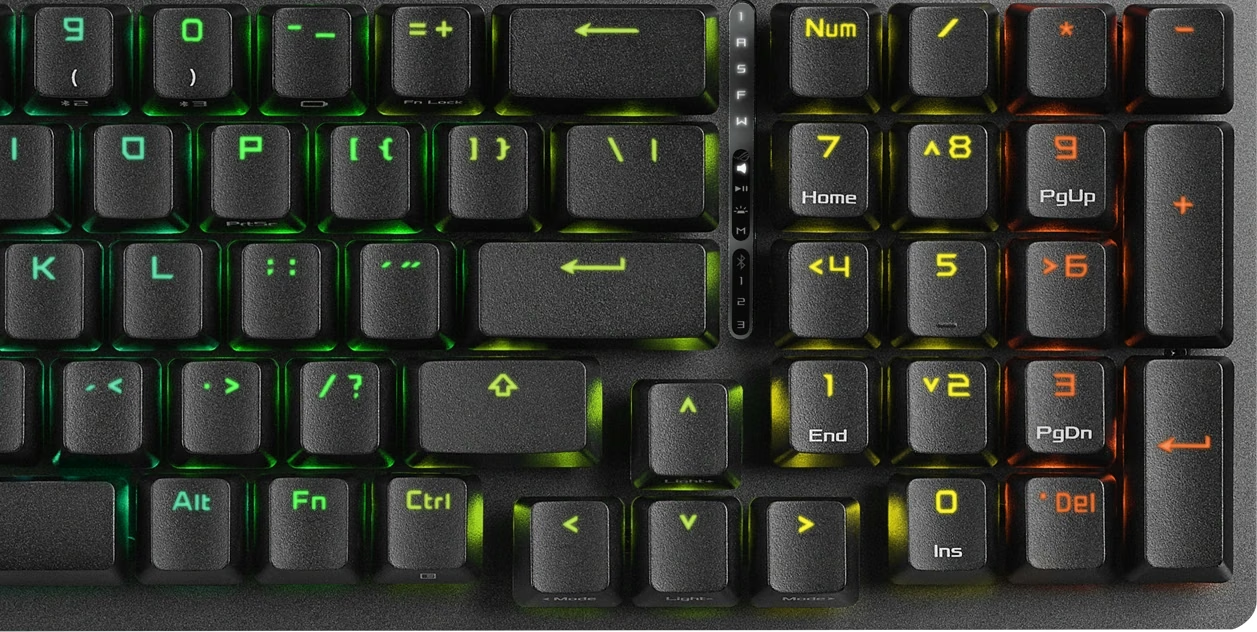
What changes at the number pad?
There is still a physical number pad for quantities and spreadsheet entry. Its narrower zero key and the reduced gap beside the arrows change the targets your thumb and little finger expect. One long-time number-pad user reported hitting an arrow while reaching for right Shift. Look at this corner if you normally type numbers without looking down.
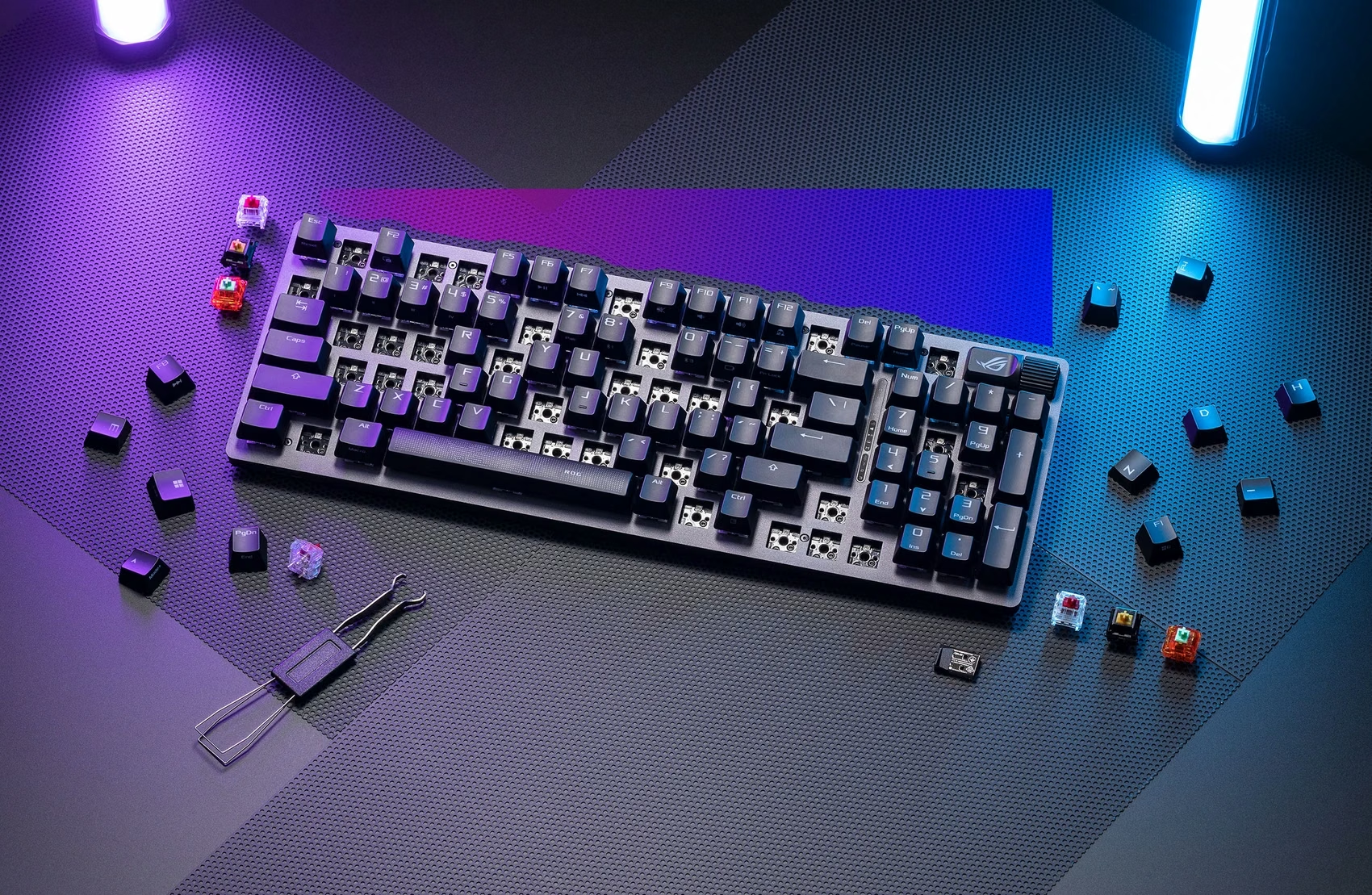
What does NX Snow feel like?
This version uses a conventional linear switch with a fixed actuation point. The smooth stroke is a good fit for someone who types as much as they play. The sockets let you replace compatible mechanical switches, and ASUS includes a combined switch and keycap puller. For adjustable actuation you need a magnetic board such as the K2 HE.
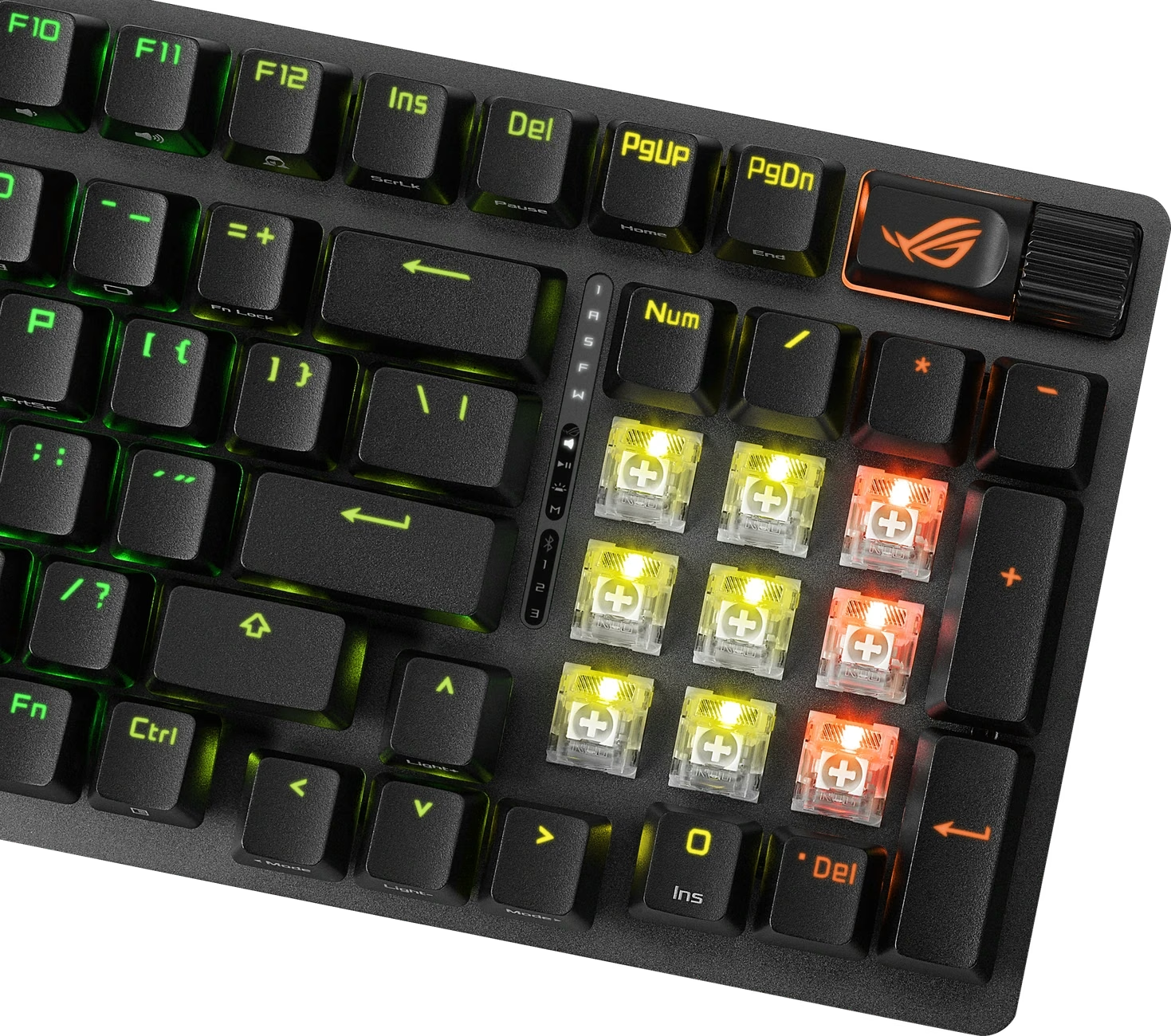
Reach for the roller before opening software.
The ROG button beside the roller cycles its job. Use the same physical control for volume, media or lighting, then check the small mode indicators in the gap before the number pad. ASUS reserves deeper customization for Armoury Crate. That matters if you use a work computer where you cannot install software.
ROG Scope II 96 Wireless features ↗ · ASUS US technical specifications and package contents ↗ · Tom’s Hardware NX Snow review ↗ · Tom’s Guide NX Snow review ↗ · Observed Amazon US listing ↗
02 / AMAZON REVIEWS
The buyers’ view.
Pros
- Several Snow-switch owners liked the smooth keystroke, including people who used the board for both work and games.
- Two owners found the included wrist rest comfortable on longer sessions.
What buyers like
- keyboard quality237
- sound quality76
- feel69
- switch customizability60
- battery life58
- Size57
- build quality56
Mixed feedback
- wireless connectivity52
The small numbers are review mentions. Topics and sentiment are from Amazon’s customer-review overview.
Amazon US · Checked . Ratings may include other colors and sizes.
View source ↗03 / REVIEWS & VIDEO
See it in use.
See how it works, then read the findings behind the buying advice.
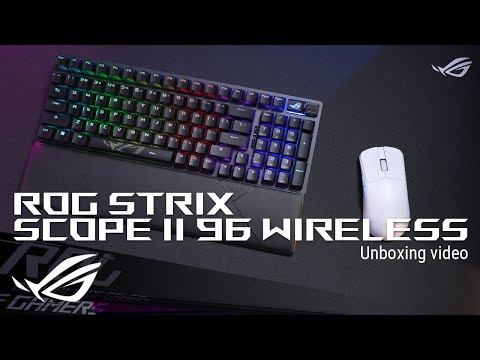
ROG Strix Scope II 96 Wireless – Unboxing Video | ROG
The manufacturer shows package contents at 0:42, the multifunction control at 1:41 and NX Snow switches at 4:25. The later Storm segment covers a different switch option.
Watch on YouTube ↗The ROG video identifies the supplied parts and controls. The two independent reviews describe what the Snow switches feel like in use.
Read 2 written sources Product scope is labeled · key findings in bold
The reviewer liked the smooth linear typing feel and the included padded rest. They found the compact arrangement practical and described how the roller changes jobs when paired with the ROG button.
The reviewer found the stabilized spacebar and Shift keys quick to return after a press. The Snow switches also made the board comfortable to type on away from games.
04 / COMPARE
Different priorities.
Choose the tradeoff that fits how you will use it.
Swipe to see every alternative →
THIS GUIDEASUS ROG Strix Scope II 96 WirelessBlack · ROG NX Snow linear | 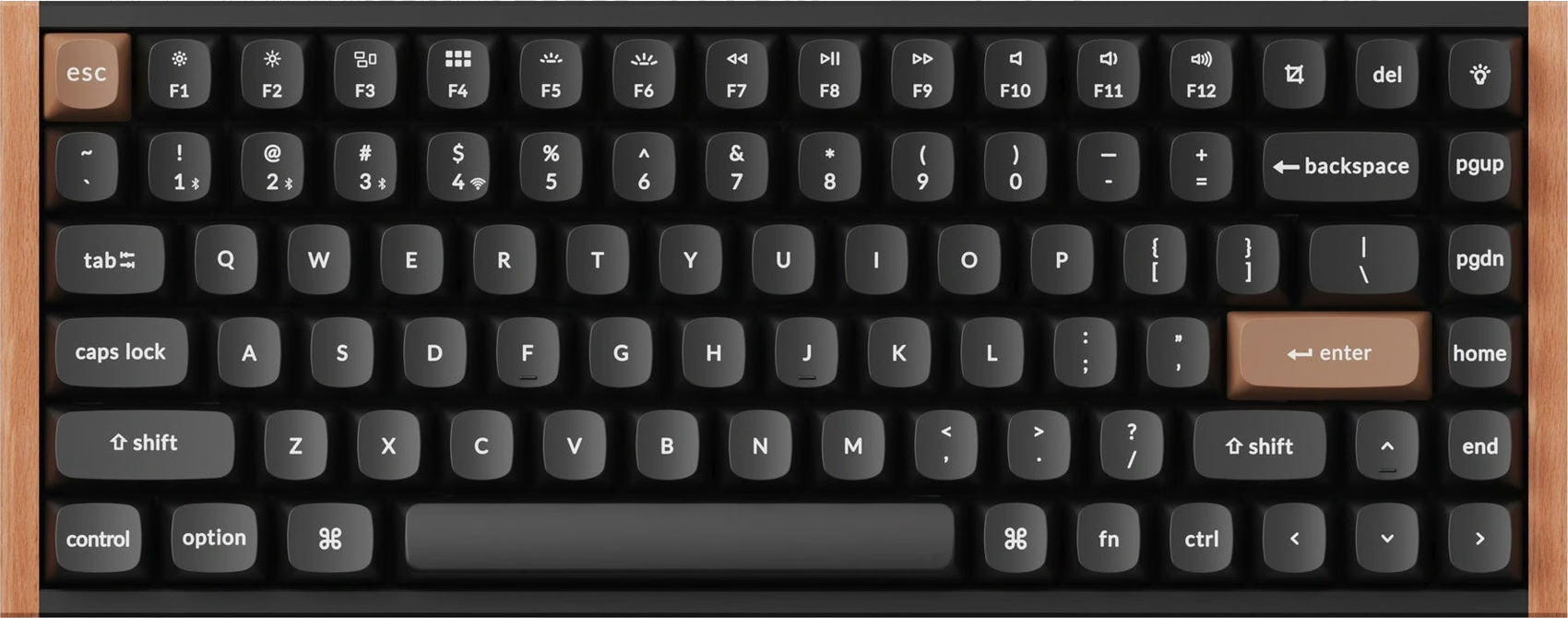 ALTERNATIVE Keychron K2 HEBlack Special Edition · K2H-F1 | 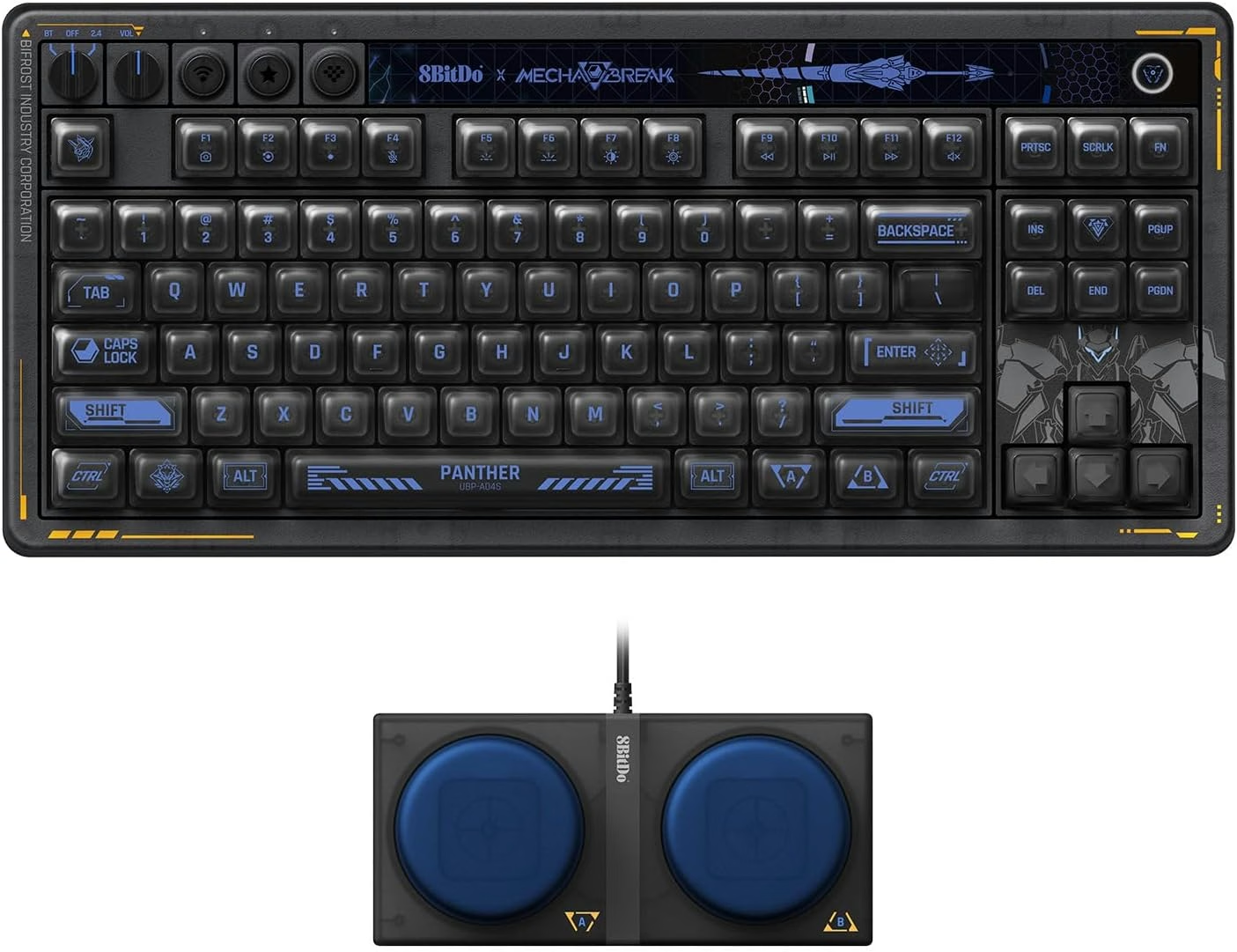 ALTERNATIVE 8BitDo Retro 87 TKLPANTHER edition · 87 keys | |
|---|---|---|---|
| Amazon price | $109.99 | $111.99 | $86.61 |
| Keys on the desk | Almost full-size. Keeps the number pad and arrows. | 75% with arrows and a physical function row. | Physical function row, arrows and a separate navigation cluster. |
| How a press registers | Hot-swappable contact switches. The press point stays fixed. | Double-rail magnetic switches with per-key actuation. | Linear mechanical switches and two external programmable Super Buttons. |
| How it connects | USB-C, 2.4 GHz receiver or Bluetooth. | USB-C, 2.4 GHz receiver or Bluetooth. | USB, 2.4 GHz receiver or Bluetooth. |
| Explore | Read buying guide →Source ↗ | Read buying guide →Source ↗ | Read buying guide →Source ↗ |
About these everyday comparisons
Approximate comparisons to familiar objects: a bank card’s 3.37-inch long edge, a Letter sheet’s 11-inch long edge, or a US nickel’s 21.21 mm diameter / 5 g weight. Water comparisons exclude the container’s weight. Capacity comparisons describe volume, not exterior size or how food fits. Reference pictures identify the object; use the labeled ratio for the comparison.
05 / PRICE HISTORY
The price over time.
ASUS ROG Strix Scope II 96 Wireless · Black · ROG NX Snow linear switches · detachable wrist rest · Amazon US

The chart legend identifies Amazon and new-offer prices when available. New offers can include marketplace sellers. Coupons, shipping and size/color selections can change the final price. Blank periods are missing observations, not a zero price.
06 / RELATED FINDS
A useful extra.
For the way you plan to use it.
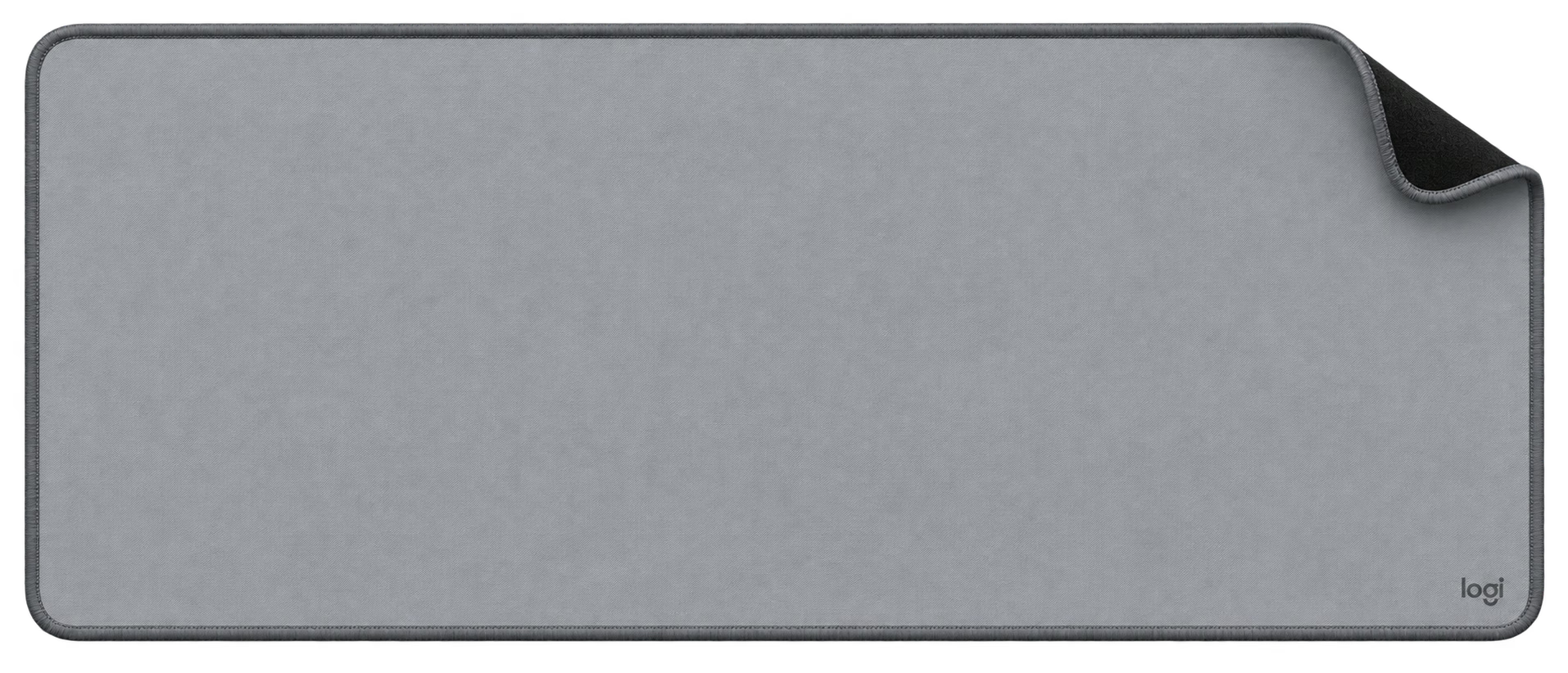
Put the number pad and mouse on one cloth surface.
Logitech Studio Series Desk Mat
The 70 cm-wide Logitech desk mat fits under the 37.7 cm keyboard, with roughly 32 cm of width left for a mouse when the board sits flush on one side. Leave extra desk depth for the included wrist rest.