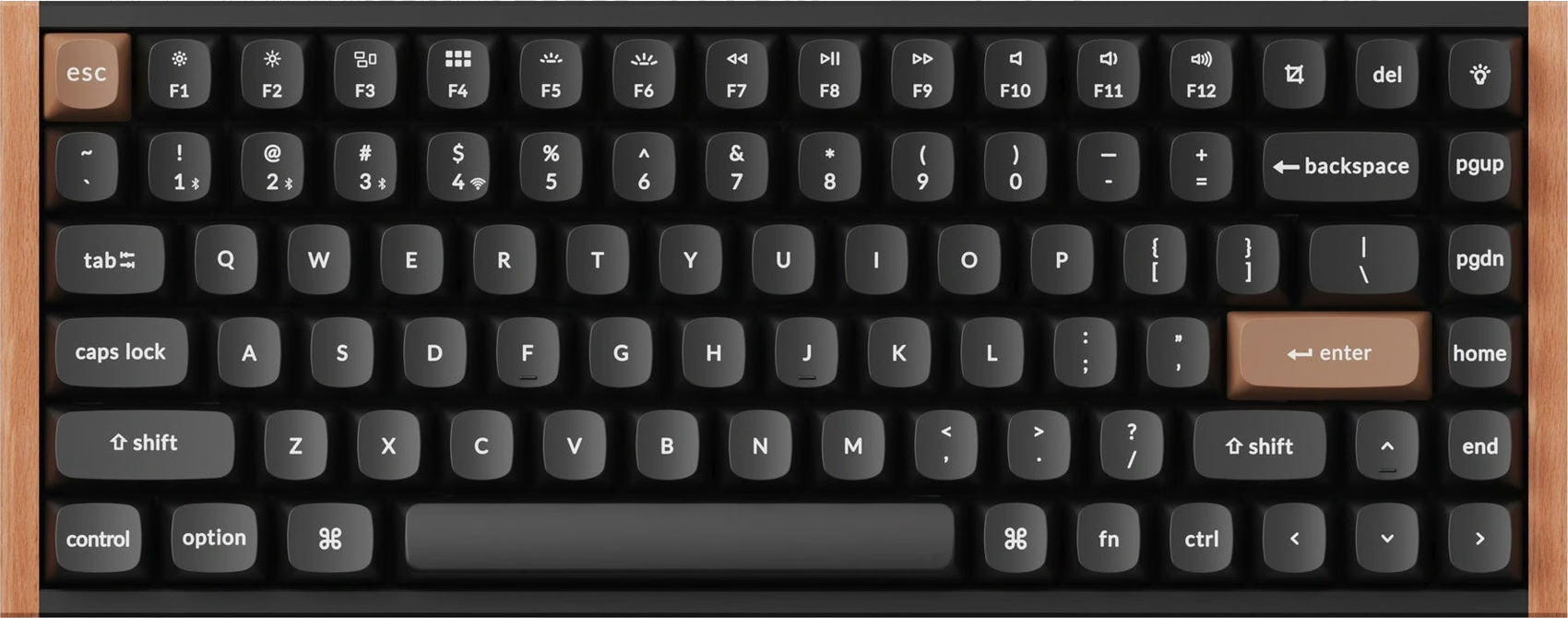
 The US Special Edition keeps the top function row, four arrows and a narrow navigation column.
KeyboardsKeyboards
One keyboard, two different trigger settings.
Keychron K2 HE Special Edition
K2H-F1 · black with dark wood side rails · US layout
Buyer feedback ↓Keep a physical function row for work and give the movement keys a lighter touch for games. The black K2 HE pairs that flexibility with dark wood rails, three connection modes and key legends that stay opaque at night.
- 320.5 × 40.7 × 126.7 mmL × H × WKeyboard on its base.≈ 3.7 × 0.48 × 1.5 bank-card lengths
- 75%LayoutFunction row and arrows included. No number pad.
- 0.2–3.8 mmActuationKeychron specifies this adjustable range in Launcher.≈ 0.01–0.18 nickel diameters
- Three modesConnectionsUse the cable or 2.4 GHz receiver for 1,000 Hz polling. Bluetooth pairs with up to three devices.
Amazon US · K2H-F1 · black with dark wood side rails · US layout · Affiliate link
THE QUICK TAKE
Is it right for you?
Choose the K2 HE when a single desk serves a work laptop and a gaming PC. The function row keeps shortcuts familiar, Bluetooth can remember three devices, and the receiver or cable suits fast games. The strongest reason to pay for Hall effect is being able to change how individual keys register.
Look closely at the caps if you work in low light. Backlighting surrounds the keys on the wood-trimmed Special Edition. For a broader choice of tactile or clicky switches, a conventional mechanical keyboard also gives you more room to experiment.
01 / BUYING NOTES
Before you buy.
Which switches will actually fit?
The sensor reads a magnet moving inside each switch. If a key feels too sensitive, first change its actuation point in software. For a different spring feel, Keychron specifies compatible Gateron double-rail magnetic switches. Standard MX contact switches and other magnetic switch families cannot be assumed to work.
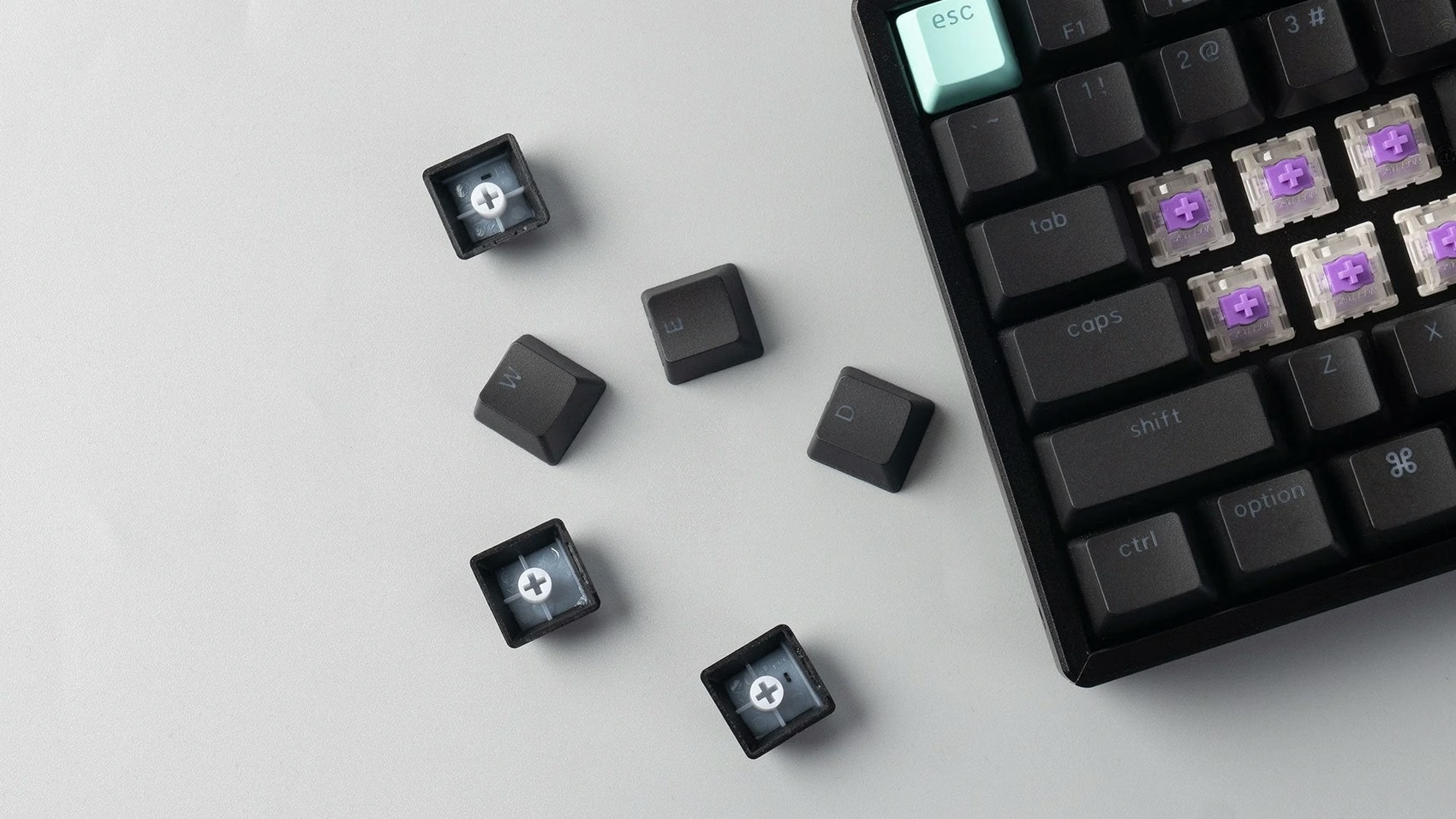
Give games and typing different settings.
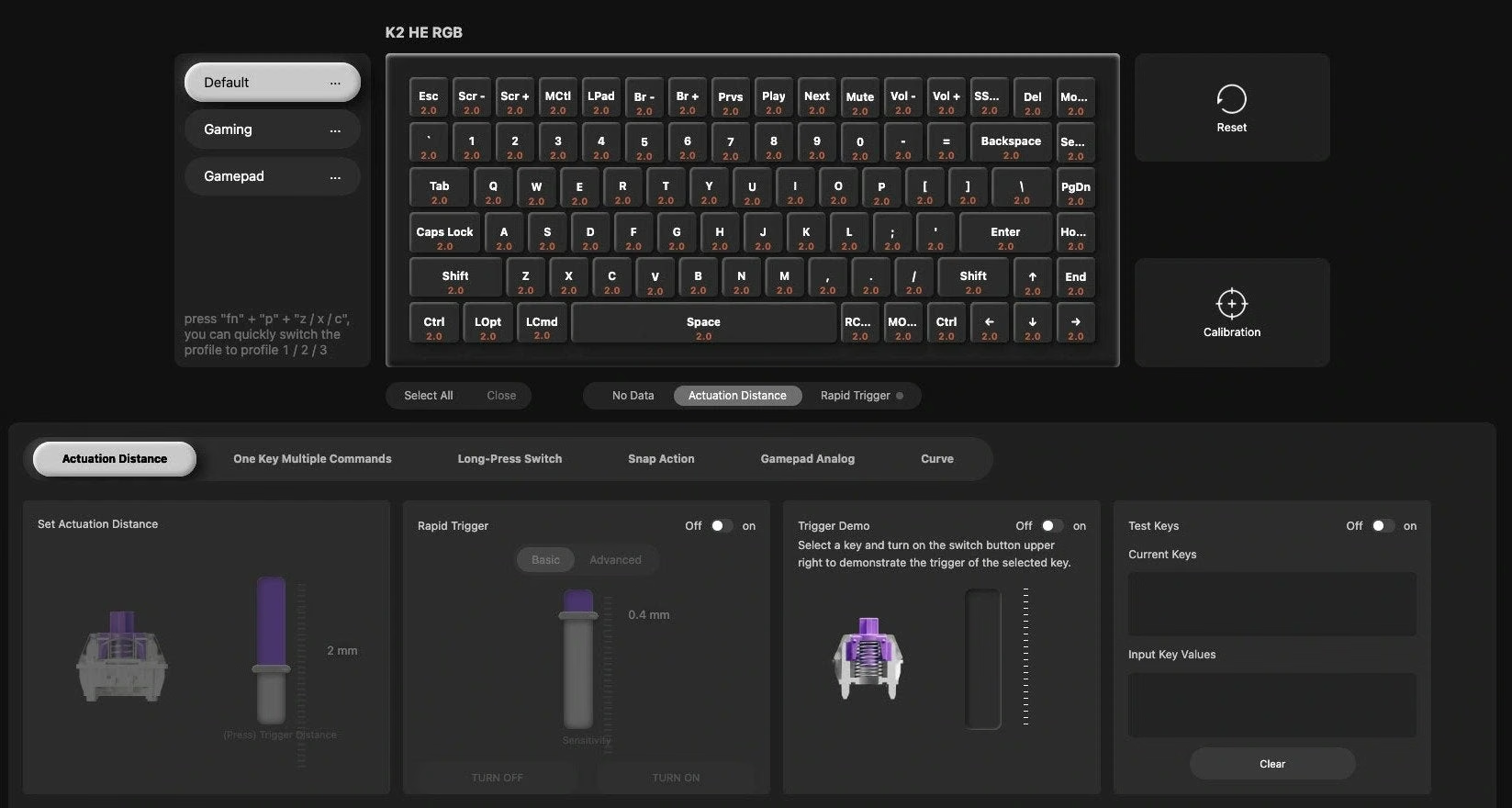
Connect the board by USB to configure it in Keychron Launcher. Try a shorter trigger on movement keys and a deeper trigger on letters where you tend to rest your fingers. Rapid Trigger lets small releases reset a key. The physical Mac/Windows switch is useful if the desk doubles as a laptop workstation.
Can you read the legends after dark?
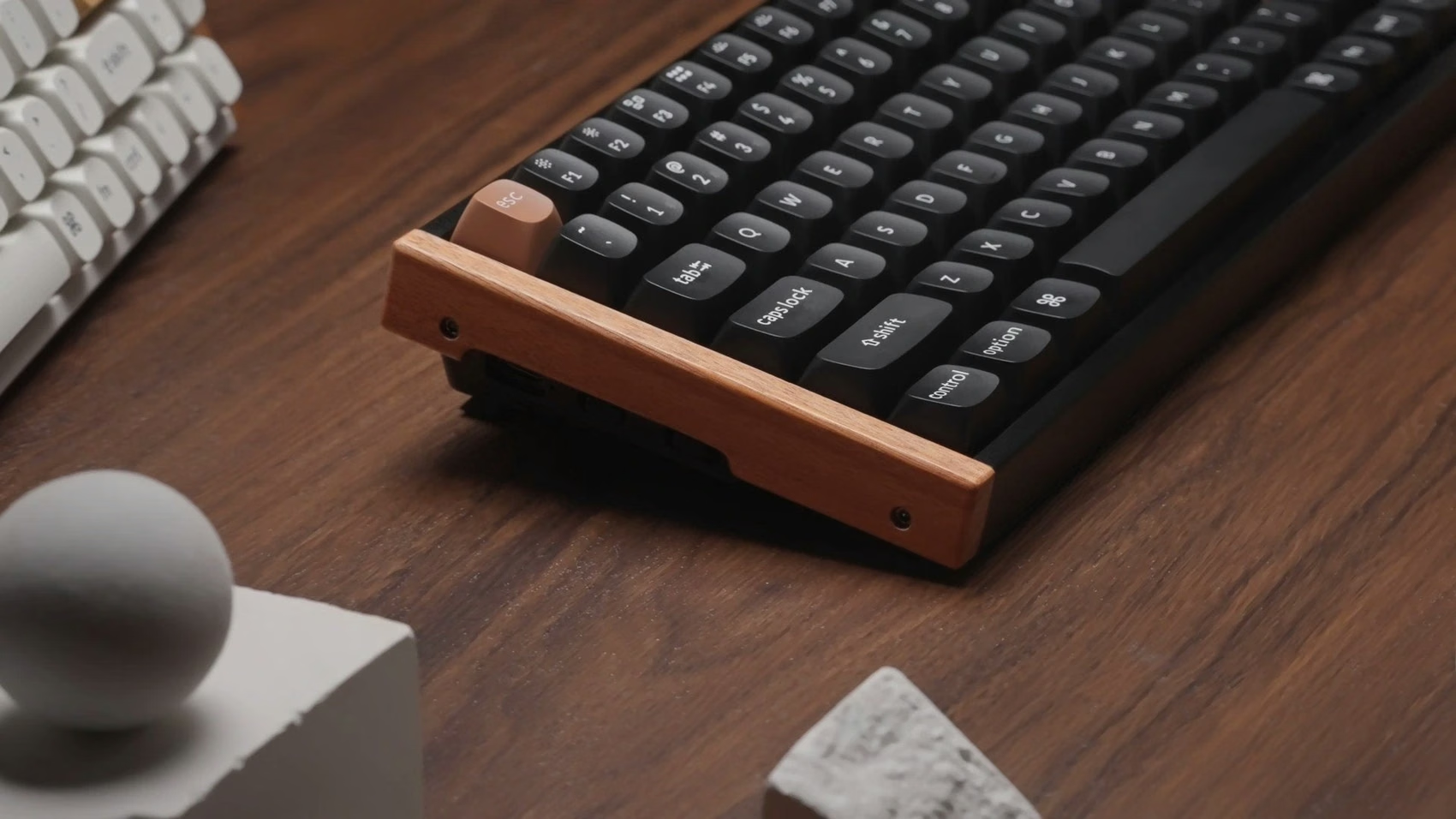
On the black Special Edition the RGB glows around opaque double-shot caps. It does not light up the printed letters. Keychron gives the Standard model different shine-through caps. For a dark room where you need to look for shortcuts, the difference matters more than the color of the frame.
Keychron K2 HE editions and specifications ↗ · Keychron setup guide and hardware details ↗ · PCWorld’s Special Edition test ↗ · PC Gamer’s K2 HE test ↗ · Observed Amazon US listing ↗
02 / AMAZON REVIEWS
The buyers’ view.
Pros
What buyers like
- keyboard quality136
- keyboard feel75
- sound quality61
- Appearance46
- build quality38
Mixed feedback
- connectivity59
- reliability51
- Value for money47
The small numbers are review mentions. Topics and sentiment are from Amazon’s customer-review overview.
Amazon US · Checked . Ratings may include other colors and sizes.
View source ↗03 / REVIEWS & VIDEO
See it in use.
See how it works, then read the findings behind the buying advice.
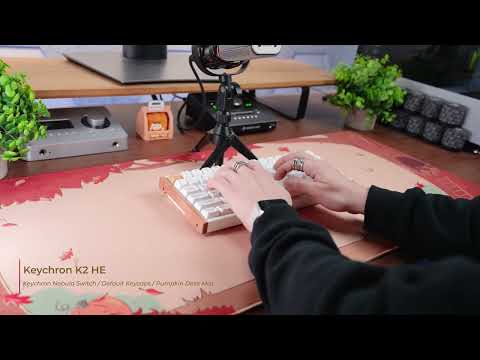
Keyboard Sound Test: Keychron K2 HE (Special Wood Edition)
Kinetic Labs recorded the Special Edition for listeners comparing key sounds. Desk surface, room and microphone can change what you hear.
Watch on YouTube ↗Hear a Special Edition typing sample, then read hands-on accounts of the wireless connection and switch feel.
Read 2 written sources Product scope is labeled · key findings in bold
PCWorld found the keyboard stable and the wireless device switching reliable. The reviewer liked using the web configurator but flagged the tall case and limited pool of replacement switches.
The tester felt little wobble in the magnetic switches and heard no distracting case rattle. Their white review unit used lighter-colored trim. They also found few compatible switch alternatives.
04 / COMPARE
Different priorities.
Choose the tradeoff that fits how you will use it.
Swipe to see every alternative →
THIS GUIDEKeychron K2 HEBlack Special Edition · K2H-F1 | 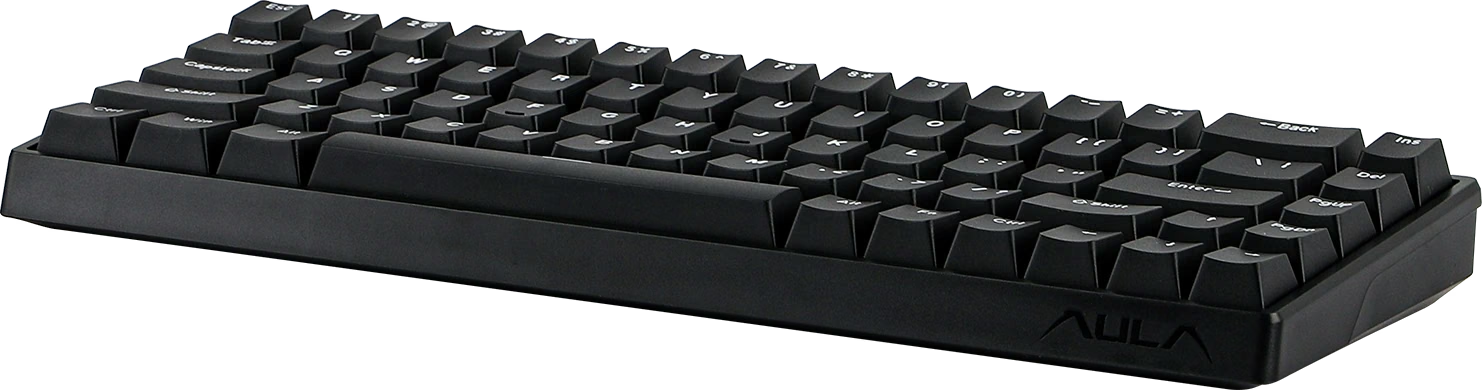 ALTERNATIVE AULA WIN68 HEStandard · Black · Graywood magnetic | 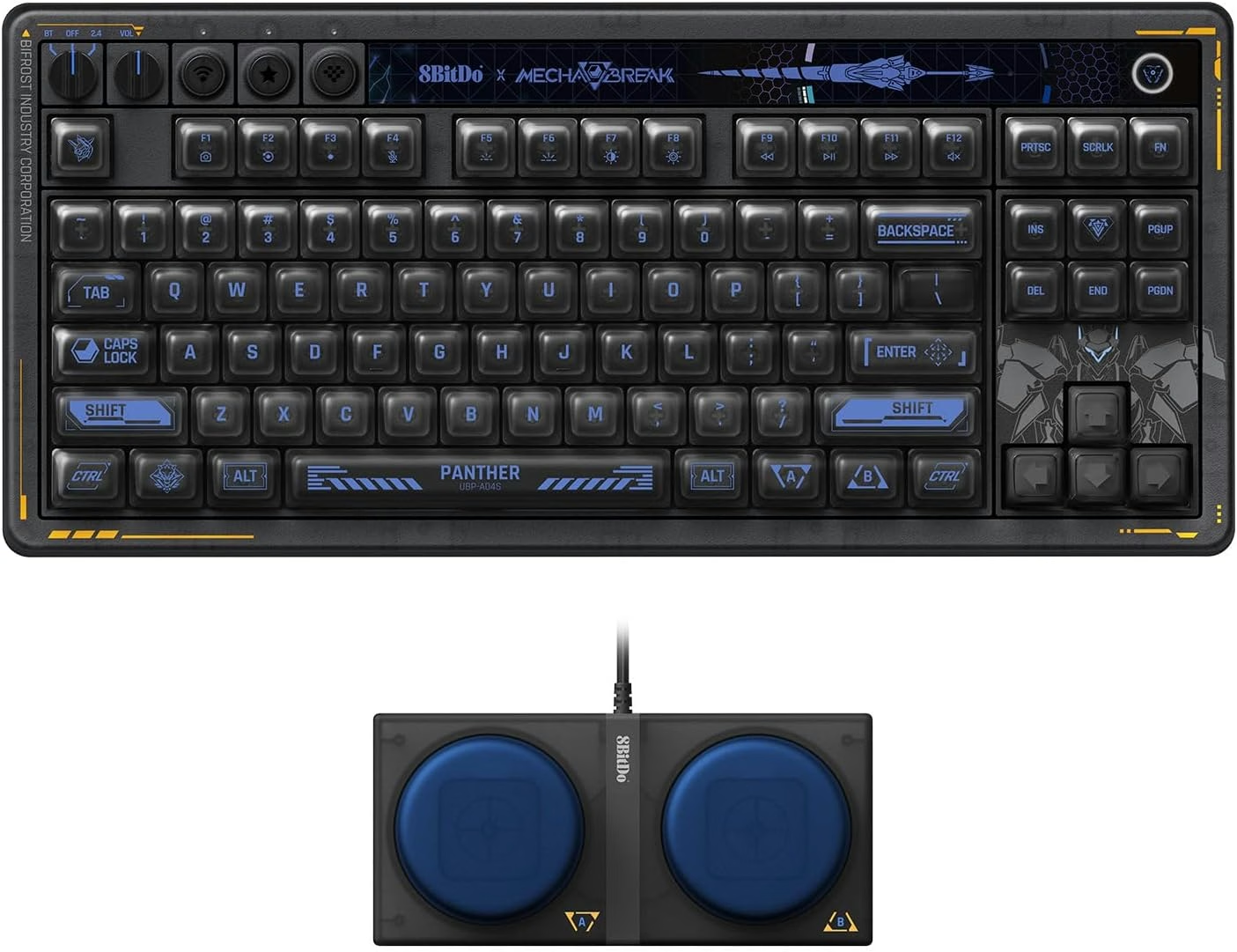 ALTERNATIVE 8BitDo Retro 87 TKLPANTHER edition · 87 keys | |
|---|---|---|---|
| Amazon price | $111.99 | $36.79 | $86.61 |
| Keys on the desk | 75% with arrows and a physical function row. | 68 keys with dedicated arrows. The function row is on a layer. | Physical function row, arrows and a separate navigation cluster. |
| How a press registers | Double-rail magnetic switches with per-key actuation. | Magnetic switches with adjustable actuation and Rapid Trigger. | Linear mechanical switches and two external programmable Super Buttons. |
| How it connects | USB-C, 2.4 GHz receiver or Bluetooth. | USB-C cable only. | USB, 2.4 GHz receiver or Bluetooth. |
| Explore | Read buying guide →Source ↗ | Read buying guide →Source ↗ | Read buying guide →Source ↗ |
About these everyday comparisons
Approximate comparisons to familiar objects: a bank card’s 3.37-inch long edge, a Letter sheet’s 11-inch long edge, or a US nickel’s 21.21 mm diameter / 5 g weight. Water comparisons exclude the container’s weight. Capacity comparisons describe volume, not exterior size or how food fits. Reference pictures identify the object; use the labeled ratio for the comparison.
05 / PRICE HISTORY
The price over time.
Keychron K2 HE Special Edition · K2H-F1 · black with dark wood side rails · US layout · Amazon US

The chart legend identifies Amazon and new-offer prices when available. New offers can include marketplace sellers. Coupons, shipping and size/color selections can change the final price. Blank periods are missing observations, not a zero price.
06 / RELATED FINDS
A useful extra.
For the way you plan to use it.
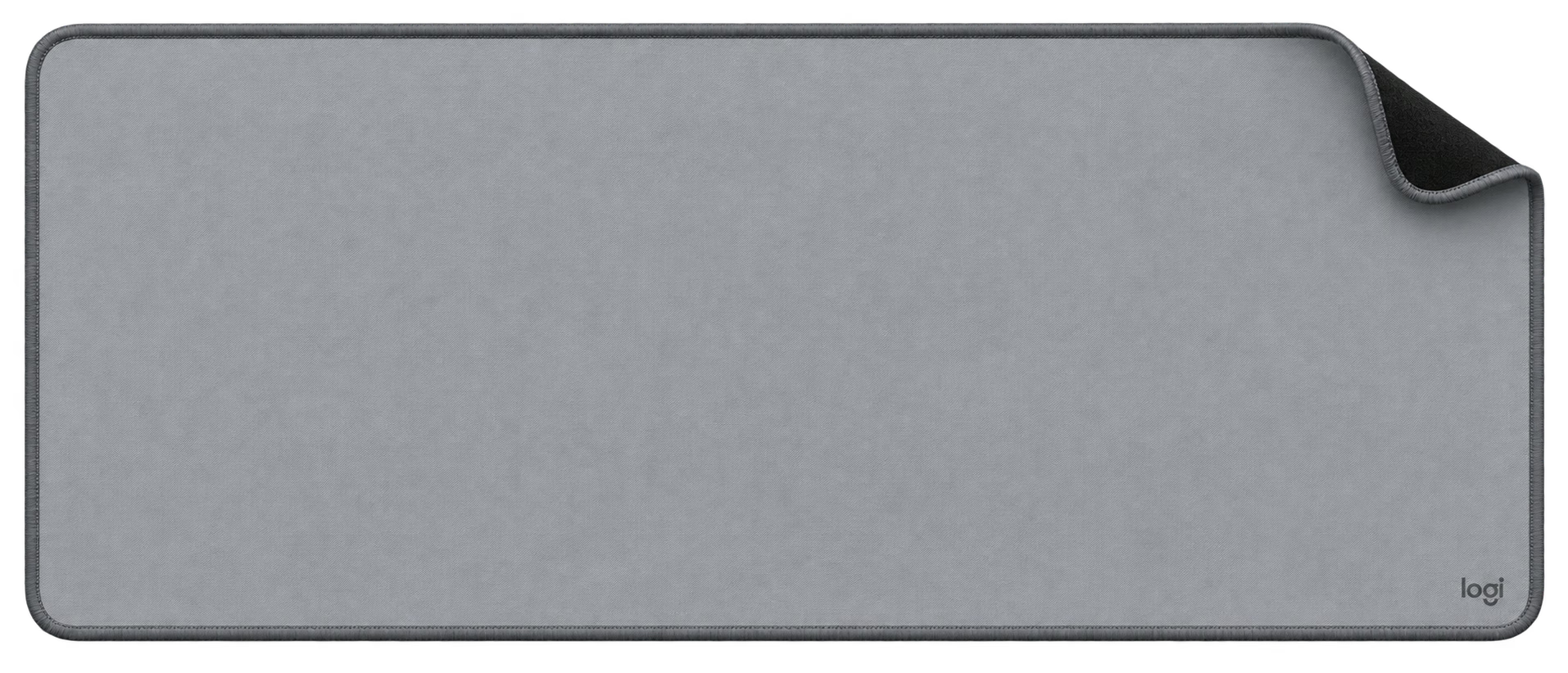
Give the keyboard and mouse one shared work surface.
Logitech Studio Series Desk Mat
This mid-gray Logitech desk mat spans 70 cm. With the K2 HE at its left, the rest of the mat can serve the mouse. A desk mat changes the contact surface under the keyboard. It does not raise the palm to the tall front edge.