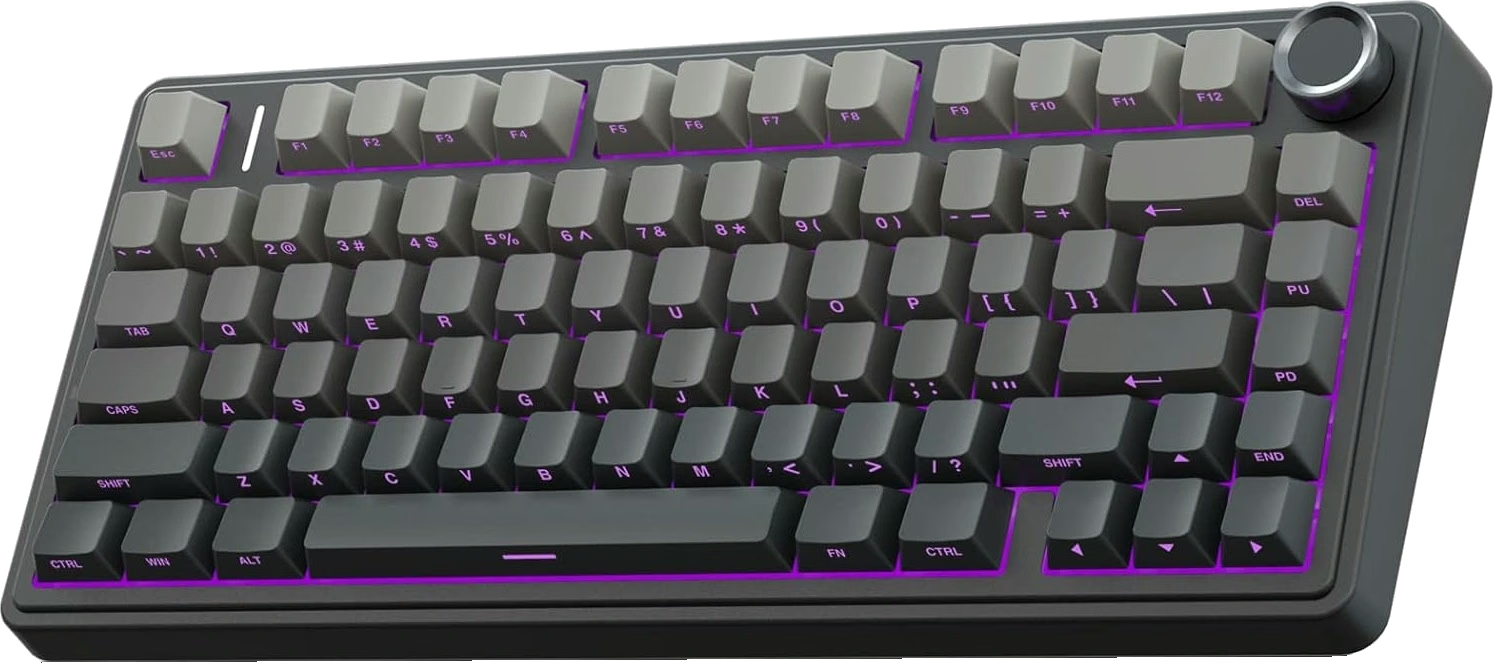
 From this angle the illuminated letters sit just below the top of each key.
Mechanical keyboardsKeyboards
Look at the front of the keys.
AULA F75 Pro
Gradient Black · pre-lubed Reaper linear switches · side-printed PBT keycaps
Buyer feedback ↓On the black F75 Pro, the letters glow on the edges facing you. Its cushioned Reaper switches and compact arrow cluster make it a distinctive typing board, provided you like where those legends sit.
- 12.7 × 1.7 × 5.64 inL × H × WKeyboard laid flat, including keycaps.≈ 3.8 × 0.5 × 1.7 bank-card lengths
- 75% with a dialLayoutDedicated arrows and function row; no number pad.
- Reaper linearSwitchesPre-lubed mechanical switches in hot-swap sockets.
- Three modesConnectionsUSB-C, Bluetooth or the 2.4 GHz receiver.
Amazon US · Gradient Black · pre-lubed Reaper linear switches · side-printed PBT keycaps · Affiliate link
THE QUICK TAKE
Is it right for you?
Choose it for the stock switches as much as the lights. Several owners of the black Reaper board liked its sound and key travel straight out of the box. The volume knob and function row make it easier to move from typing to games without adding a separate controller.
Try reading a front-face legend from your seat. A high chair or low keyboard tray changes the viewing angle. If you frequently look down to find symbols, top-printed caps may be an easier fit. A number pad also means buying a separate device or choosing a larger layout.
01 / BUYING NOTES
Before you buy.
Read a whole row from your chair
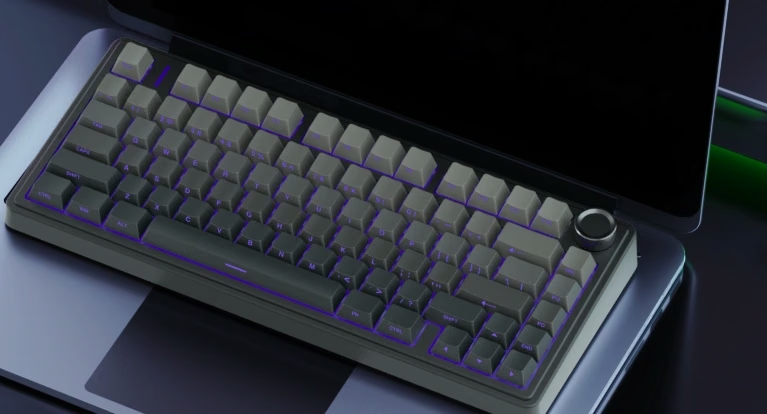
Viewed from your normal typing position, the front faces catch the south-facing RGB. Viewed straight down, the tops look almost blank. The arrows and function row stay on the board, but the right-hand navigation keys are stacked in a short column. Anyone who jumps between Home and End all day should look closely at this corner.
Can the F75 Pro use magnetic switches?
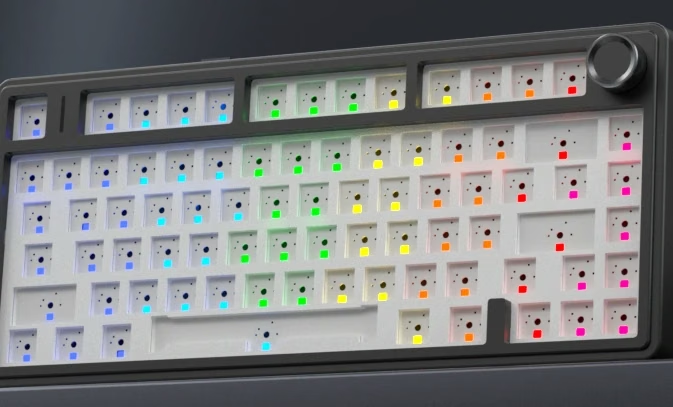
No. The F75 Pro has sockets for conventional three- and five-pin mechanical switches. Hall effect switches need a magnetic sensor that this board lacks. The included Reapers have a smooth, linear stroke. To change the feel, pull a Reaper and install a compatible mechanical switch without soldering. The gasket-mounted plate and sound damping stay in place.
Pick the connection before switching desks
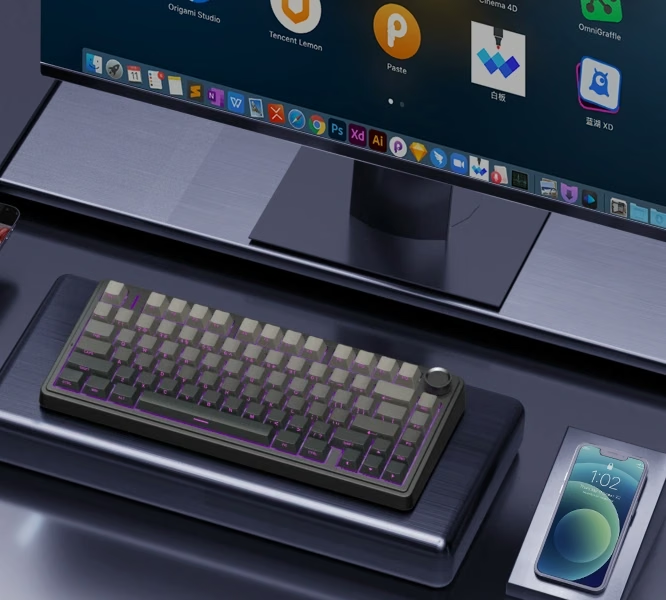
A rear selector changes the connection mode. The USB cable gives you a straightforward wired setup and charges the battery. The supplied receiver keeps Bluetooth pairing free for another screen. If a laptop only has USB-C ports, check the receiver connection or use Bluetooth.
AULA F75 Pro and switch options ↗ · AULA dimensions and connections ↗ · Sypnotix F75 Pro test ↗ · KeyboardBench switch and socket guide ↗ · Amazon US product and buyer reviews ↗
02 / AMAZON REVIEWS
The buyers’ view.
Pros
- Two owners liked switching between work and play devices; one moved directly between a home PC and a work iPad.
- Several owners liked the cushioned, smooth keystroke with the factory switches still installed.
What buyers like
- sound quality405
- Value for money173
- smoothness107
- connectivity88
- color options62
- typing experience62
- weight62
Mixed feedback
- reliability127
The small numbers are review mentions. Topics and sentiment are from Amazon’s customer-review overview.
Amazon US · Checked . Ratings may include other colors and sizes.
View source ↗03 / REVIEWS & VIDEO
See it in use.
See how it works, then read the findings behind the buying advice.

AULA F75 Pro Mechanical Keyboard Review: Black Pink In Your Desk Area
Watch the same side-legend layout and knob on the reviewer’s different colorway.
Watch on YouTube ↗Video and written sources are labeled by creator and tested scope. Manufacturer demonstrations explain use; they are not independent tests. No in-house hands-on testing is claimed.
Read 2 written sources Product scope is labeled · key findings in bold
The reviewer found the illuminated legends legible from their seated angle and liked the textured cap tops after long sessions. That is a useful point of comparison if you type with the board raised.
The author found the stock Reapers smooth enough to leave in place and identified compatibility with both three-pin and five-pin mechanical replacements. The first upgrade can wait until you know which key feel you want.
04 / COMPARE
Different priorities.
Choose the tradeoff that fits how you will use it.
Swipe to see every alternative →
THIS GUIDEAULA F75 ProGradient Black · pre-lubed Reaper linear switches · side-printed PBT keycaps | 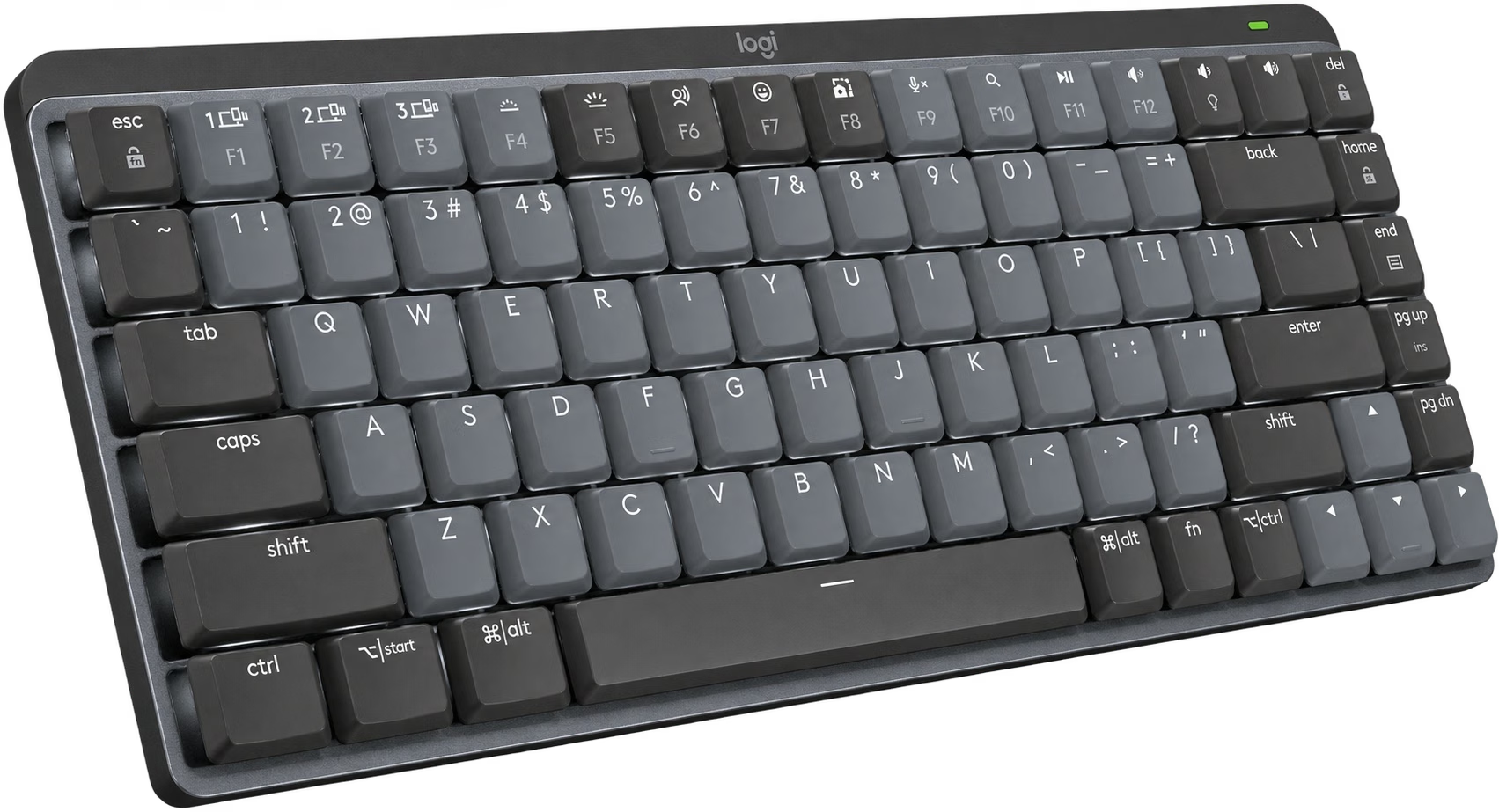 ALTERNATIVE Logitech MX Mechanical Mini Frequently returned on AmazonGraphite · Tactile Quiet · standard Windows/Mac layout | |
|---|---|---|
| Amazon price | $61.74 | $129.99 |
| Typing feel | Reaper linears with smooth travel and a cushioned mount. | Low-profile Tactile Quiet switches give a bump during travel. |
| Layout | Raised front-printed keys, arrows, a function row and a dial. | Compact top-printed work layout with a function row; no number pad. |
| Customization | Pull out a switch and replace it without soldering. | Change shortcuts in Logi Options+. Stock switch choice is fixed. |
| Explore | Read buying guide →Source ↗ | Read buying guide →Source ↗ |
About these everyday comparisons
Approximate comparisons to familiar objects: a bank card’s 3.37-inch long edge, a Letter sheet’s 11-inch long edge, or a US nickel’s 21.21 mm diameter / 5 g weight. Water comparisons exclude the container’s weight. Capacity comparisons describe volume, not exterior size or how food fits. Reference pictures identify the object; use the labeled ratio for the comparison.
05 / PRICE HISTORY
The price over time.
AULA F75 Pro · Gradient Black · pre-lubed Reaper linear switches · side-printed PBT keycaps · Amazon US

The chart legend identifies Amazon and new-offer prices when available. New offers can include marketplace sellers. Coupons, shipping and size/color selections can change the final price. Blank periods are missing observations, not a zero price.
06 / RELATED FINDS
A useful extra.
For the way you plan to use it.
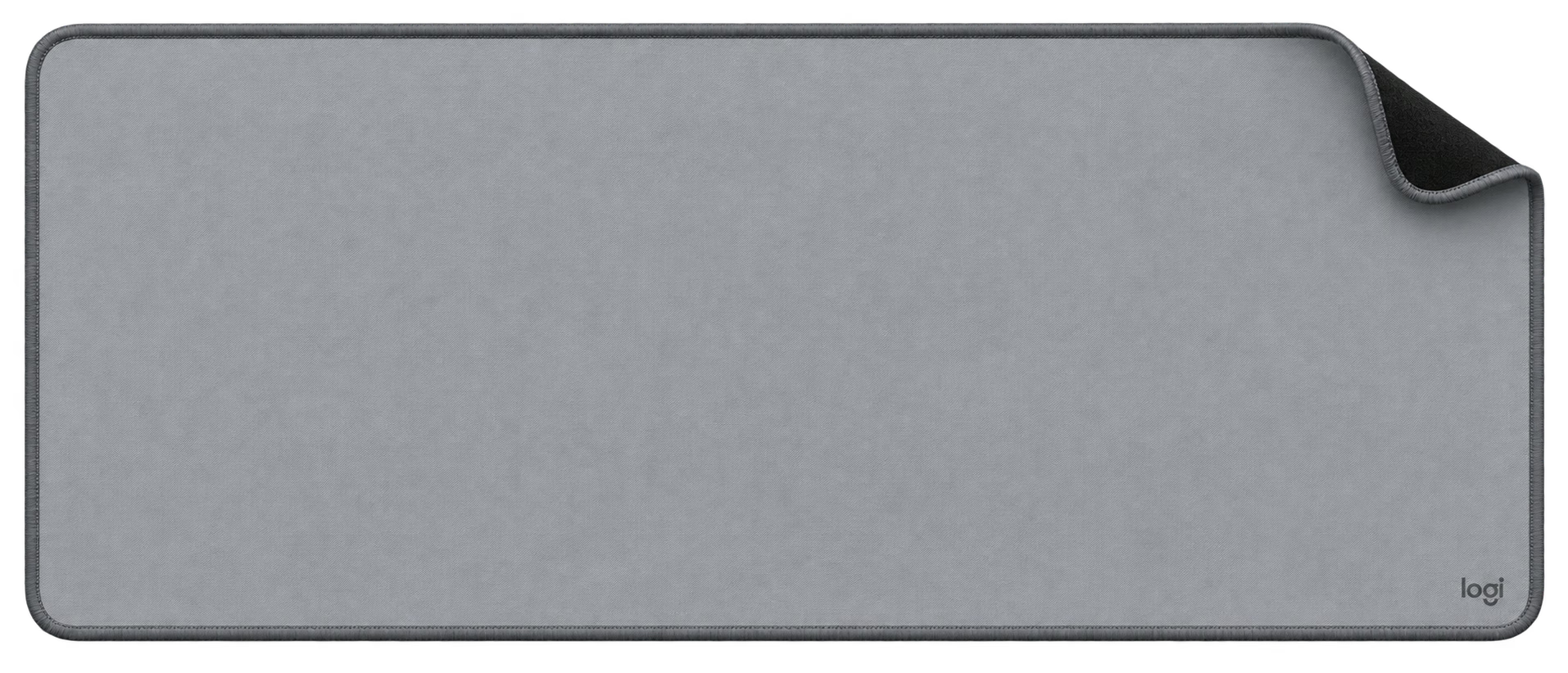
Keep the keyboard and mouse on the same cloth surface.
Logitech Studio Series Desk Mat
The Studio Series mat gives the mouse a fabric surface next to the compact keyboard. Its stitched edge and rubber base suit a fixed desk.