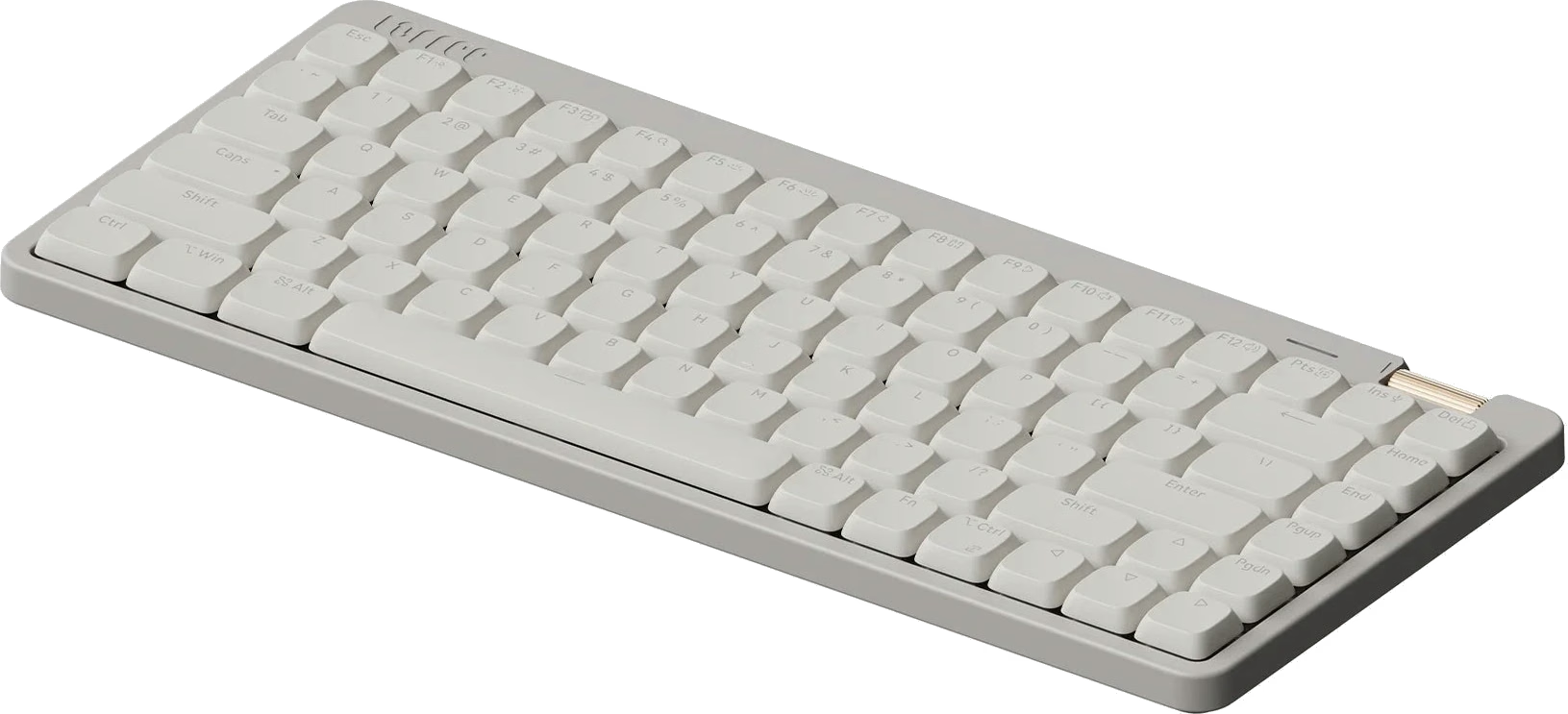
 The original Marble Lite84 combines a low plastic case with a roller above the navigation keys.
Low-profile mechanical keyboardsKeyboards
A shallow stroke with a little sound.
Lofree Flow Lite84
Marble · ANSI US · 84 keys · low-profile Specter linear switches
Buyer feedback ↓The Marble Flow Lite84 gives laptop typists a short reach to light mechanical keys, keeps the function row and adds a small metal volume roller. Its white backlight and compact arrows suit a typing desk.
- 316.8 × 23.5 × 138 mmL × H × WWhole 84-key keyboard, laid flat.≈ 3.7 × 0.27 × 1.6 bank-card lengths
- Specter linearSwitchesLofree and Kailh rate the stock switch at 40 gf.
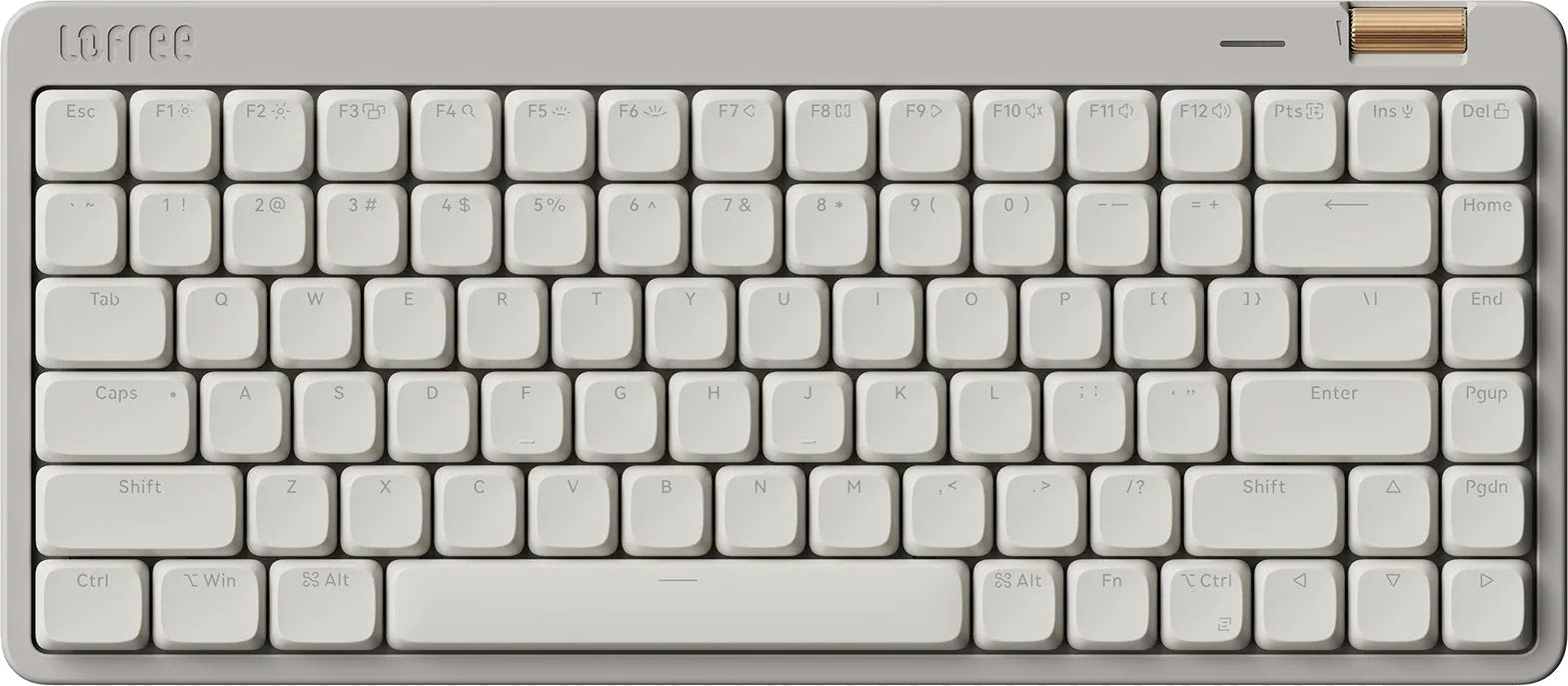
- 84 keysLayoutFunction row, arrows and a volume roller. No separate number pad.
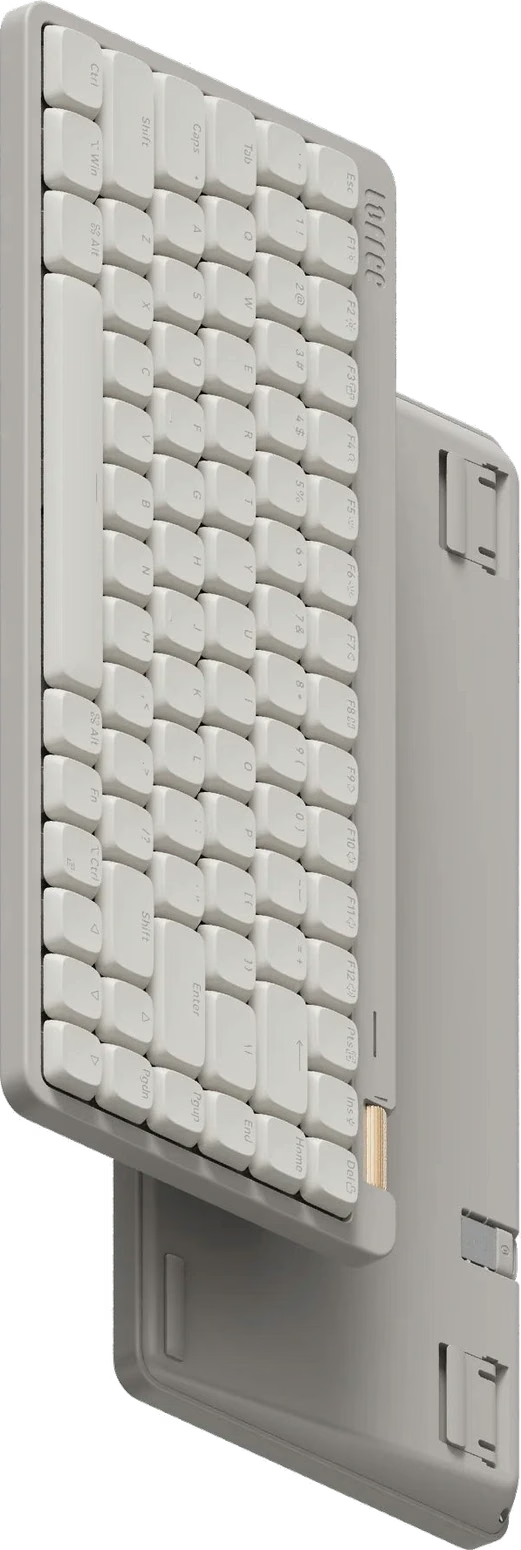
- Bluetooth, receiver, USB-CConnectionsThe small 2.4 GHz receiver stores on the underside.
$20.00 coupon Coupon price $79.99 $79 . 99 Terms
Amazon US · Marble · ANSI US · 84 keys · low-profile Specter linear switches · Affiliate link
THE QUICK TAKE
Is it right for you?
Choose the Flow Lite84 if tall mechanical keys feel like a climb. The short caps and light Specter springs give your fingers little resistance. Exact Marble buyers described a pleasant, audible keystroke and generally liked the subdued look. The roller gives volume a physical control even in this small layout.
Think about how you wake your keyboard. Some Marble owners used the receiver at a fixed desk to avoid Bluetooth wake delays. If you want a strong tactile bump or a numeric keypad built in, a different switch or layout is worth considering before you buy.
01 / BUYING NOTES
Before you buy.
What does a light linear switch feel like?
Specter switches press straight down without a deliberate bump. They suit people who like a shallow board but want to feel more movement than a laptop key offers. The stock switch still makes a sound at the bottom of the stroke. The silent Hades switch shown in some demos is sold separately.

Count the keys you use all day
The closely packed right edge keeps the arrows and a small navigation column. The small metal roller handles volume without a shortcut. If your work depends on a numeric keypad, this model leaves that block out. White backlighting shines through the legends; it does not offer multicolor effects.
Move from a laptop to a second desk
Fold the feet out for a steeper slope, and tuck the receiver back into the underside before traveling. Bluetooth leaves the computer’s USB port open. A cable offers another way to keep working while charging. For changing shortcuts, Lofree has a dedicated Flow Lite entry in its Download Center.
Lofree Flow Lite84 product and switch options ↗ · Lofree OE921 user manual filed with the FCC ↗ · Lofree software and manuals by keyboard model ↗ · Tom’s Guide Flow Lite84 typing test ↗ · Notebookcheck Flow Lite84 hands-on review ↗ · Amazon US product and buyer reviews ↗
02 / AMAZON REVIEWS
The buyers’ view.
Pros
What buyers like
- quality63
- sound quality43
- texture40
- design26
- typing experience23
Mixed feedback
- reliability31
- connectivity30
- Value for money28
The small numbers are review mentions. Topics and sentiment are from Amazon’s customer-review overview.
Amazon US · Checked . Ratings may include other colors and sizes.
View source ↗03 / REVIEWS & VIDEO
See it in use.
See how it works, then read the findings behind the buying advice.

LOFREE Flow LIte84【ショートレビュー】軽くて滑らかなタッチが最高すぎるロープロファイルキーボード《Specter & Hades タイピング音/BGMなし》
Listen for the stock Specter portion. The separate Hades switch is a quieter alternative used in the demonstration.
Watch on YouTube ↗Video and written sources are labeled by creator and tested scope. Manufacturer demonstrations explain use; they are not independent tests. No in-house hands-on testing is claimed.
Read 2 written sources Product scope is labeled · key findings in bold
The tester found the light switches comfortable for typing and the slim case easy to carry in a backpack. The configuration app took more effort to use than the keyboard itself.
The reviewer liked the legibility of the legends and the stowed receiver. On their unit the stabilized larger keys made extra noise, an audible difference within an otherwise light typing experience.
04 / COMPARE
Different priorities.
Choose the tradeoff that fits how you will use it.
Swipe to see every alternative →
THIS GUIDELofree Flow Lite84Marble · ANSI US · 84 keys · low-profile Specter linear switches | 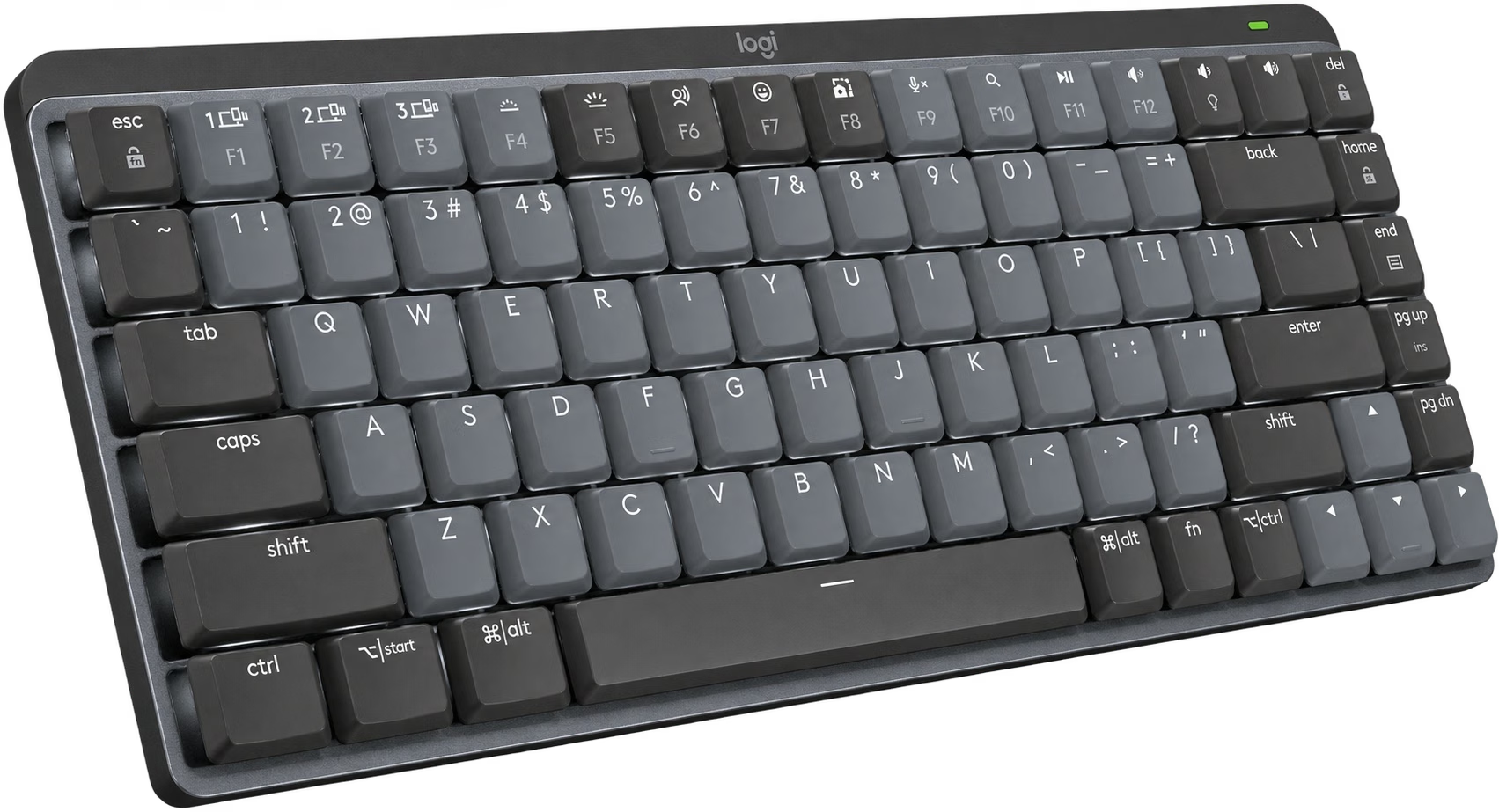 ALTERNATIVE Logitech MX Mechanical Mini Frequently returned on AmazonGraphite · Tactile Quiet · standard Windows/Mac layout | |
|---|---|---|
| Amazon price | $99.99 $20.00 coupon | $129.99 |
| Typing feel | Light Specter low-profile linears without a tactile bump. | Low-profile Tactile Quiet switches with a distinct bump. |
| Layout | 84 keys in a compact body, plus a roller and white backlighting. | Top-printed compact work layout, backlight and device keys; no number pad. |
| Customization | Swap compatible low-profile switches. The optional Hades is a different switch. | Use Logi Options+ for shortcuts. The factory switch stays in place. |
| Explore | Read buying guide →Source ↗ | Read buying guide →Source ↗ |
About these everyday comparisons
Approximate comparisons to familiar objects: a bank card’s 3.37-inch long edge, a Letter sheet’s 11-inch long edge, or a US nickel’s 21.21 mm diameter / 5 g weight. Water comparisons exclude the container’s weight. Capacity comparisons describe volume, not exterior size or how food fits. Reference pictures identify the object; use the labeled ratio for the comparison.
05 / PRICE HISTORY
The price over time.
Lofree Flow Lite84 · Marble · ANSI US · 84 keys · low-profile Specter linear switches · Amazon US

The chart legend identifies Amazon and new-offer prices when available. New offers can include marketplace sellers. Coupons, shipping and size/color selections can change the final price. Blank periods are missing observations, not a zero price.
06 / RELATED FINDS
A useful extra.
For the way you plan to use it.
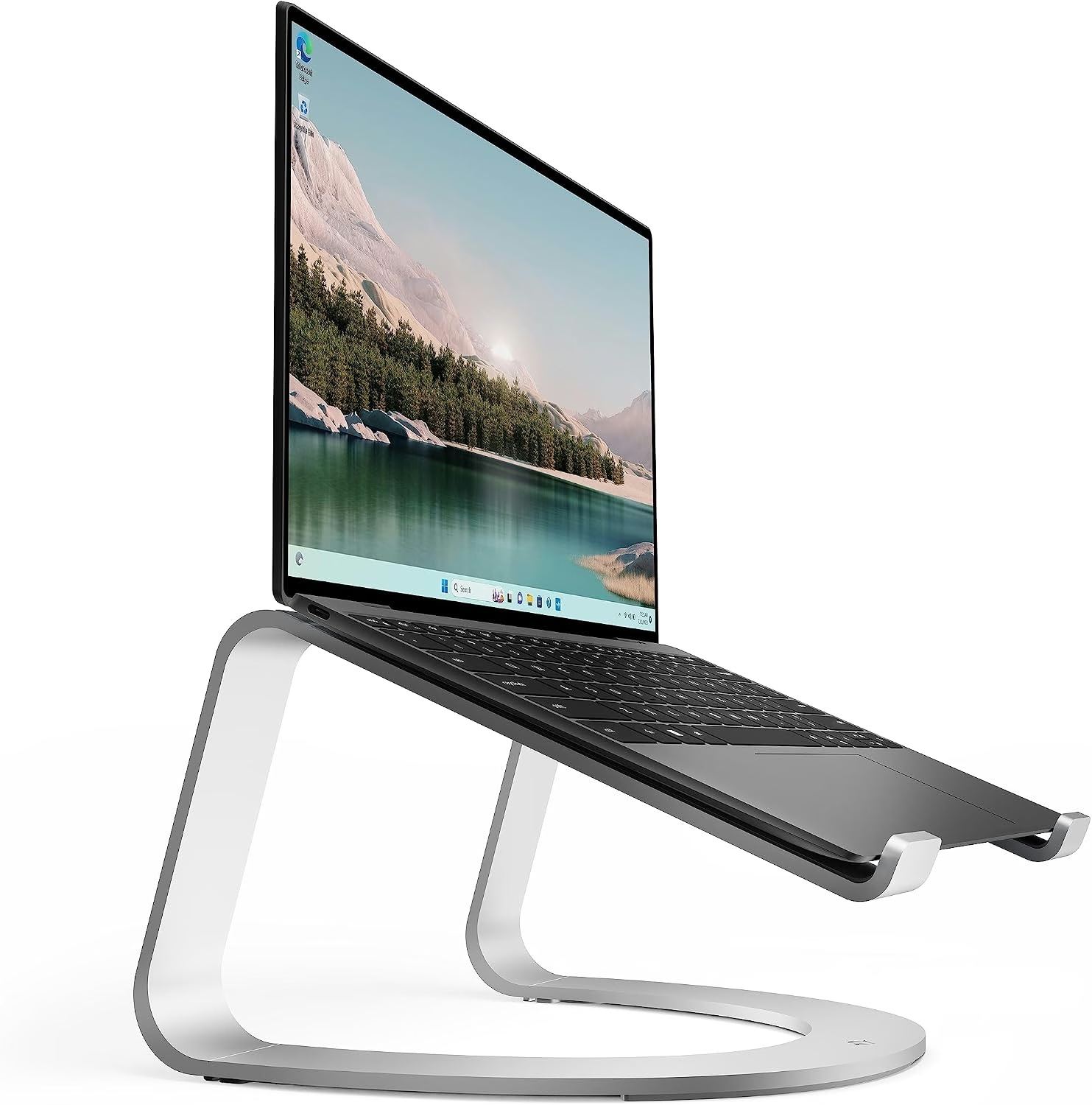
Raise a laptop screen while keeping the Flow Lite84 on the desk.
Twelve South Curve SE Laptop Stand
The fixed-height Curve SE holds the laptop separately, leaving its built-in keyboard above the typing position. Pair a separate mouse or trackpad with the Lofree setup.