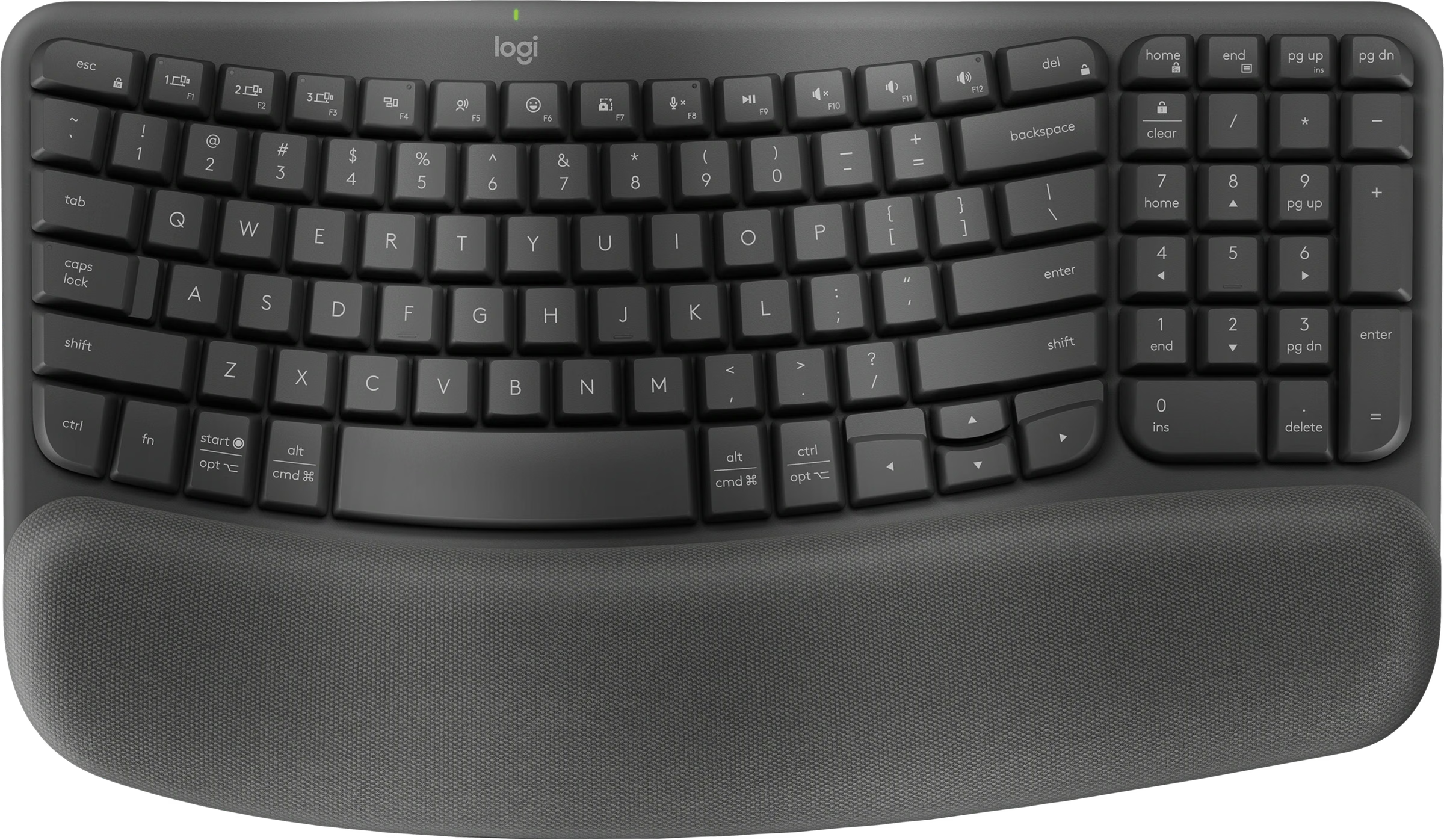
 The number pad stays on the right while the key bed rises gently through the middle.
Ergonomic office keyboardsKeyboards
A curved key bed with a number pad still within reach.
Logitech Wave Keys
Graphite · US English · keyboard only
Buyer feedback ↓The rows rise slightly in the middle, while the two halves stay joined. A padded palm rest and a tucked-in number pad make this a useful first step for someone curious about a contoured keyboard.
- 375.97 × 30.53 × 218.91 mmL × H × WKeyboard on a desk.≈ 4.4 × 0.36 × 2.6 bank-card lengths
- 3 devicesEasy-SwitchBluetooth or the included USB-A Bolt receiver.
- 2 AAAReplaceable cellsLogitech rates the pair for up to three years, depending on use.
- Fixed curveKey layoutContinuous rows across both hands; attached cushioned rest.
Amazon US · Graphite · US English · keyboard only · Affiliate link
THE QUICK TAKE
Is it right for you?
Consider Wave Keys when an ordinary straight board feels too wide or flat. It preserves a single typing surface, physical arrows and a number pad. The attached cushioning and gentle curve come built in, so there are no separate halves to align.
Check tray depth and navigation habits first. The attached palm rest takes up room. If you rely on a separate editing block or a crisp switch response, the compressed keys and softer rubber domes may feel like a poor trade.
01 / BUYING NOTES
Before you buy.
Try a curve without separating your hands
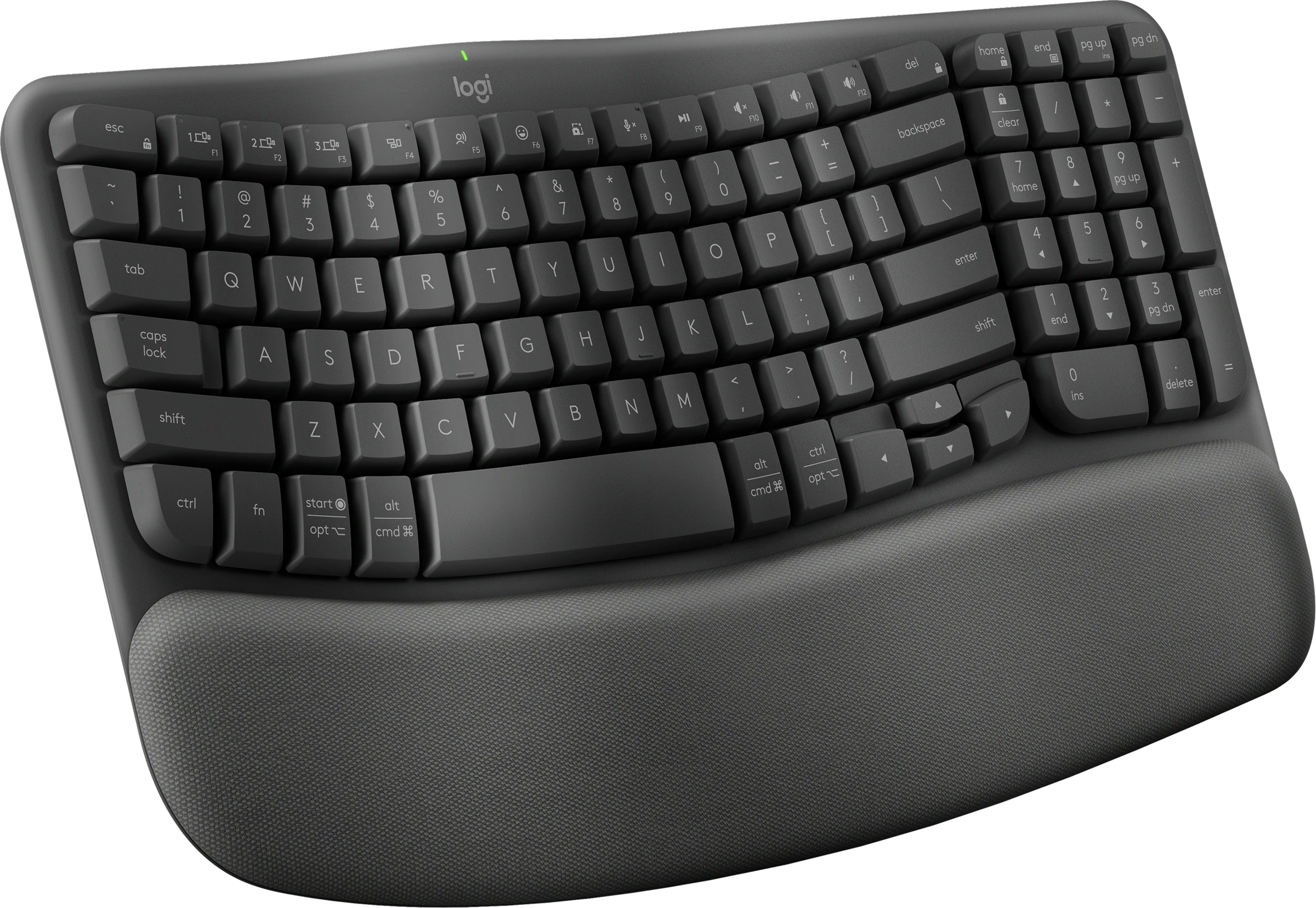
Look along the top of the letter rows. The keys rise and change angle as they approach the center, but there is no gap between the two hands. A touch typist can keep familiar hand positions while trying a different wrist angle. The compressed navigation keys are a bigger adjustment for some people.
Leave room for the whole palm rest
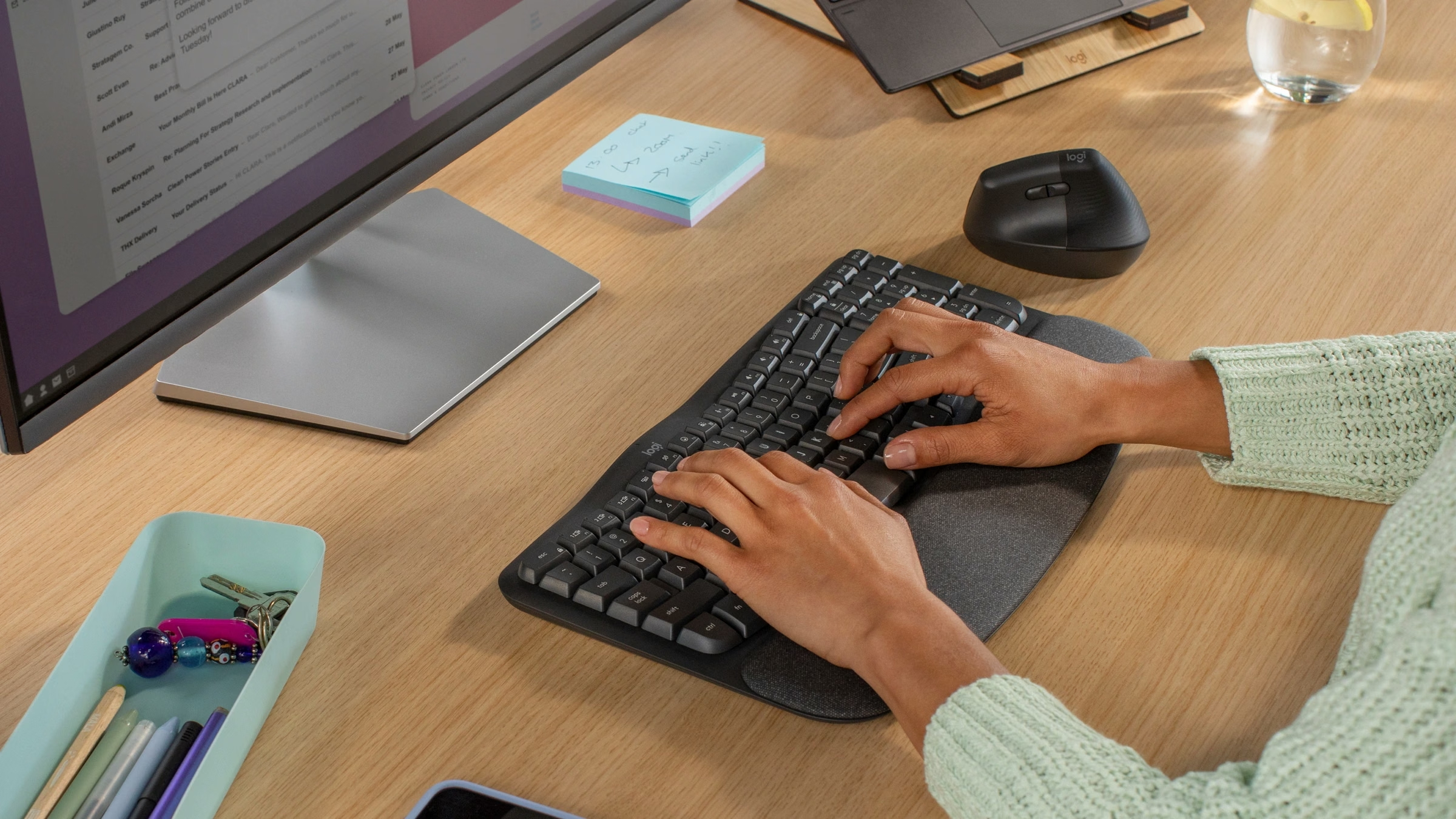
The padded rest extends forward as part of the keyboard. Place the complete board on the work surface before judging where the home row will sit. A shallow pull-out tray can fit the letter keys yet leave part of the rest unsupported. Logitech’s overall front-to-back dimension includes that area.
Start flat, then try the rear feet
The short feet raise the back edge and change the slope toward your hands. Try the keyboard with the feet folded first and compare after raising them. The Wave’s key surface already changes height across each row, so the rear tilt and the center rise are two different adjustments.

Fit a mouse next to the number pad
The number keys are close to the letter section, shortening the reach to a right-handed mouse. You still get physical arrow keys, but their close placement can take practice. For a shared desk, pair up to three hosts. Use Bluetooth on a tablet or the included Logi Bolt receiver in an available computer USB-A port.

Logitech US specifications, hardware and box contents ↗ · Exact US Amazon listing and customer reviews ↗ · RTINGS hands-on review ↗ · Popular Mechanics hands-on review ↗
02 / AMAZON REVIEWS
The buyers’ view.
Pros
What buyers like
- sound quality527
- ergonomics199
- quiet126
- wrist support115
Mixed feedback
- Size267
- connectivity186
- Value for money166
Common concerns
- Durability102
The small numbers are review mentions. Topics and sentiment are from Amazon’s customer-review overview.
Amazon US · Checked . Ratings may include other colors and sizes.
View source ↗03 / REVIEWS & VIDEO
See it in use.
See how it works, then read the findings behind the buying advice.
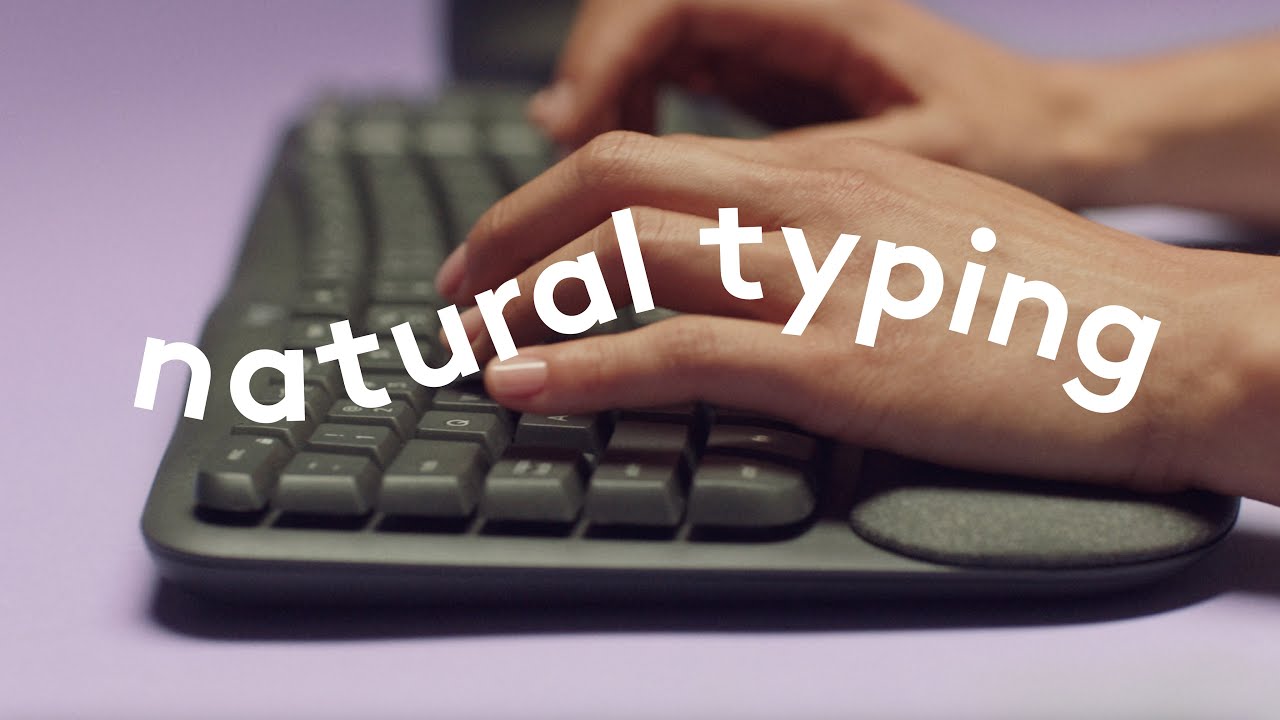
Get comfier with Wave Keys Wireless Ergonomic Keyboard
Logitech introduces the continuous wave layout and integrated cushioned palm rest.
Watch on YouTube ↗The manufacturer video shows the keyboard design. The written tests below describe how it felt in use.
Read 2 written sources Product scope is labeled · key findings in bold
RTINGS found the switches quiet and the palm rest supportive. Their testers also described a soft bottom-out and a tight layout that took some adjustment.
The reviewer adapted to the mild curve without relearning their usual hand placement. That experience helps explain the appeal of this joined layout to someone trying a contoured keyboard for the first time.
04 / COMPARE
Different priorities.
Choose the tradeoff that fits how you will use it.
Swipe to see every alternative →
THIS GUIDELogitech Wave KeysGraphite · US English · keyboard only | 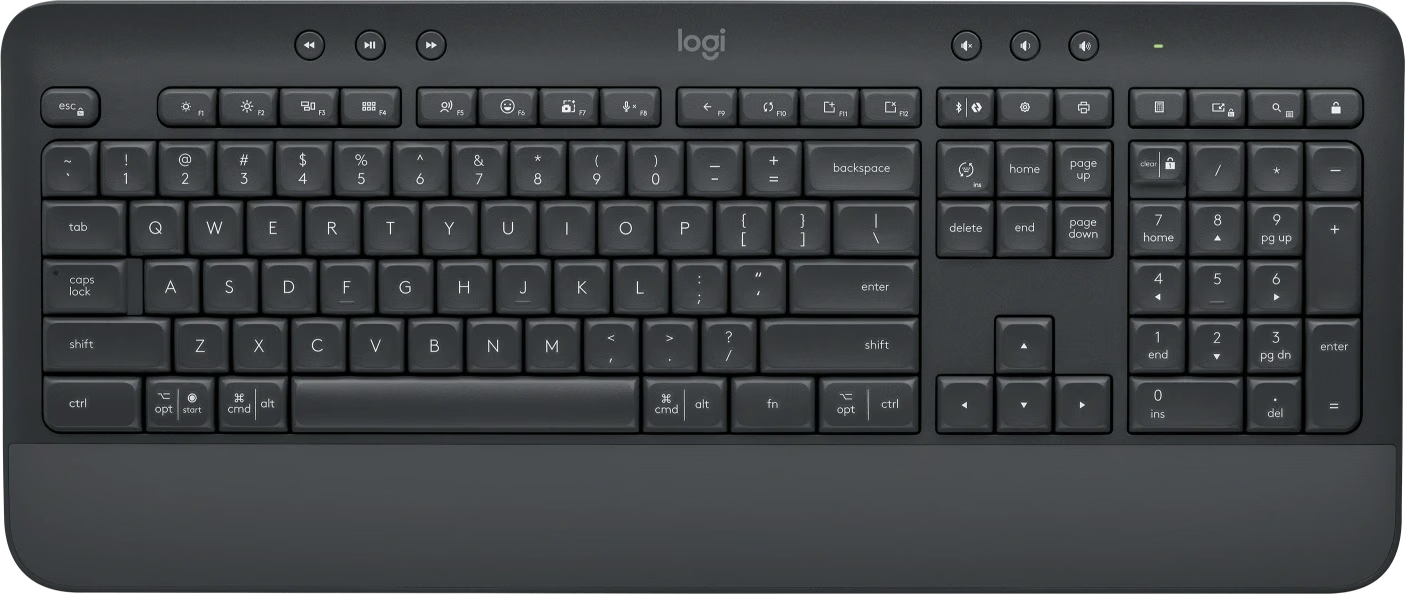 ALTERNATIVE Logitech Signature K650Graphite · US English · keyboard only | 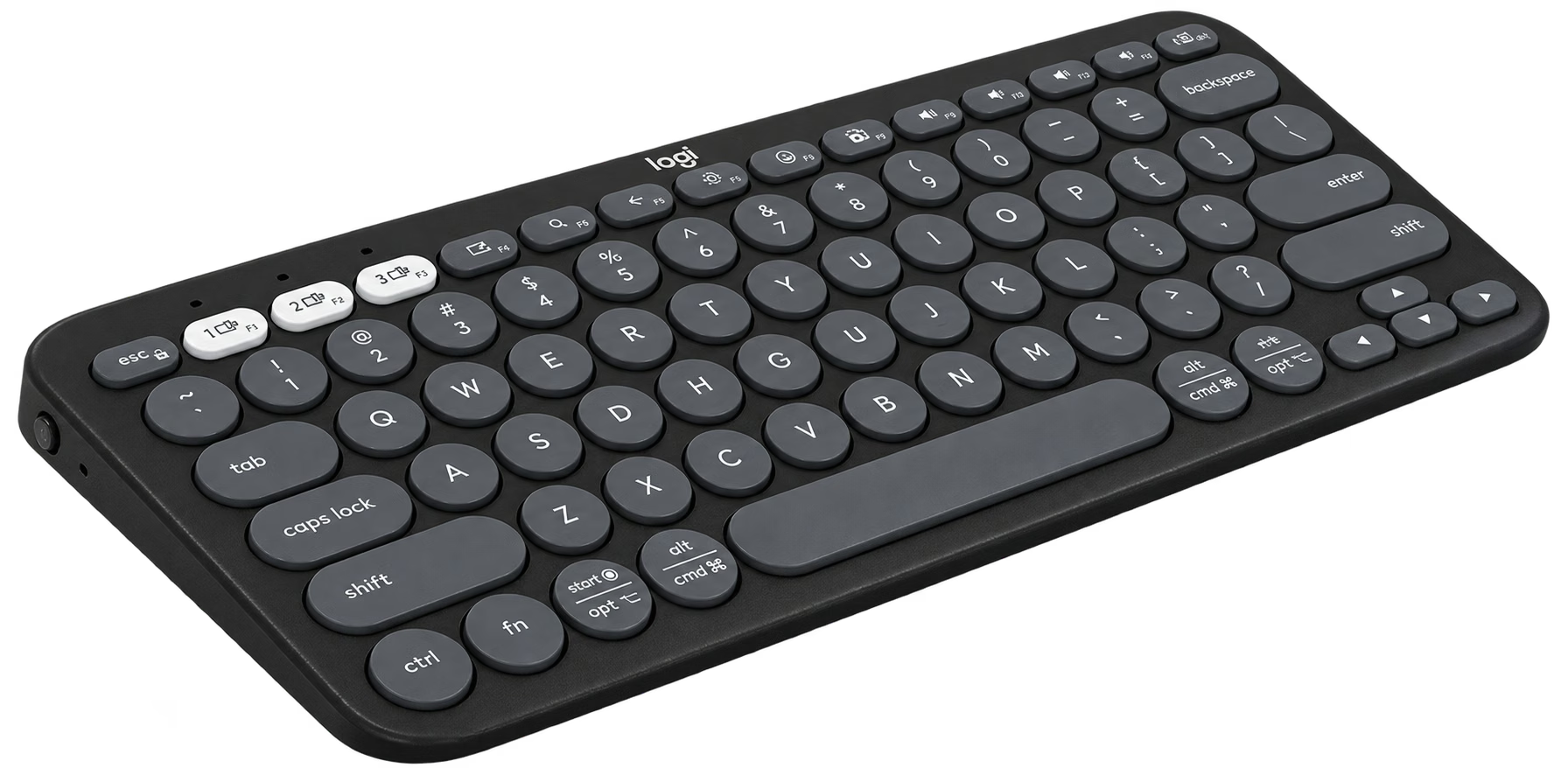 ALTERNATIVE Logitech Pebble Keys 2 K380sK380s · graphite | |
|---|---|---|---|
| Amazon price | $54.99 | $53.99 | $29.99 |
| Typing layout | Curved letter rows and a compressed number pad; attached cushioned rest. | Straight rubber-dome layout with full editing block, number pad and attached palm rest. | Round low-profile keys and no number pad; leaves mouse space on a short desk. |
| Switching computers | Bluetooth or included Bolt receiver, three paired hosts. | Bluetooth or included Bolt receiver, one host at a time with no Easy-Switch keys. | Three Easy-Switch hosts; Bluetooth out of the box. |
| Lighting and power | Unlit keys, two replaceable AAA batteries. | Unlit keys, two replaceable AA batteries. | Unlit keys, replaceable batteries. |
| Explore | Read buying guide →Source ↗ | Read buying guide →Source ↗ | Read buying guide →Source ↗ |
About these everyday comparisons
Approximate comparisons to familiar objects: a bank card’s 3.37-inch long edge, a Letter sheet’s 11-inch long edge, or a US nickel’s 21.21 mm diameter / 5 g weight. Water comparisons exclude the container’s weight. Capacity comparisons describe volume, not exterior size or how food fits. Reference pictures identify the object; use the labeled ratio for the comparison.
05 / PRICE HISTORY
The price over time.
Logitech Wave Keys · Graphite · US English · keyboard only · Amazon US

The chart legend identifies Amazon and new-offer prices when available. New offers can include marketplace sellers. Coupons, shipping and size/color selections can change the final price. Blank periods are missing observations, not a zero price.
06 / RELATED FINDS
A useful extra.
For the way you plan to use it.
Try a more upright mouse grip
Logitech Lift
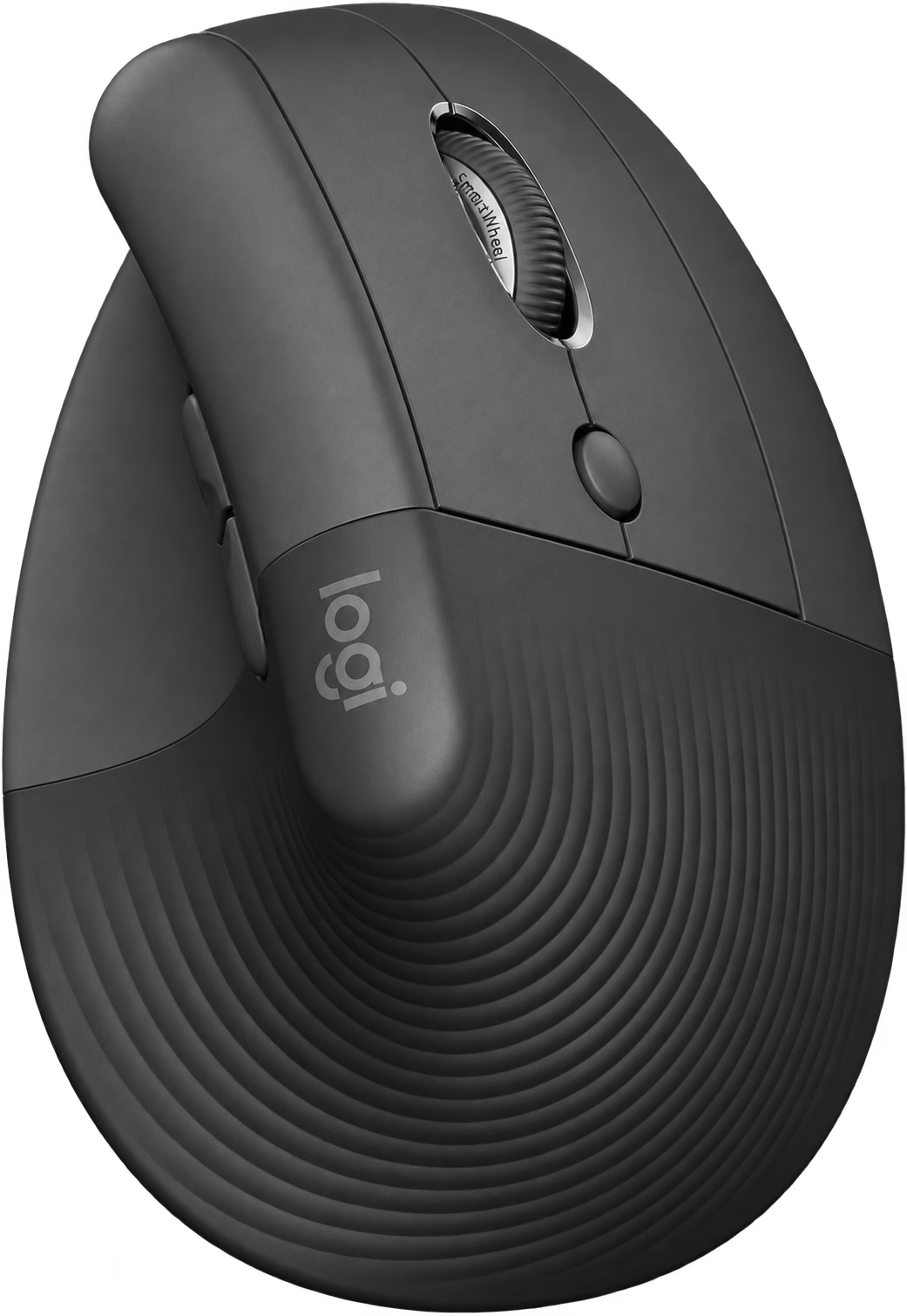
The right-hand Lift places the hand at a steeper angle on the mouse. Logitech sizes this version for small to medium hands; compare its shape while laying out the keyboard and mouse together.