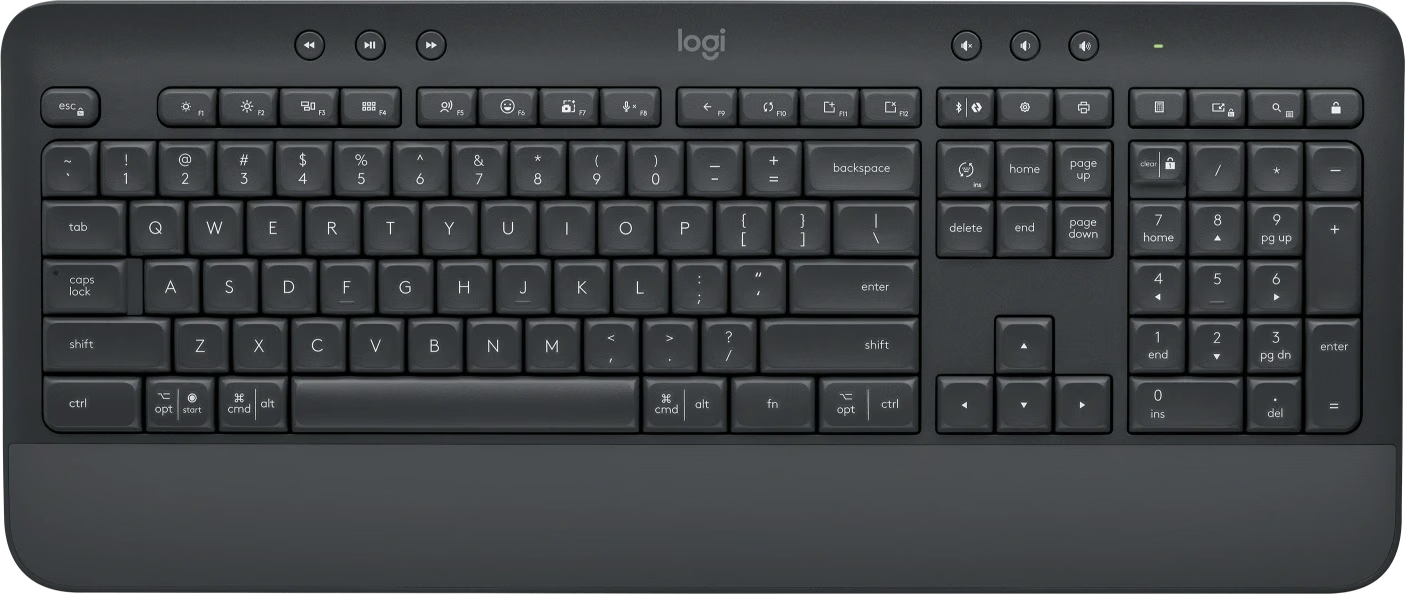
 The full editing block sits between the letter keys and the number pad.
Full-size office keyboardsKeyboards
A wide office keyboard with room for the shortcut you use.
Logitech Signature K650
Graphite · US English · keyboard only
Buyer feedback ↓The K650 keeps a full editing block and number pad, adds dedicated office shortcuts, and puts a palm rest below the keys. It suits a single computer in a well-lit room.
- 457.3 × 24 × 193.5 mmL × H × WKeyboard on a desk.≈ 1.6 × 0.09 × 0.69 Letter-sheet lengths
- 1 hostDaily connectionBluetooth or included Logi Bolt USB-A receiver; no three-host switch.
- 2 AAReplaceable cellsUp to 36 months under Logitech’s usage assumptions.
- Full sizeStraight layoutSeparate number pad, arrow cluster and navigation block.
Amazon US · Graphite · US English · keyboard only · Affiliate link
THE QUICK TAKE
Is it right for you?
Choose the K650 for a fixed, well-lit desk. It keeps the familiar full-size layout and adds useful everyday shortcuts without a charging routine. The soft keys and palm rest make it worth considering in a shared home office if you prefer a quieter board.
Leave room on both the front and right. The palm rest and full number pad take more surface area than a compact keyboard. Choose Wave Keys for easy switching among devices, or MX Keys S if you regularly type in the dark and want illuminated legends.
01 / BUYING NOTES
Before you buy.
Keep your editing keys in their familiar places
If your fingers already know where Home, End, Insert and Delete sit on a desktop keyboard, look at the group above the arrow keys. It has its own space here. The number pad sits farther right with a full-size Enter key, which is useful when entering columns of figures.
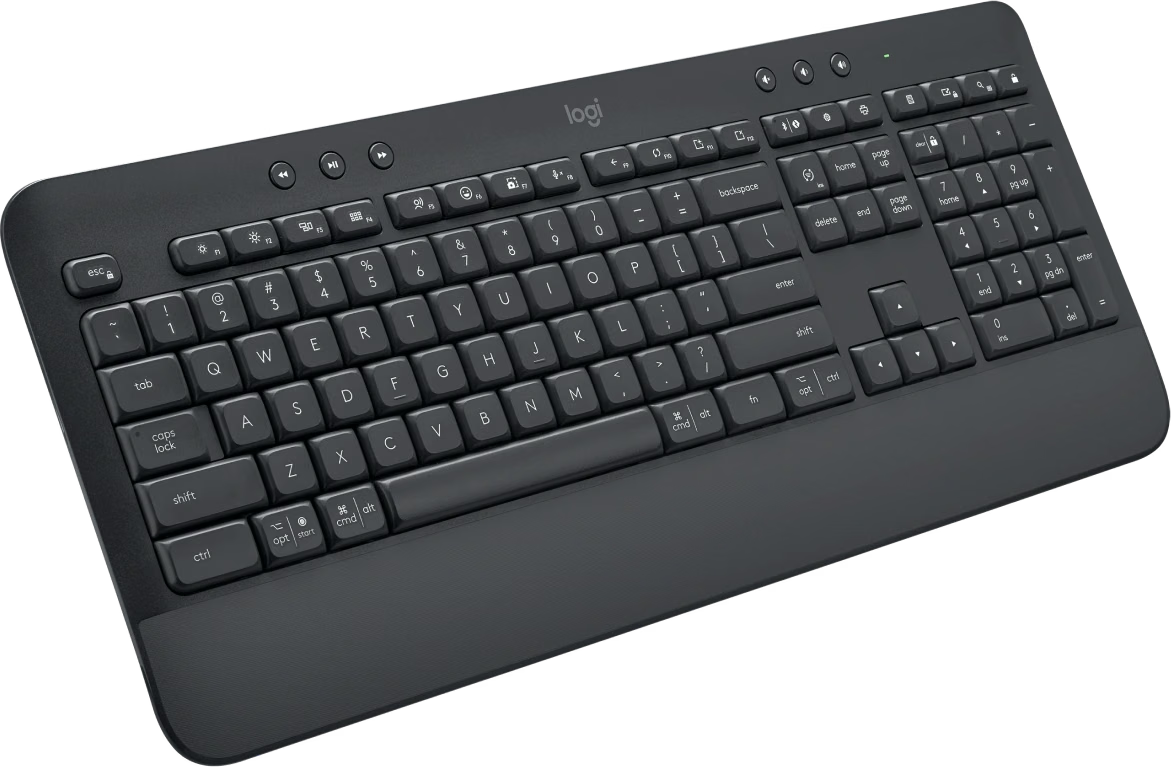
Check shortcuts against the computer you actually use
The top row puts tasks such as taking a screenshot or muting the microphone within reach. The legends also cover Windows and Mac modifiers. Shortcut support depends on the operating system and the active app. If one particular shortcut is the reason for buying, check the supported function for that setup.
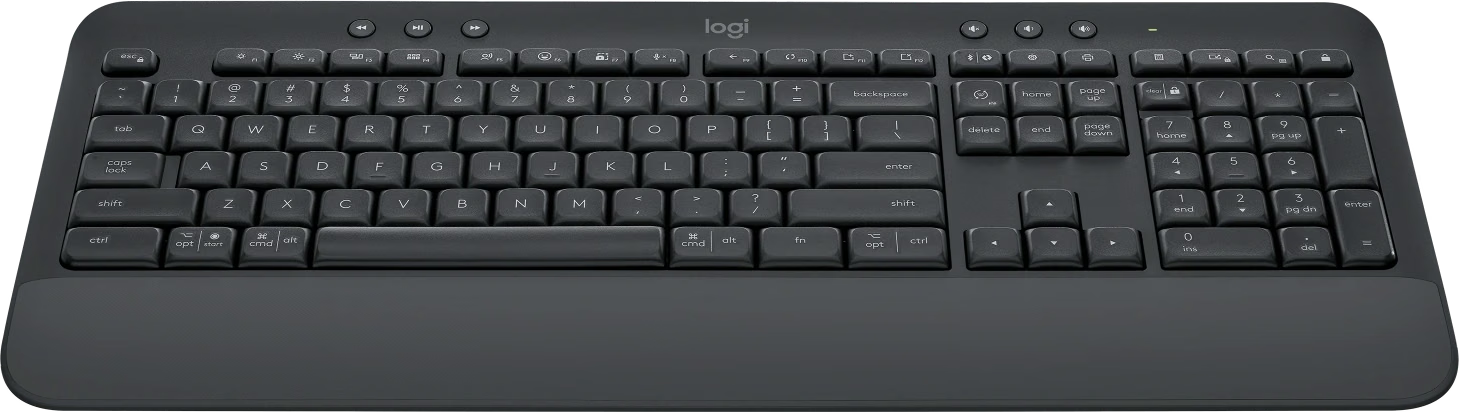
Give the palm rest enough depth
The K650 has a shallow front slope and an integrated palm rest. That extra shelf occupies desktop space even when your hands are elsewhere. On a narrow shelf, lay out the body dimensions before ordering and keep room to move your mouse beyond the number pad.

Pick the connection before putting the batteries in
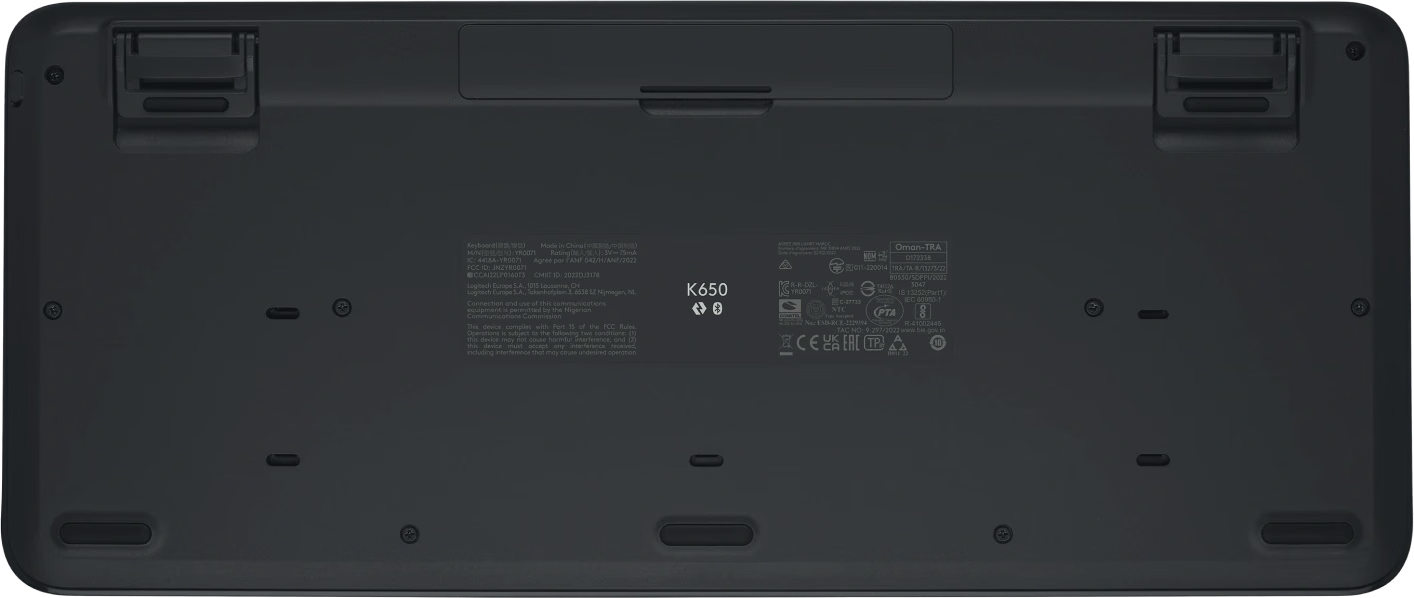
The keyboard uses two replaceable AA cells. Plug the supplied Logi Bolt receiver into a USB-A port on the host, or pair through Bluetooth. This model does not have the three Easy-Switch host buttons of the Wave Keys or MX Keys S. It makes most sense when the same computer stays at the desk.
Logitech US specifications, hardware and box contents ↗ · Logitech Support specifications and battery type ↗ · Exact US Amazon listing and customer reviews ↗ · RTINGS hands-on review ↗ · Tom’s Guide hands-on review ↗
02 / AMAZON REVIEWS
The buyers’ view.
Pros
What buyers like
- quality190
- noise level51
- keyboard feel42
- comfort37
Mixed feedback
- reliability89
- bluetooth connectivity73
- Value for money70
- button responsiveness35
The small numbers are review mentions. Topics and sentiment are from Amazon’s customer-review overview.
Amazon US · Checked . Ratings may include other colors and sizes.
View source ↗03 / REVIEWS & VIDEO
See it in use.
See how it works, then read the findings behind the buying advice.
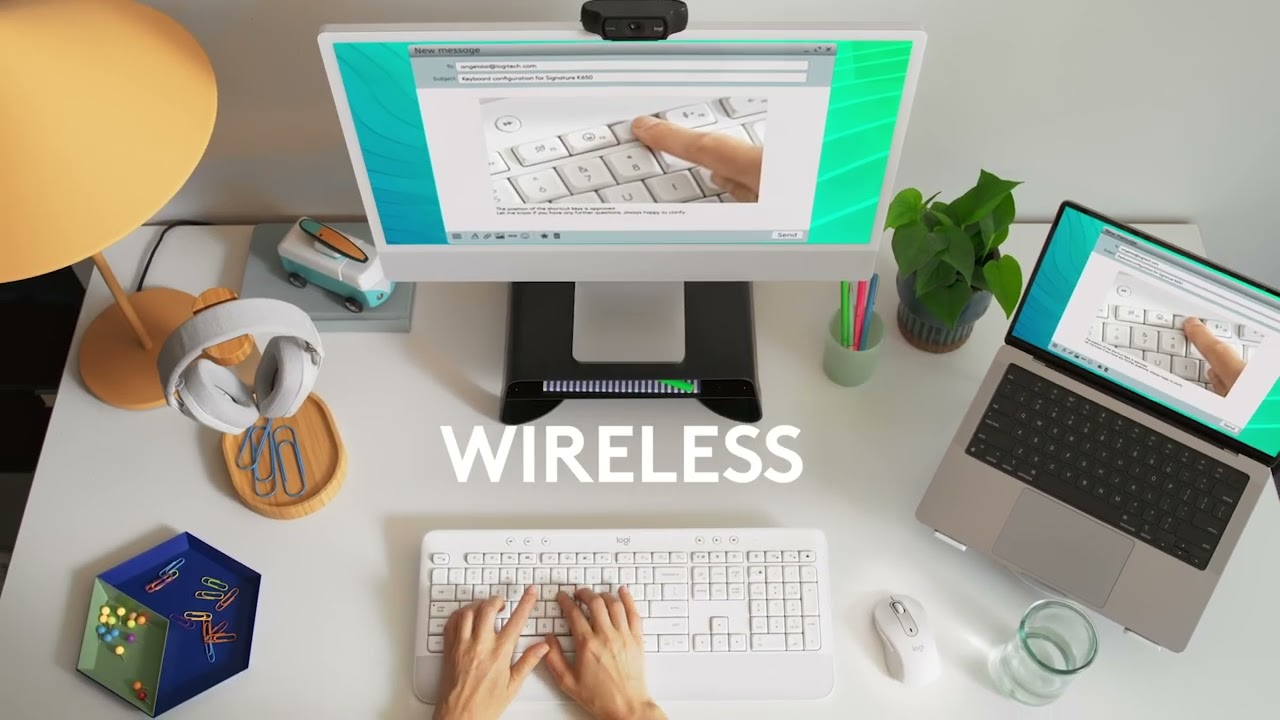
SIGNATURE K650 WIRELESS COMFORT KEYBOARD en
Logitech presents the shortcut row, attached rest and wireless design.
Watch on YouTube ↗The manufacturer video shows the keyboard design. The written tests below describe how it felt in use.
Read 2 written sources Product scope is labeled · key findings in bold
The testers liked the quiet action and built-in rest. They found the rubber domes soft, and noted the lack of Bluetooth multi-device pairing.
The reviewer used the shortcuts for browser tabs and everyday desktop tasks. Some commands behaved differently on a Mac or in an app, including an emoji shortcut that did not work in their Google Docs test.
04 / COMPARE
Different priorities.
Choose the tradeoff that fits how you will use it.
Swipe to see every alternative →
THIS GUIDELogitech Signature K650Graphite · US English · keyboard only | 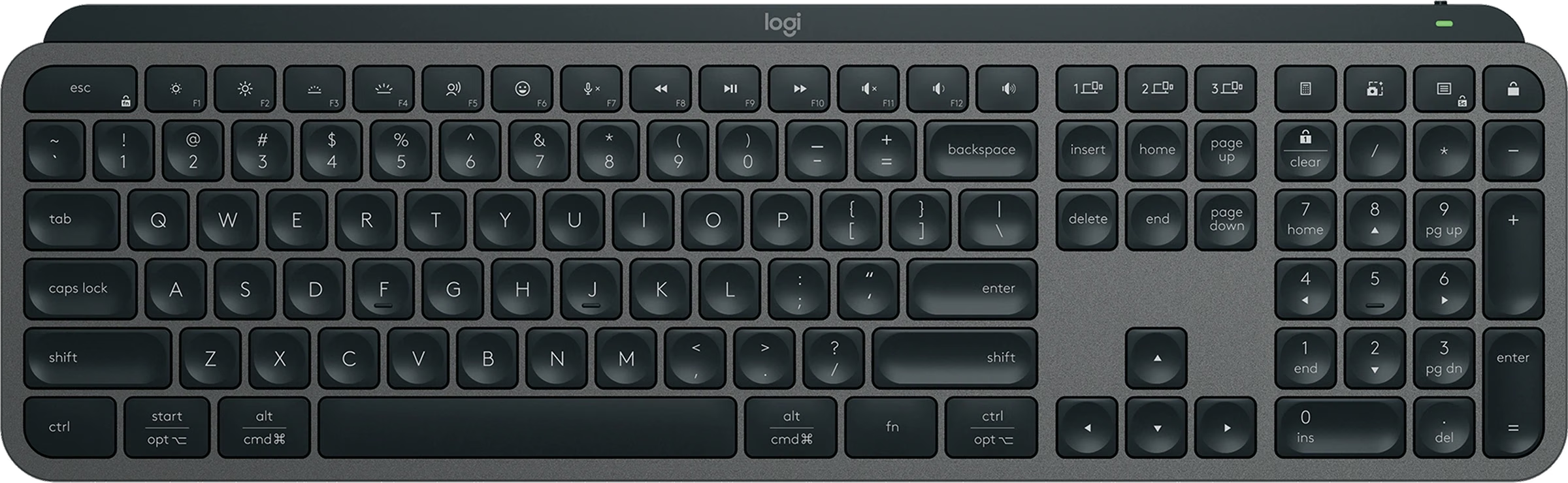 ALTERNATIVE Logitech MX Keys SGraphite · US English · keyboard only | 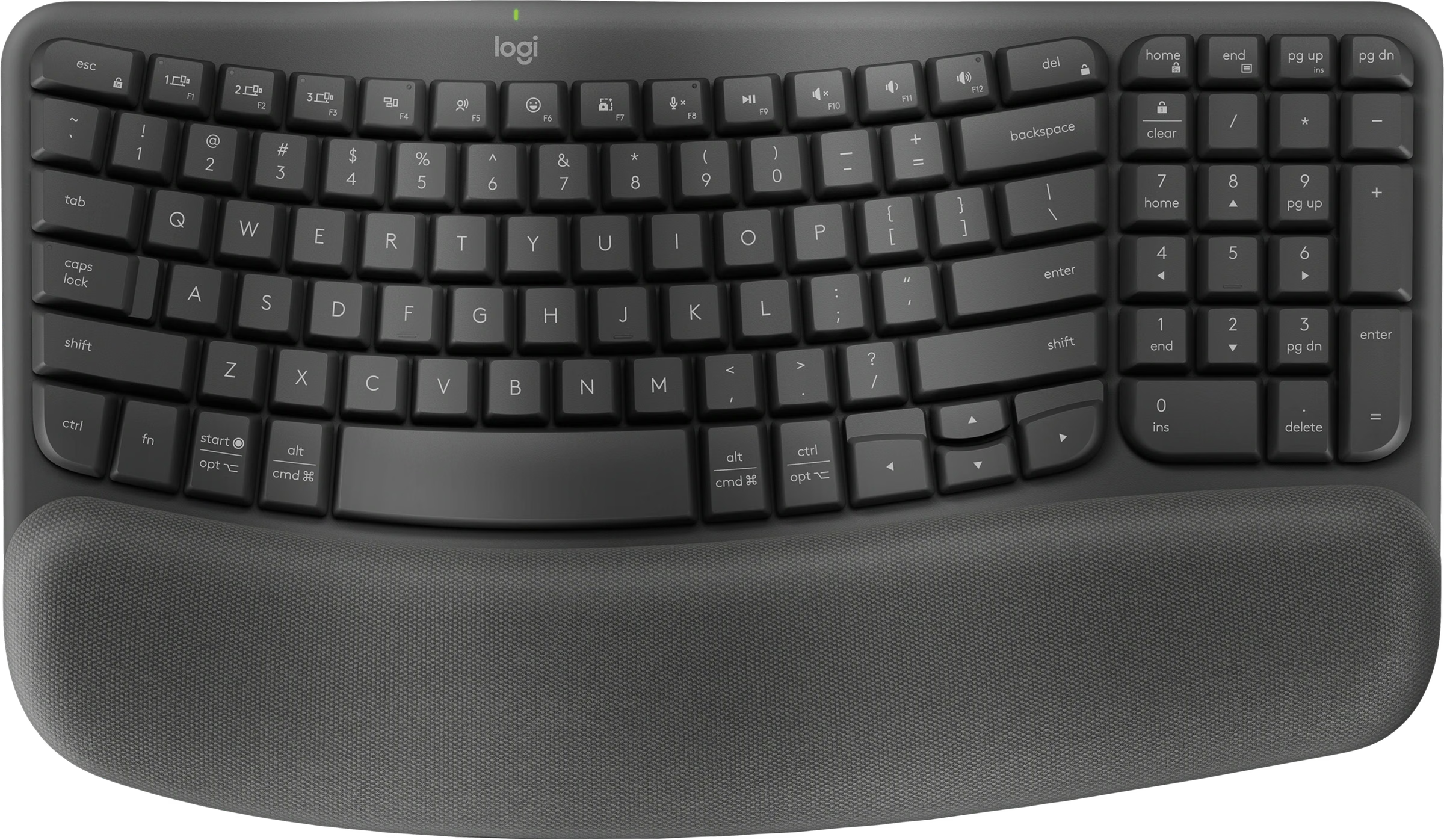 ALTERNATIVE Logitech Wave KeysGraphite · US English · keyboard only | |
|---|---|---|---|
| Amazon price | $53.99 | $109.99 | $54.99 |
| Typing layout | Straight rubber-dome layout with full editing block, number pad and attached palm rest. | Low, dished scissor keys, separate editing block and number pad. | Curved letter rows and a compressed number pad; attached cushioned rest. |
| Switching computers | Bluetooth or included Bolt receiver, one host at a time with no Easy-Switch keys. | Bluetooth or included Bolt receiver, three paired hosts. | Bluetooth or included Bolt receiver, three paired hosts. |
| Lighting and power | Unlit keys, two replaceable AA batteries. | White backlight, rechargeable through USB-C. | Unlit keys, two replaceable AAA batteries. |
| Explore | Read buying guide →Source ↗ | Read buying guide →Source ↗ | Read buying guide →Source ↗ |
About these everyday comparisons
Approximate comparisons to familiar objects: a bank card’s 3.37-inch long edge, a Letter sheet’s 11-inch long edge, or a US nickel’s 21.21 mm diameter / 5 g weight. Water comparisons exclude the container’s weight. Capacity comparisons describe volume, not exterior size or how food fits. Reference pictures identify the object; use the labeled ratio for the comparison.
05 / PRICE HISTORY
The price over time.
Logitech Signature K650 · Graphite · US English · keyboard only · Amazon US

The chart legend identifies Amazon and new-offer prices when available. New offers can include marketplace sellers. Coupons, shipping and size/color selections can change the final price. Blank periods are missing observations, not a zero price.
06 / RELATED FINDS
A useful extra.
For the way you plan to use it.
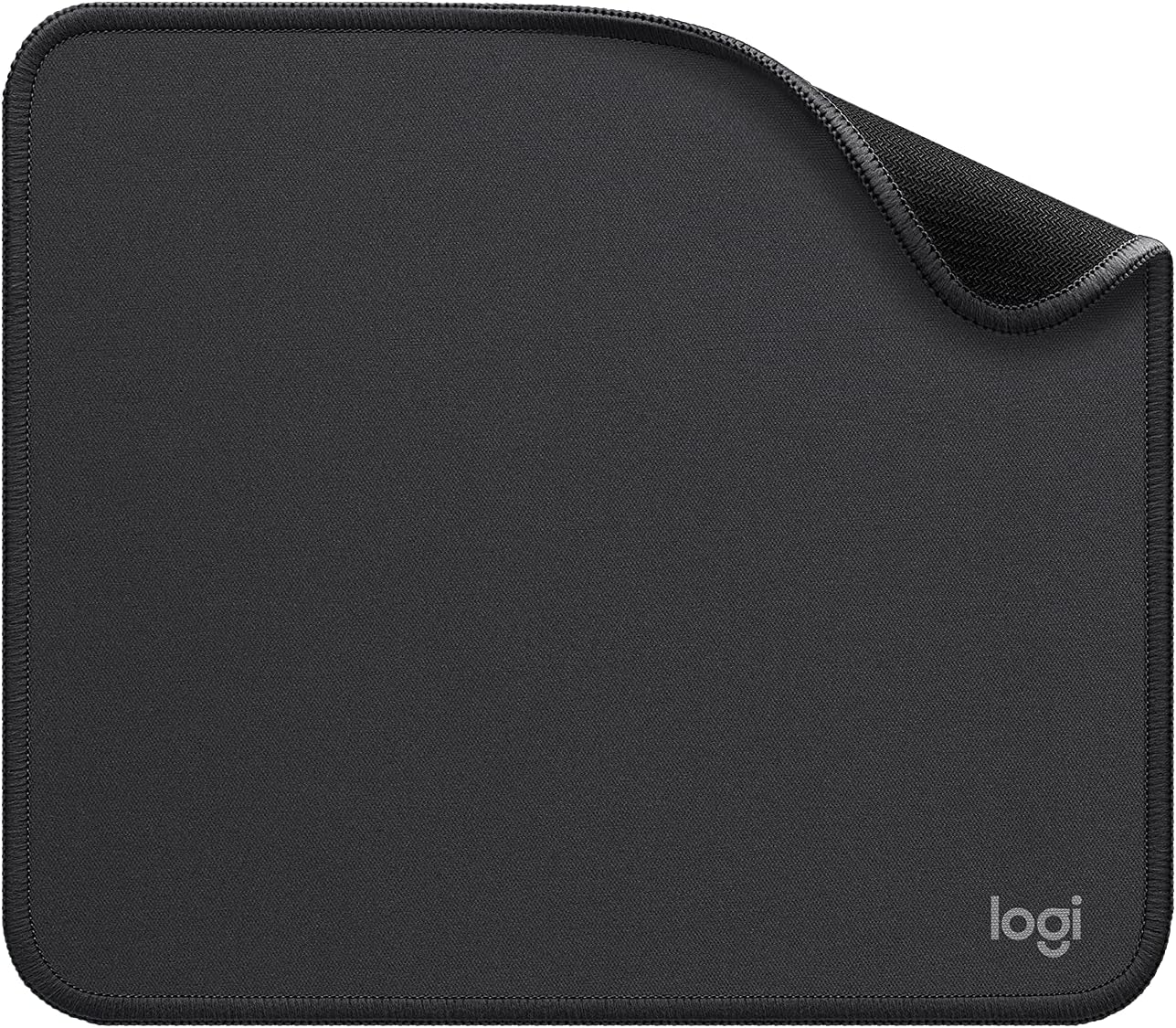
Use the remaining room for the mouse
Logitech Studio Series Mouse Pad
A small cloth pad can give the mouse a smoother surface beside this full-width keyboard. It covers only the pointing area, leaving the integrated palm rest on the desk.