Keyboard switch guide · 5 MIN READ
Which switch belongs
in your keyboard?
Start with the socket. Then compare six switches by what you feel, what others hear and what a whole keyboard costs to outfit.
Check my keyboardWhich switches fit my keyboard?
Open your keyboard below to see its socket type and replacement options.
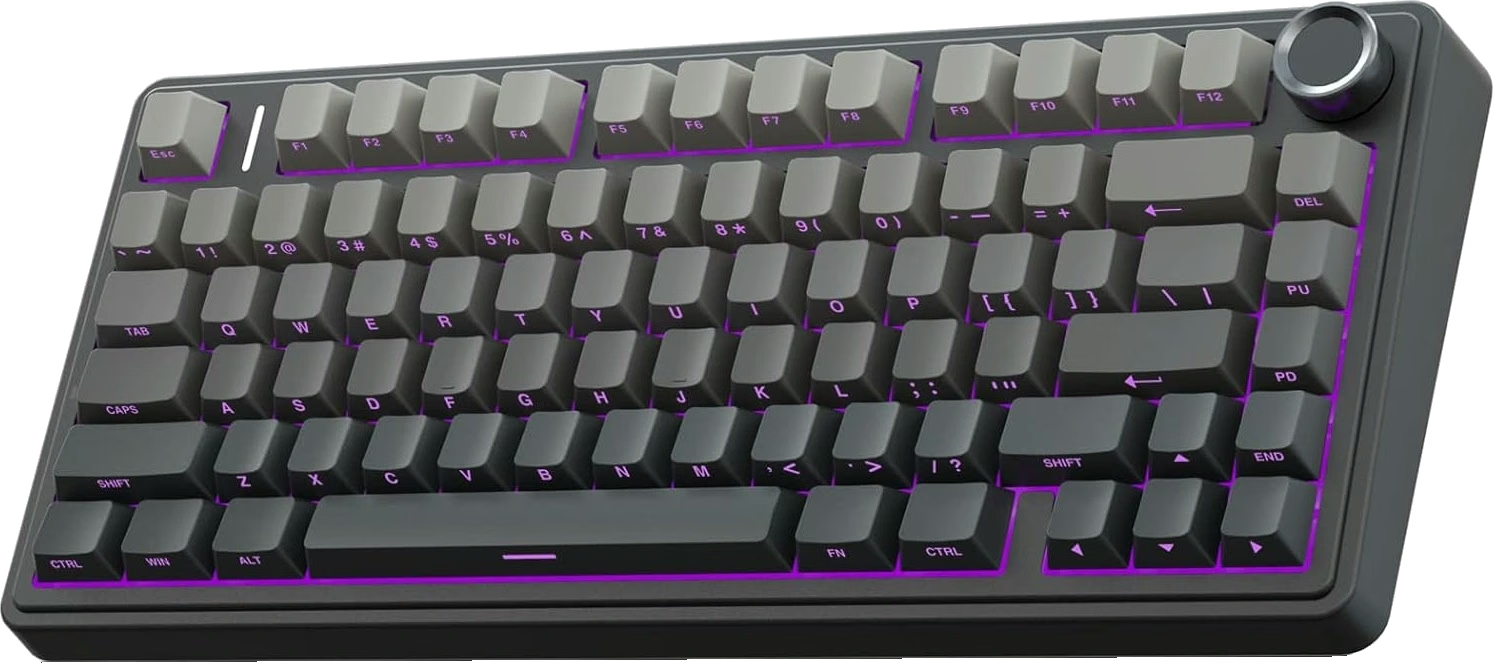 AULA F75 ProFull-height mechanical
The F75 Pro accepts conventional 3-pin and 5-pin mechanical switches. The Gradient Black board in our review ships with Reaper linears. Brown adds a tactile bump; Silent Red adds damping. For the yellows and Oil King, also check LED clearance and how much backlight you want.
Manufacturer’s switch specifications ↗
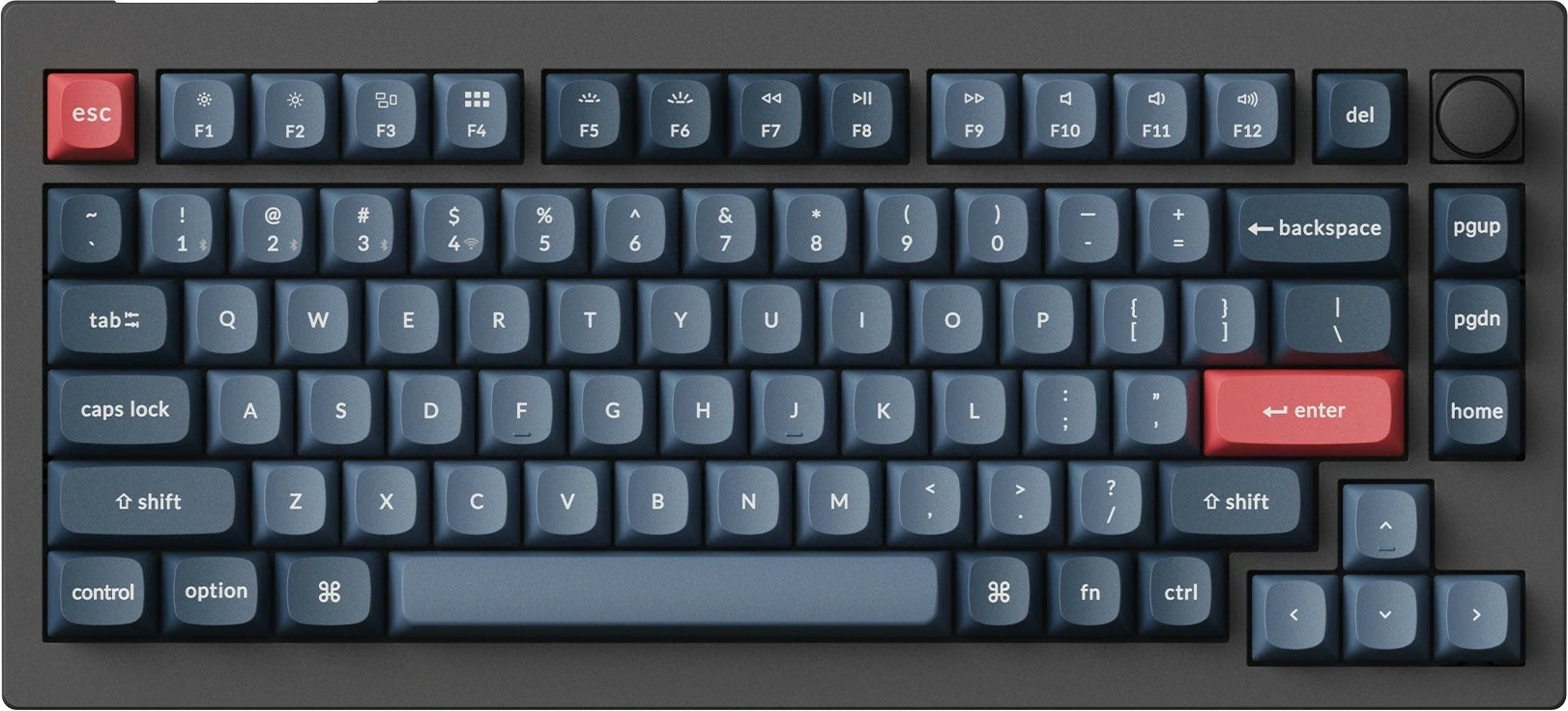 Keychron V1 MaxFull-height mechanical
The V1 Max has 3-pin and 5-pin MX-style hot-swap sockets. Our assembled version ships with Jupiter Red linears. Try Brown on a letter key to feel the bump or compare Silent Red with the neighboring stock switch. Check LED clearance for opaque housings.
Manufacturer’s switch specifications ↗
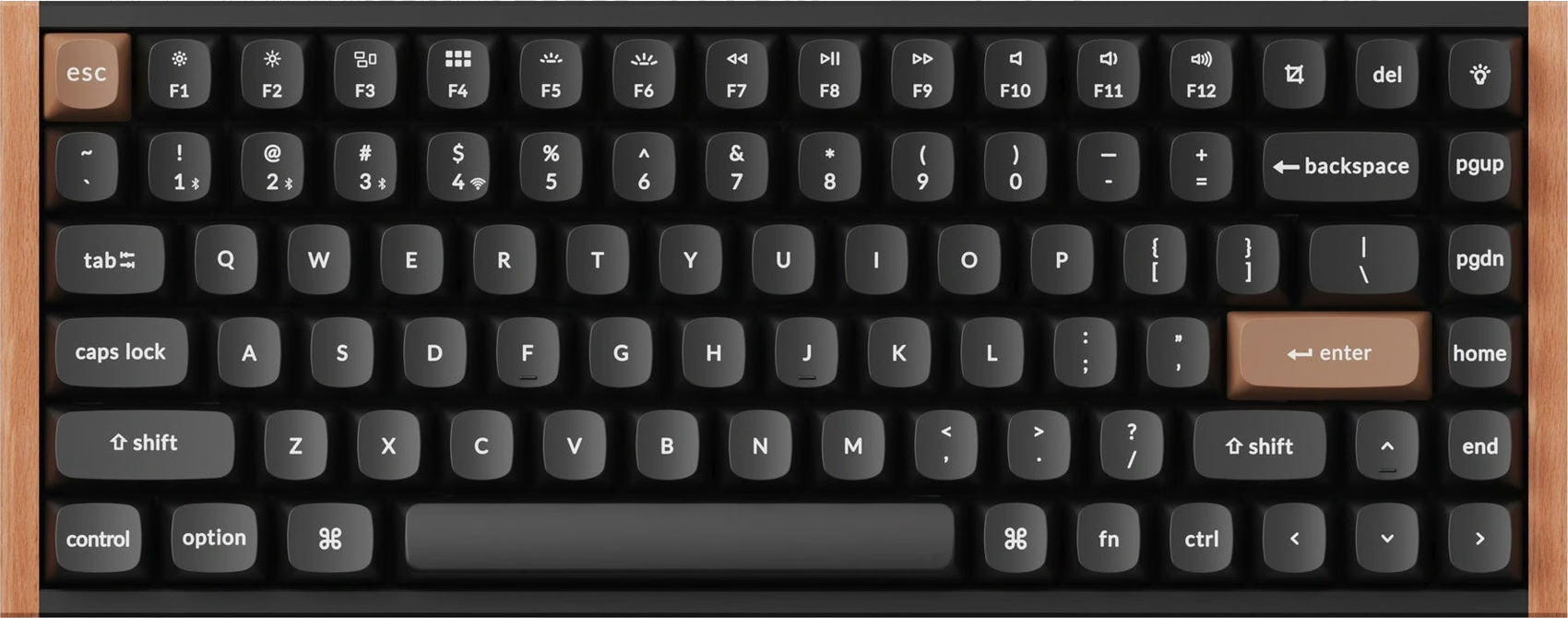 Keychron K2 HE Special EditionMagnetic Hall effect
None of these six mechanical switches will register on a K2 HE. Keychron specifies Gateron Double-Rail magnetic switches for Nebula V1. Its V2 also supports Keychron Ultra-Fast Lime magnetic switches. Check the version on your order before buying.
Manufacturer’s switch specifications ↗
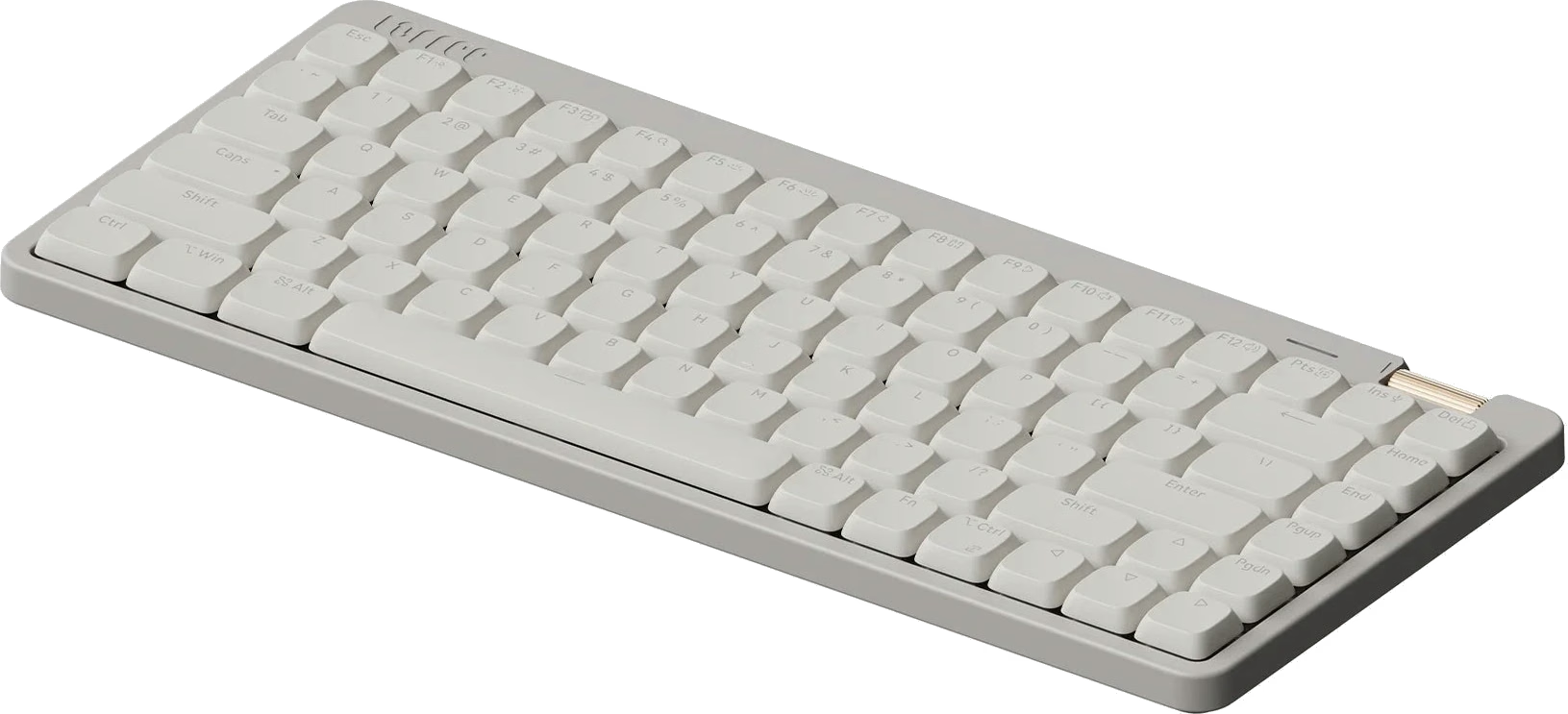 Lofree Flow Lite84Low-profile mechanical
These six full-height switches do not fit the original Flow Lite84. The Marble model ships with Lofree × Kailh Specter low-profile switches. Look for explicit original Flow Lite compatibility when buying replacements.
Manufacturer’s switch specifications ↗
For another model, check its exact version, switch height and hot-swap socket before pulling a switch. A cross-shaped keycap mount alone cannot establish compatibility.
What does an empty socket look like?
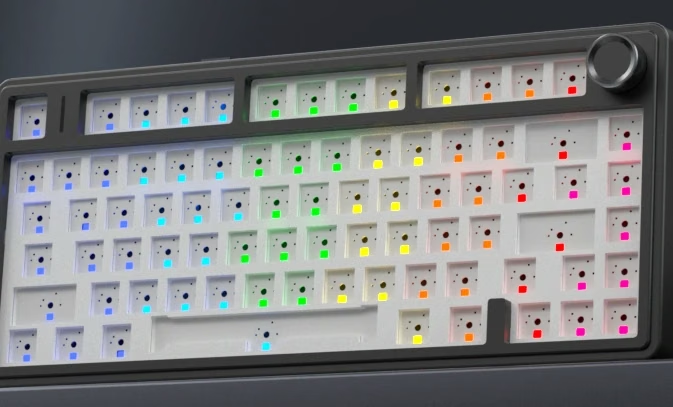
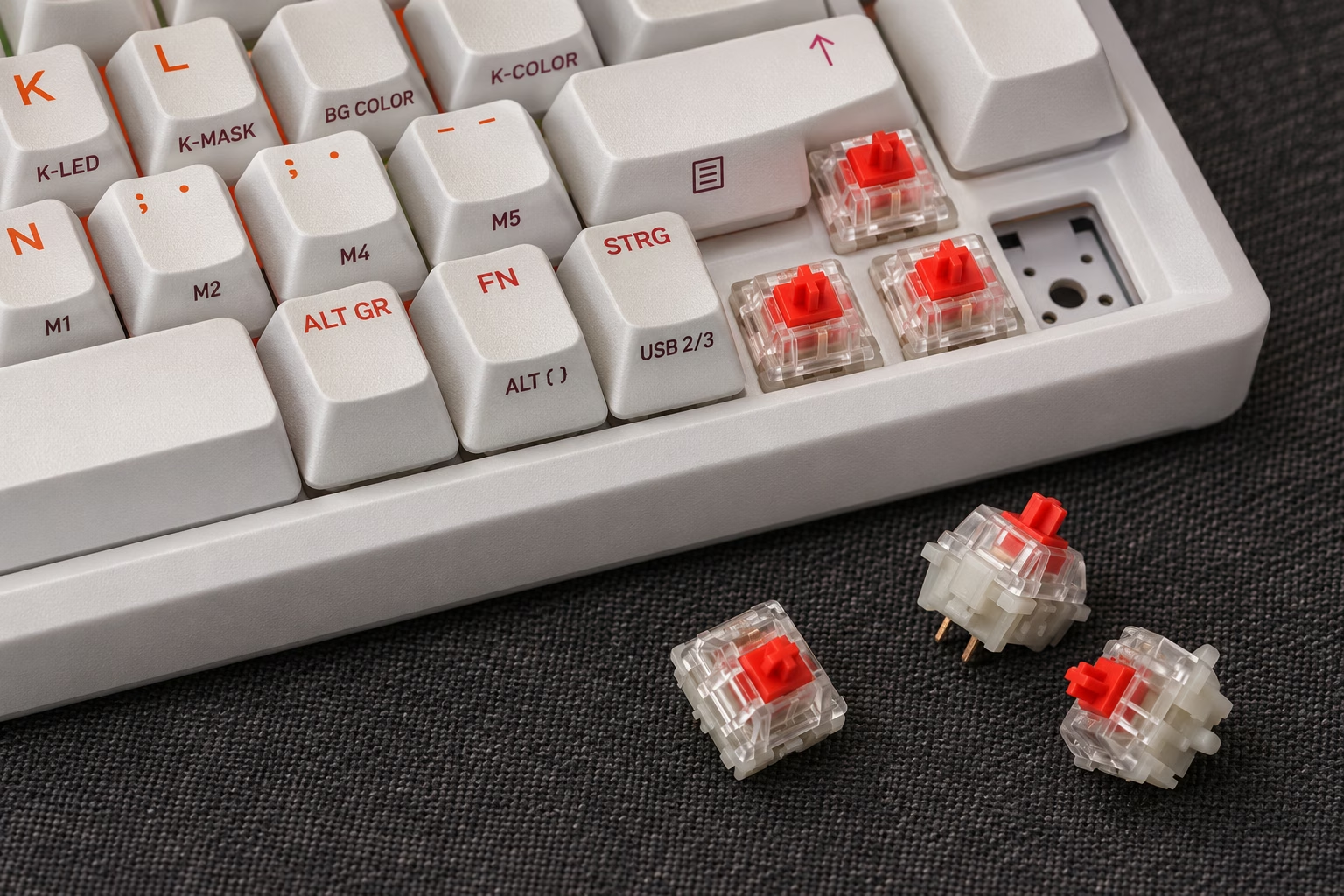
The two thin metal contacts on an ordinary MX-style switch carry the keypress. A five-pin model also has two extra plastic locating posts. Check the holes and any raised lighting component before pressing it into place.
Decide what you want to change about one familiar key. A bump, a softer landing and a heavier spring lead to three different swaps.
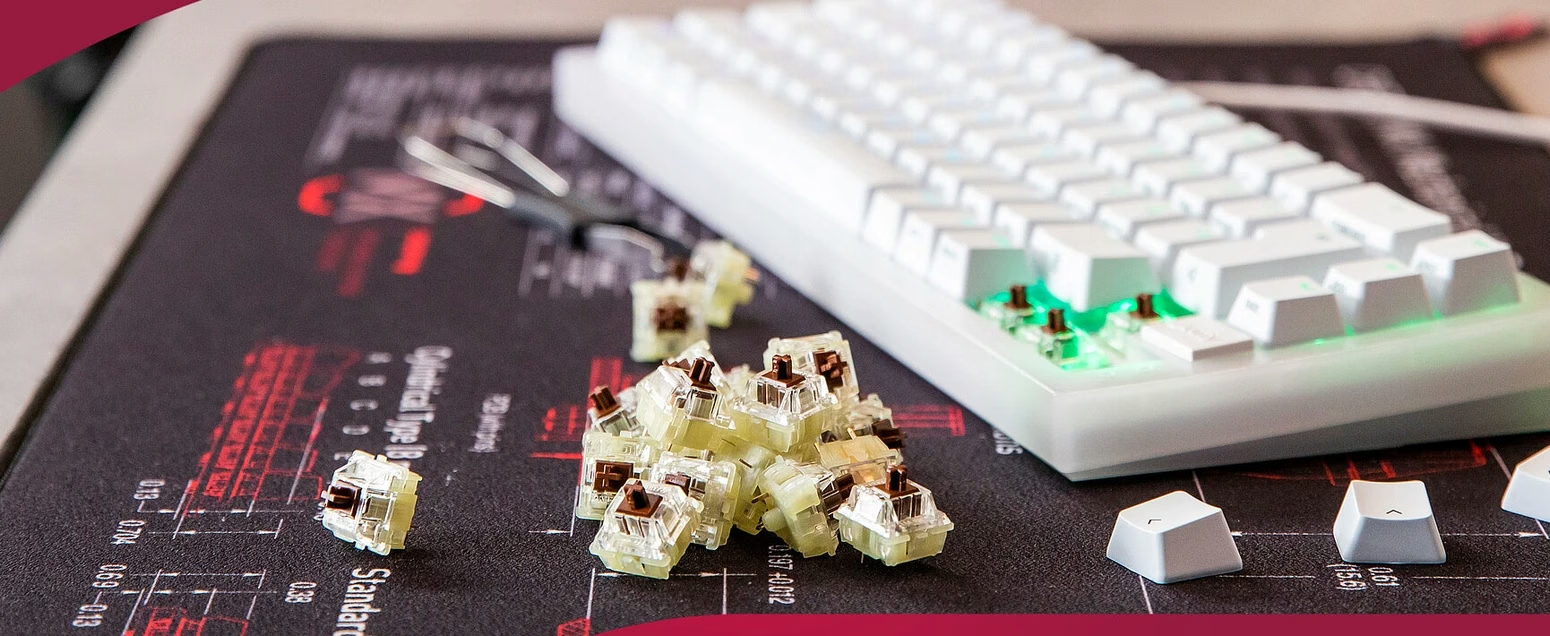
- Red: uninterrupted stroke
- Brown: tactile bump
- Both: 2 mm to register
02 / Red vs. Brown
Do you want to feel the key register?
Press slowly. A Red moves through its stroke smoothly in principle; a Brown has a small rise in resistance before the key registers. You can feel it without a click.
CHERRY rates the Red at 45 cN. Brown’s 55 cN figure is the peak of its bump; its electrical actuation force is 45 cN. Both have a nominal 2 mm pre-travel and 4 mm total travel.
Setup notes & sources
A Brown buyer liked the tactile feedback in a board fitted with O-rings and damping. A Red buyer liked the sound but found their batch scratchy. Switch type describes the intended motion; the finish of an individual switch and the rest of the board still matter.
Sources: CHERRY · MX2A Red · CHERRY · MX2A Brown · CHERRY · MX2A Brown force curve · Amazon · MX2A Brown owner · Amazon · MX2A Red owner
Light linear
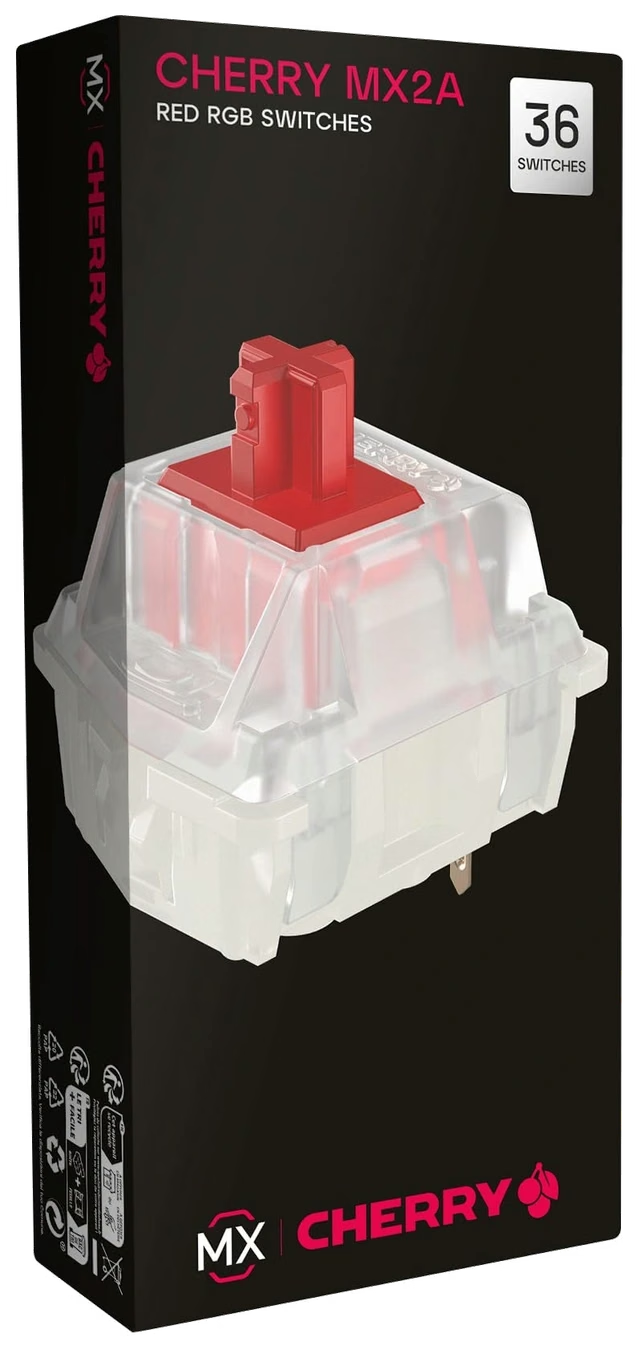
CHERRY MX2A RGB Red
Start here if you like an even press for typing and games.
Fit & limits
Regular Red has no internal silencing pads. Bottoming out can still sound sharp.
Light tactile
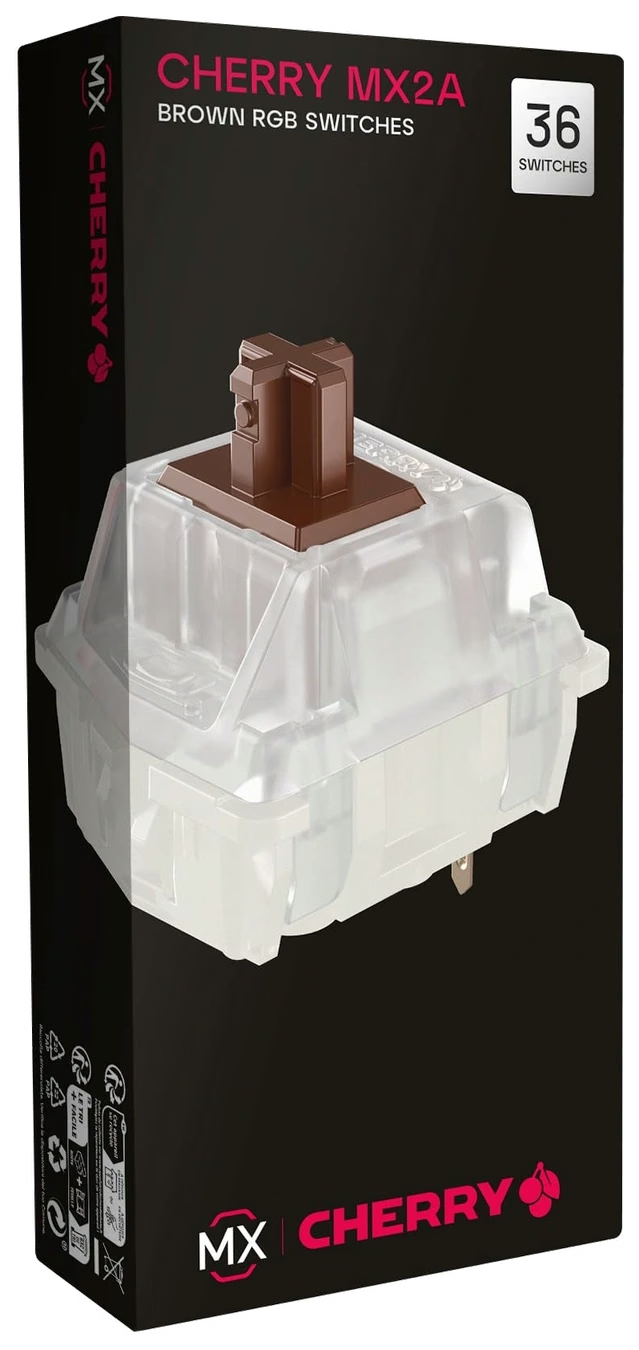
CHERRY MX2A RGB Brown
A small pressure peak gives feedback under your fingertip without a click mechanism.
Fit & limits
The bump is subtle. A clicky-switch user who wants a strong signal may find it too gentle.
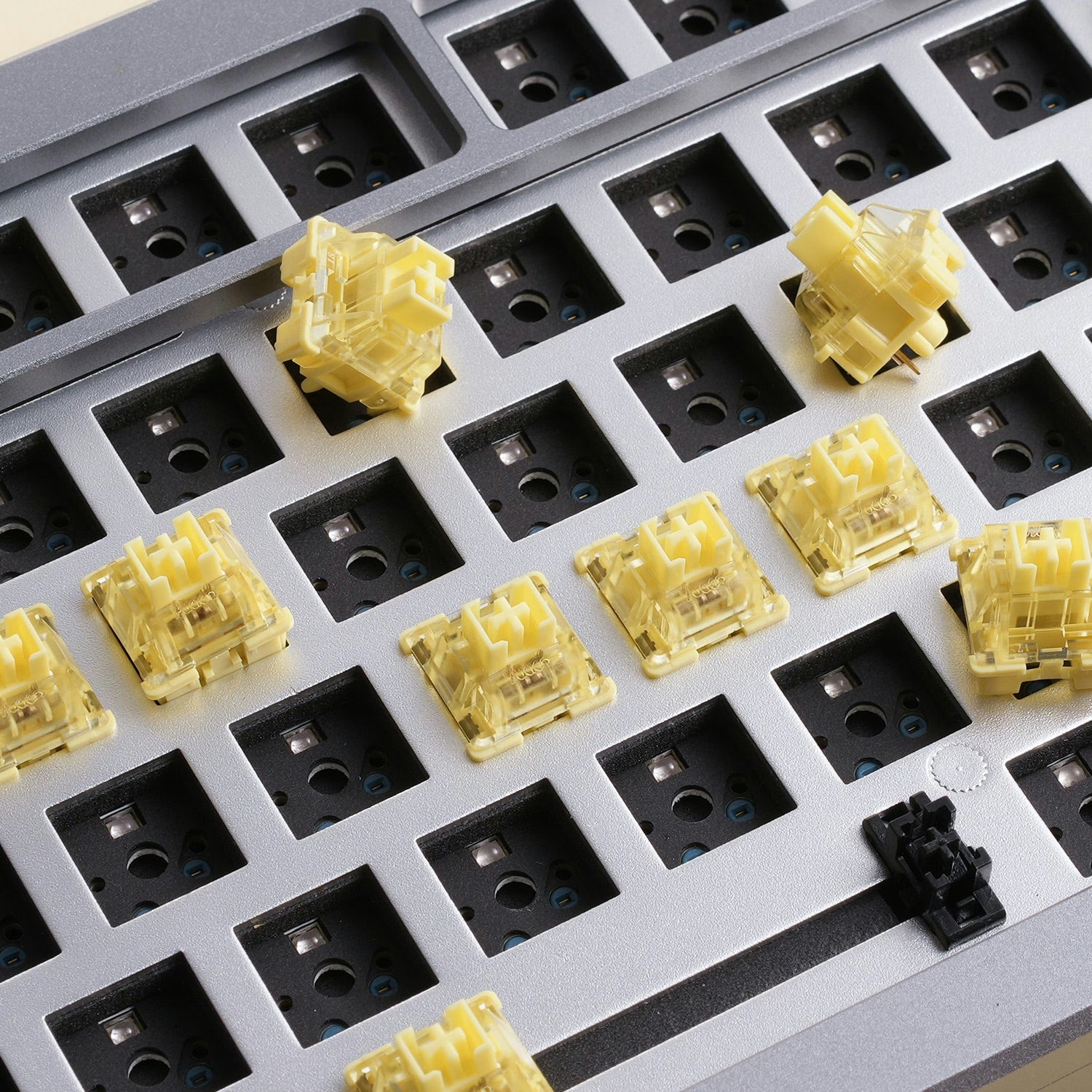
- Silent Red: damped
- Akko: undamped linear
- Compare on the same board
03 / Quiet vs. creamy
What will the person at the next desk hear?
For a shared office, Silent Red answers the noise question directly: its stem cushions the impact. Akko’s Creamy Yellow Pro has a shorter, undamped linear stroke and a more distinct bottom-out.
An owner who used regular Red and Silent Red described a softer landing with Silent Red. An Akko buyer who had used the older Cream Yellow heard a clearer, louder sound with the Pro.
Setup notes & sources
A Silent Red buyer used the switches at work on a 65% board and needed two 36-packs. If sound matters, compare the switches in the same position on your own board. A space bar, a desk mat or a different keycap can change what a recording captures.
Sources: CHERRY · MX2A RGB Silent Red kit · Amazon · MX2A Silent Red at work · Mechanical Keyboards · MX2A Silent Red buyer reports · Akko · V3 Creamy Yellow Pro specifications and owner feedback · Community question · Akko or Gateron Yellow?
Shared-office linear
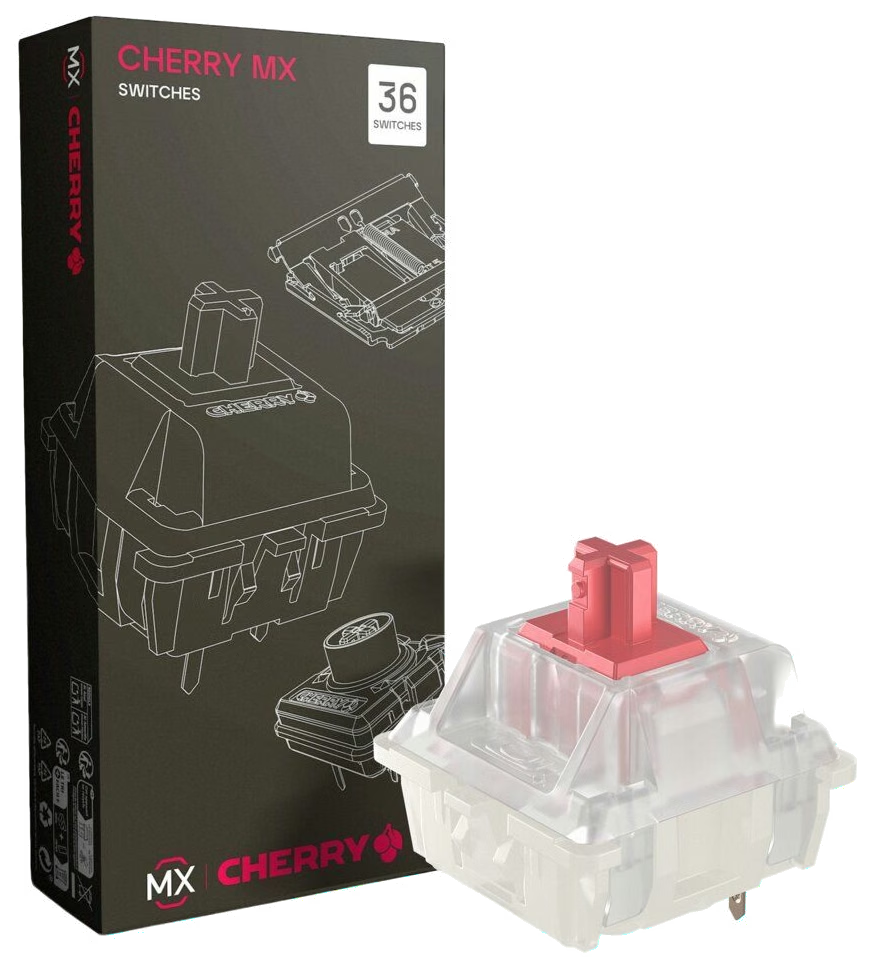
CHERRY MX2A RGB Silent Red
Choose damping to soften both the downstroke and the return.
Fit & limits
Expect a cushioned finish rather than a hard stop. A 36-pack covers only part of most keyboards.
Shorter, livelier linear
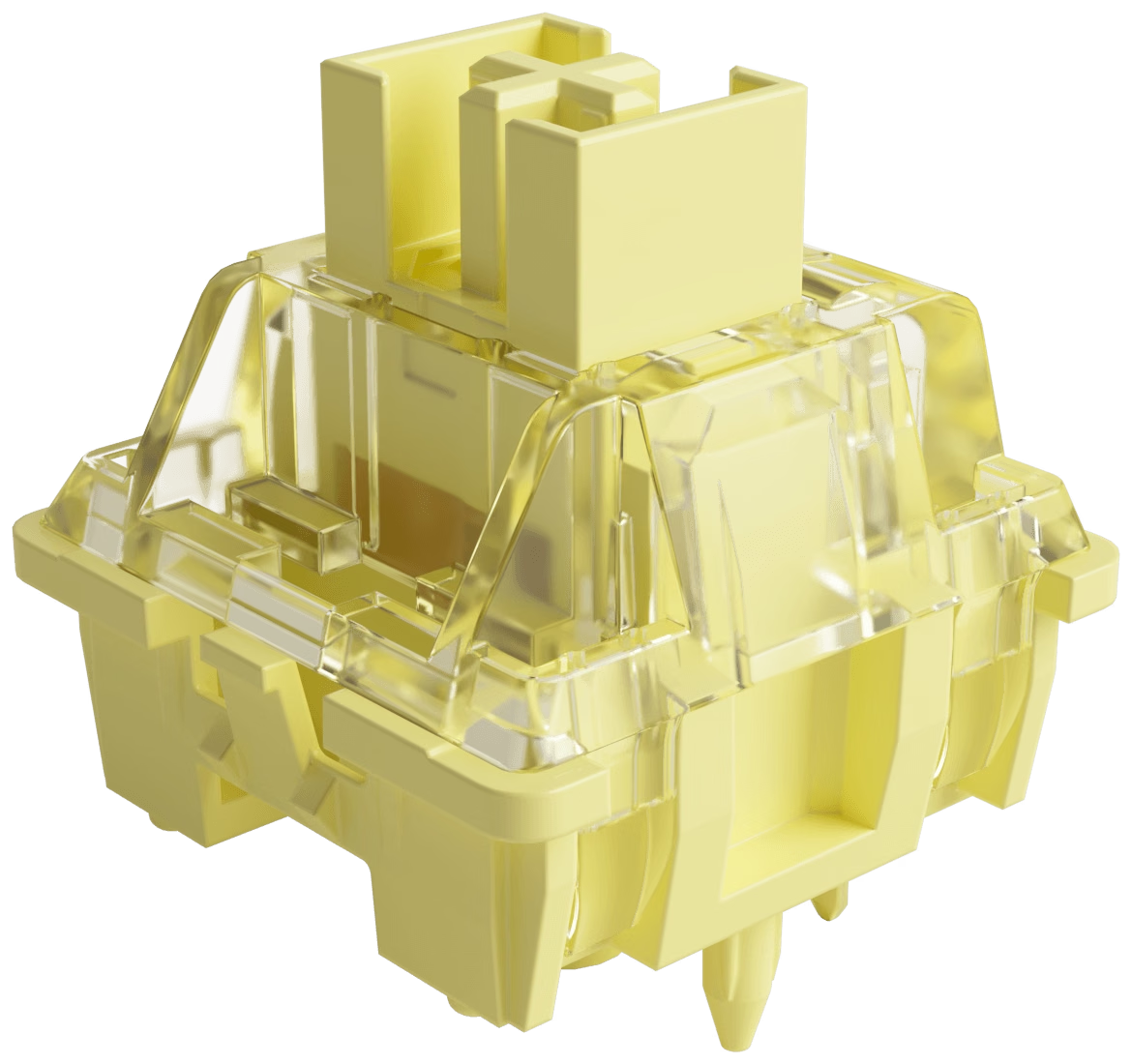
Akko V3 Creamy Yellow Pro
The 50 gf linear stroke ends at 3.3 mm. Two 45-packs cover an 81-key board.
Fit & limits
The Pro is a five-pin full-height switch. “Creamy” is a sound description, not a noise rating.
- Same linear family
- Different spring resistance
- Dark housing limits light
04 / Milky Yellow vs. Oil King
Is Oil King worth the extra pack?
Someone moving from Browns to linears for coding and games asked this exact question. On an 81-key board, one 90-pack of Milky Yellow Pro V2 covers every key. Oil King V2 needs two of these 72-packs.
Oil King V2 has the firmer nominal press: 55 gf against Milky Yellow Pro V2’s 50 gf. One Oil King owner made fewer accidental presses but occasionally failed to press far enough. Choose the resistance you want for repeated letters and movement keys.
Setup notes & sources
Two buyers of the 72-switch Oil King pack saw very little light through the dark housing. Milky Yellow can dim lighting too: one 90-pack owner reported lower brightness and re-lubed the batch. If your legends depend on RGB, try an arrow key before changing the whole board.
Sources: Community question · Oil King or Milky Yellow Pro? · Amazon · Milky Yellow Pro V2, 90 switches · Amazon · Oil King V2, 72 switches · Amazon · Oil King V2, 72-pack buyer · Amazon · Milky Yellow Pro V2, 90-pack buyer · Community question · 109 keys and a 108-switch pack
One pack for 81 keys
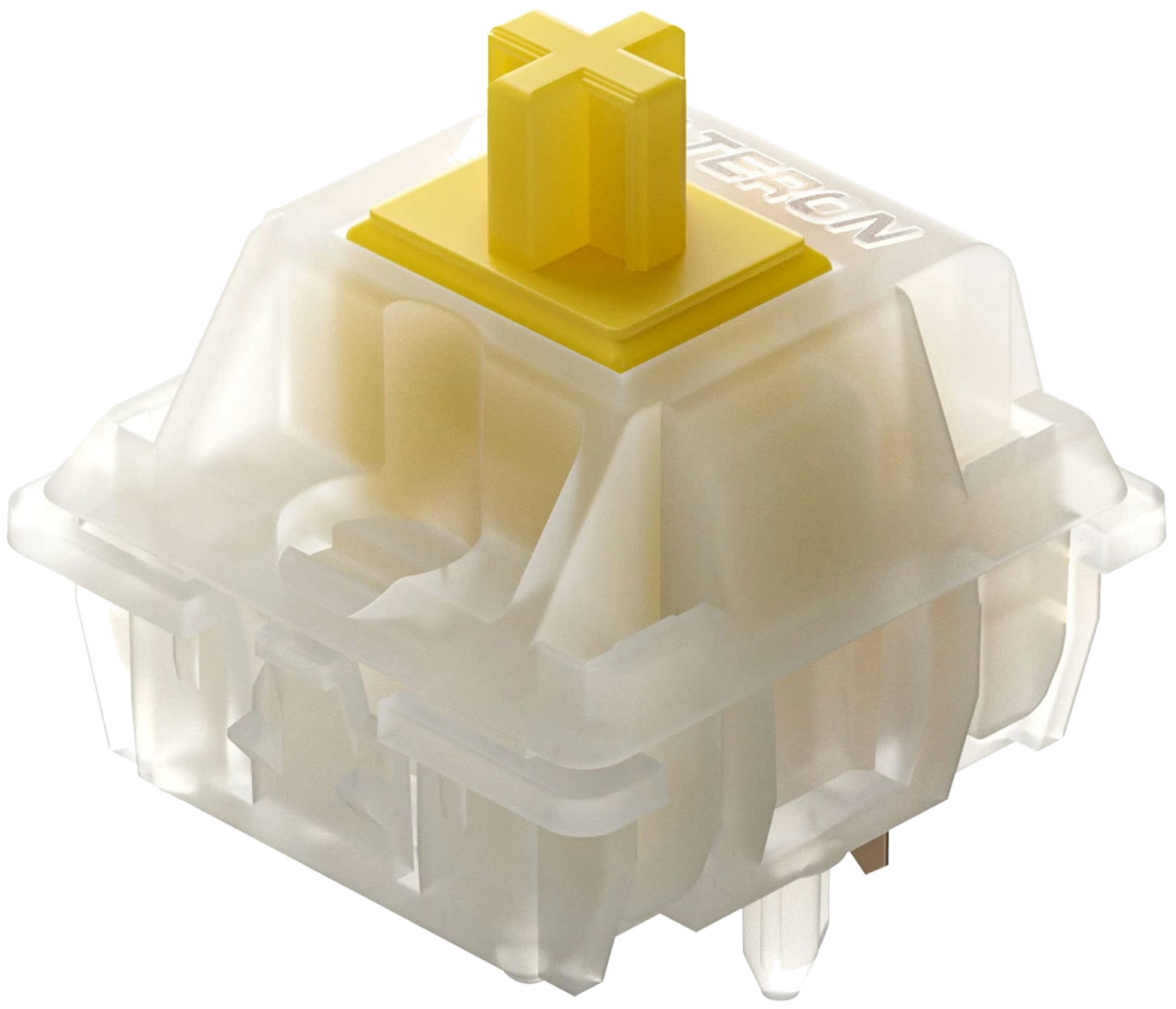
Gateron Milky Yellow Pro V2
A 90-pack is enough for a compact board, with nine spares at 81 keys.
Fit & limits
Check that the listing says Milky Yellow Pro V2. G Pro 3.0 Yellow is a different switch.
Firmer linear
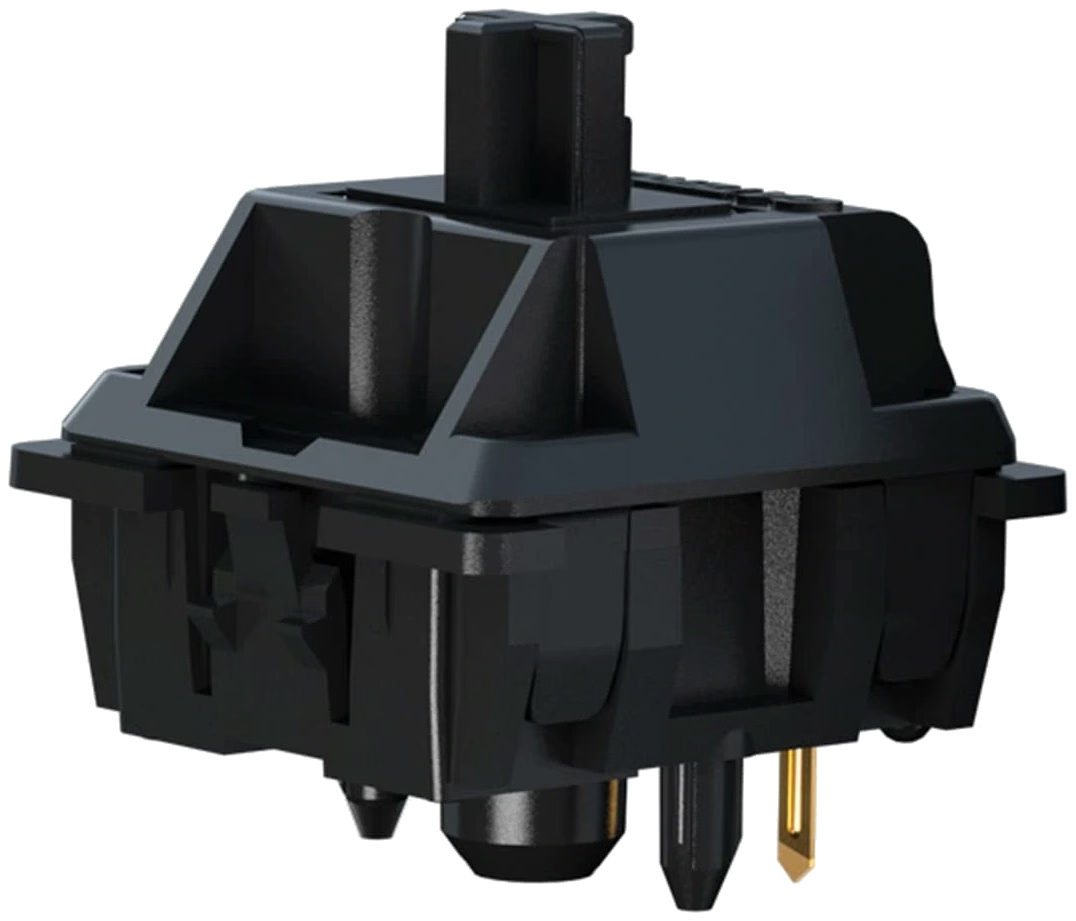
Gateron Oil King V2
Consider this 55 gf switch if you often trigger softer keys by resting your fingers on them.
Fit & limits
The 72-pack leaves nine positions empty on an 81-key board. The dark housing also limits backlighting.
How many switch packs do I need?
Count one switch per key you want to replace, including the space bar. Leave out knobs and keys you plan to keep.
For 81 keys. Totals use the pack prices and dates below, before coupons, tax and shipping.
| Switch & pack price | Why choose it? | Packs to buy |
|---|---|---|
| CHERRY MX2A RGB Red36 switches per pack $15.99 Free delivery on qualifying orders over $25.00$0.80 coupon | An even, light press. Regular Red has no impact damping. | 3 packs · $47.9727 left over |
| CHERRY MX2A RGB Brown36 switches per pack $15.99 $0.80 coupon | A light tactile bump. The subtle bump can be easy to miss if you bottom out. | 3 packs · $47.9727 left over |
| CHERRY MX2A RGB Silent Red36 switches per pack $15.99 Free delivery on qualifying orders over $25.00$0.80 coupon | Less bottom-out and return noise. The cushioned finish feels softer. | 3 packs · $47.9727 left over |
| Gateron Milky Yellow Pro V290 switches per pack $17.59 Free delivery on qualifying orders over $25.00 | A full compact-board swap in one pack. Housing can dim the backlight. | 1 pack · $17.599 left over |
| Gateron Oil King V272 switches per pack $38.39 | Firmer resistance to resting fingers. The dark housing lets little light through. | 2 packs · $76.7863 left over |
| Akko V3 Creamy Yellow Pro45 switches per pack $10.39 Free delivery on qualifying orders over $25.00 | Shorter travel with a pronounced landing. An undamped switch for people who like to hear it. | 2 packs · $20.789 left over |
YOUR STARTING CHECKLIST
Before you pull the first switch
At the keyboard
- Power down the board.
Disconnect the cable and switch off wireless power. Pull the keycap first, release the switch clips with a switch puller, then lift straight up.
- Inspect the metal pins.
Align both contacts with the socket. If the switch resists or the key fails to register, stop, remove it and check for a bent pin.
Before buying a whole set
- Count the exact keys.
A knob takes no switch. A long space bar takes one. For 109 keys, three 36-packs leave you one switch short; keep one original switch or buy a fourth pack.
- Try one letter key first.
Compare it with its unmodified neighbor. Check the sound, feel, backlight and key registration before replacing another row.
Sources & further reading
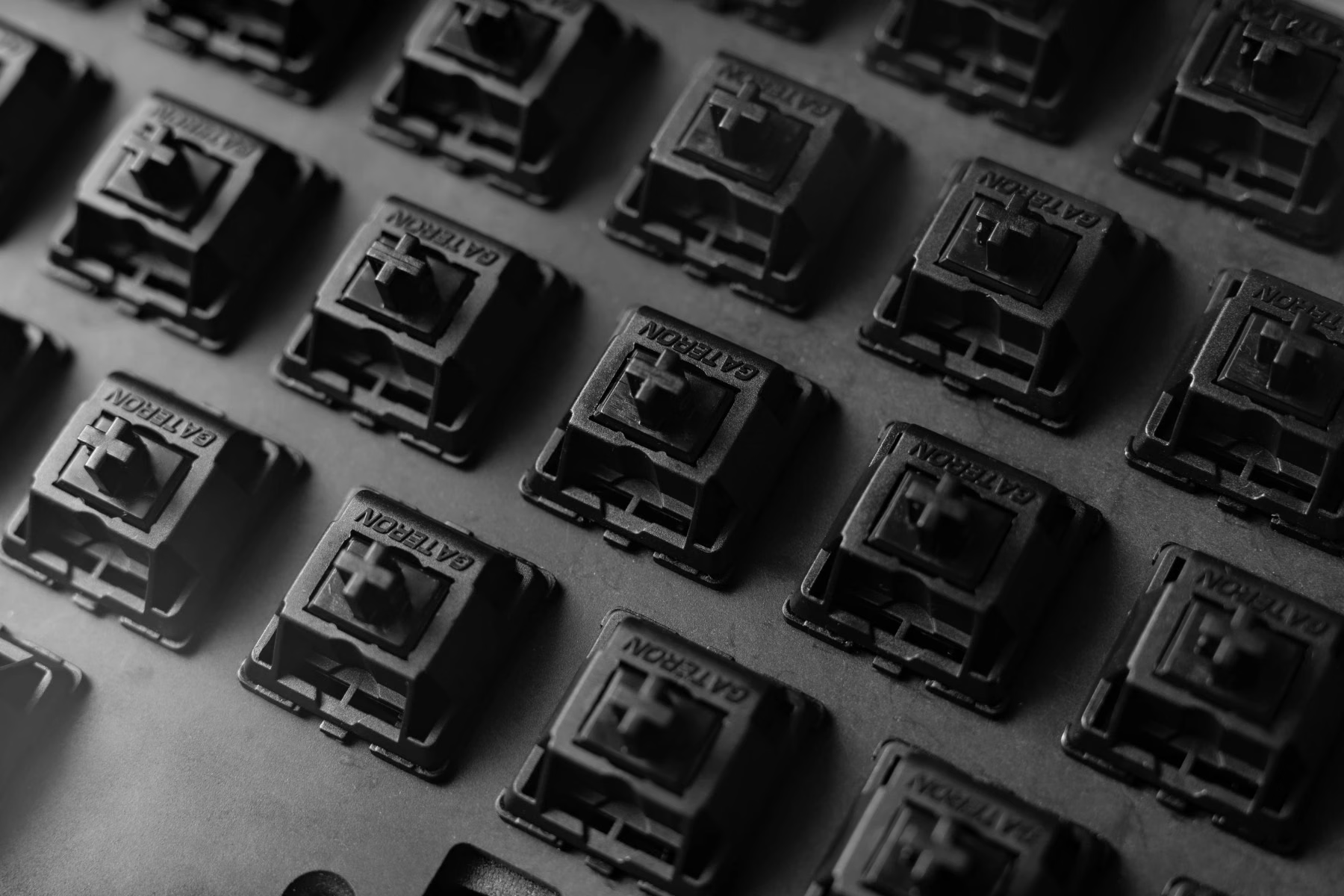
Manufacturer documentation establishes switch families and nominal forces. Individual buyer reports describe the setups named in each section. The opening scene uses CHERRY’s keyboard photograph as its reference. Product images show the reviewed models. Product prices retain the observation dates shown beside them.
- AULA · F75 Pro ↗
Hot-swap mechanical sockets in the standard-profile F75 Pro.
Source checked - Keychron · V1 Max ↗
The gasket-mounted V1 Max accepts 3-pin and 5-pin MX-style mechanical switches.
Source checked - Keychron · K2 HE, versions 1 and 2 ↗
Manufacturer lists the magnetic switch families supported by each Nebula version.
Source checked - Lofree · Flow Lite84 ↗
The original Lite84 uses Lofree × Kailh low-profile switches.
Source checked - CHERRY · MX2A Red ↗
Linear travel, clear RGB housing option and operating characteristics.
Source checked - CHERRY · MX2A Brown ↗
Tactile switch mechanism, actuation diagram and RGB variant.
Source checked - CHERRY · MX2A Brown force curve ↗
Distinguishes the 55 cN tactile peak from the 45 cN actuation force.
Source checked - Amazon · MX2A Red owner ↗
An owner liked the noise control but found the stroke rough.
Source checked - Amazon · MX2A Brown owner ↗
A buyer paired Brown switches with O-rings and a damped keyboard.
Source checked - CHERRY · MX2A RGB Silent Red kit ↗
The exact 36-switch kit and its damped linear stroke.
Source checked - Amazon · MX2A Silent Red at work ↗
A 65% keyboard owner used the switches at work and needed a second box.
Source checked - Mechanical Keyboards · MX2A Silent Red buyer reports ↗
A buyer who also owned regular Red switches described a softer end to the stroke.
Source checked - Akko · V3 Creamy Yellow Pro specifications and owner feedback ↗
Factory lubrication, 50 gf operating force, travel and feedback from owners.
Source checked - Community question · Akko or Gateron Yellow? ↗
A buyer compares the two yellow linear switches by sound and feel.
Source checked - Community question · Oil King or Milky Yellow Pro? ↗
A TH66 owner wants to move from tactile Browns to a linear switch for daily coding and gaming.
Source checked - Amazon · Milky Yellow Pro V2, 90 switches ↗
The selected pack and revision, not the similarly named G Pro 3.0 Yellow.
Source checked - Amazon · Oil King V2, 72 switches ↗
Listing specifies the enhanced-pin revision, 55 gf operating force and clearance for non-protruding SMD lights.
Source checked - Amazon · Oil King V2, 72-pack buyer ↗
This buyer reported very faint backlighting, fewer accidental presses and occasional missed strokes.
Source checked - Amazon · Milky Yellow Pro V2, 90-pack buyer ↗
One buyer hand-lubed the batch and described a reduction in RGB brightness.
Source checked - Community question · 109 keys and a 108-switch pack ↗
The shopper asks how to cover 109 keys and how two similarly named Gateron models differ.
Source checked
Compare the keyboards these switches go into →
← Explore topic guides